Visily
Visily
  • Use Cases
    • Wireframing
    • Prototyping
    • Brainstorming
    • Collaboration
  • AI Design
  • Templates
    • Design Templates
    • Premade Themes
    • Smart Components
    • UI Presets
    • Images & Icons
  • Resources
    • Help Center
    • Explore Visily
    • FAQs
    • Blog
    • Release Notes
  • Pricing
  • Login
Log in
Sign up for free
  • Use Cases
    • Wireframing
    • Prototyping
    • Brainstorming
    • Collaboration
  • AI Design
  • Templates
    • Design Templates
    • Premade Themes
    • Smart Components
    • UI Presets
    • Images & Icons
  • Resources
    • Help Center
    • Explore Visily
    • FAQs
    • Blog
    • Release Notes
  • Pricing
  • Login
  • Use Cases
    • Wireframing
    • Prototyping
    • Brainstorming
    • Collaboration
  • AI Design
  • Templates
    • Design Templates
    • Premade Themes
    • Smart Components
    • UI Presets
    • Images & Icons
  • Resources
    • Help Center
    • Explore Visily
    • FAQs
    • Blog
    • Release Notes
  • Pricing
  • Login
Visily
Visily
Sign up for free
Visily
Visily
  • Use Cases
    • Wireframing
    • Prototyping
    • Brainstorming
    • Collaboration
  • AI Design
  • Templates
    • Design Templates
    • Premade Themes
    • Smart Components
    • UI Presets
    • Images & Icons
  • Resources
    • Help Center
    • Explore Visily
    • FAQs
    • Blog
    • Release Notes
  • Pricing
  • Login
Log in
Sign up for free

Visily – The Best Google Stitch Alternative


Visily - The Best Google Stitch Alternative

Create wireframes, prototypes, and UI designs faster with the best AI-powered alternative to Google Stitch. Turn screenshots, text prompts, and ideas into editable designs without the complexity.

VISILY VS. GOOGLE STITCH 2026 COMPARISON

With Visily, you get a complete design studio — not just an AI mockup generator.

star

Compare using AI

Try Visily Free
Talk to us
visily logo

Plan type: Starter

  • AI builds full UI screens from text, screenshots, or diagrams
  • Drag-and-drop editor gives you total control over every pixel
  • 1,000+ templates with 200+ new ones arriving monthly
  • Auto-Prototype creates clickable flows between your screens
  • Real-time collaboration lets your whole team design together
  • Figma plugin exports everything as organized Figma layers

$0 / month

FREE PLAN REMAINS FREE FOREVER

Google Stitch Logo

Plan type:

Free (Experimental)

  • AI generates UI screens for mobile and web from text prompts
  • Experimental Google tool still in early development
  • No drag-and-drop editor or manual design controls
  • No prototyping or screen-to-screen linking
  • No real-time team collaboration features
  • No template library

$0 /month

FREE EXPERIMENTAL TOOL (AVAILABILITY MAY CHANGE)

Product Hunt Badge

Visily vs Google Stitch Comparison

Full Design Workflow vs. AI Screen Generator
Generating a mockup is step one. Editing, prototyping, collaborating, and shipping is the rest of the journey.

Features


visily-logo

Google Stitch Logo

Primary Purpose
Check UI Design & Prototyping — from first idea to developer handoff
AI-powered UI generation for quick design ideation
AI-Powered Design
Check Multiple AI entry points: type a description, upload a screenshot, paste a diagram, or chat with AI to refine existing screens. Every output is fully editable with real UI components.
Text-to-UI generation. Type a prompt and Stitch produces a visual screen. Editing options after generation are minimal.
Learning Curve
Check Almost none. The drag-and-drop canvas feels familiar to anyone who has used a slide deck or document editor.
Very low for generation — just type a prompt. But limited tools mean limited control when you want to change something.
Pre-Built UI Components
Check Hundreds of styled, responsive elements — navigation bars, form fields, buttons, cards, modals, tabs, accordions, calendars, carousels, and more. Drag them onto your canvas and customize freely.
❌ No component library. Stitch generates complete screens as a unit. You cannot drag individual UI pieces onto a canvas.
Templates
Check Over 1,000 ready-to-use templates spanning dashboards, mobile apps, SaaS products, e-commerce, and more — with 200+ new ones added every month.
❌ No template library. Every project starts from a text prompt.
Prototyping
Check Auto-Prototype uses AI to connect your screens into tappable, shareable interactive flows — no manual wiring needed.
❌ No prototyping. Stitch produces individual static screens with no way to link them into a clickable experience.
Screenshot to Design
Check Feed Visily a screenshot of any app, website, or paper sketch and AI reconstructs it as an editable wireframe with real components.
❌ Text prompts only. Stitch does not accept image input.
Design Editing
Check Complete drag-and-drop editor. Move, resize, restyle, recolor, and rearrange every element on your canvas — by hand or with AI assistance.
Limited refinement after generation. Stitch focuses on ideation speed, not detailed design control.
Collaboration
Check Real-time, browser-based teamwork. Invite colleagues to view, comment, or co-edit your project simultaneously.
❌ Single-user experience. No shared workspaces, no commenting, no live co-editing.
Developer Handoff
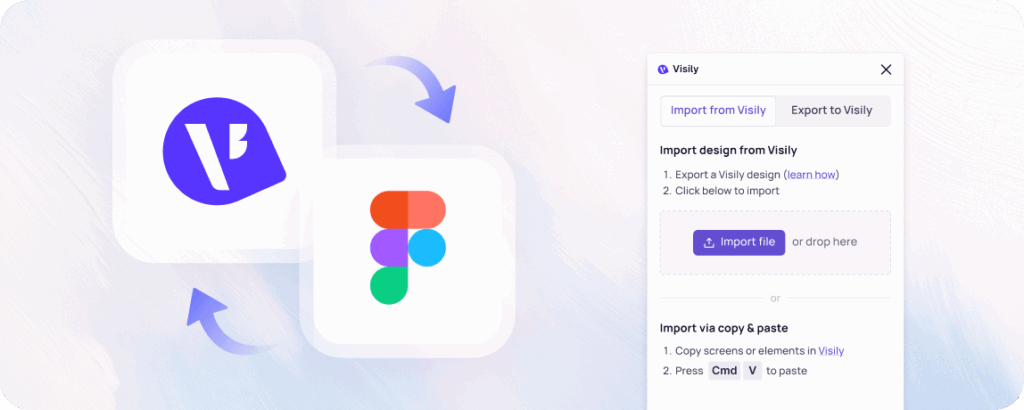
Check Inspect mode shows CSS values for every element. Figma plugin transfers your full project into organized Figma frames for final polish.
Supports DESIGN.md format and an MCP server integration for developer coding workflows.
Export Options
Check PDF, PNG, JPG, and direct Figma export through the plugin.
Limited export — primarily image-based output.
Free Plan
CheckStarter plan is free forever — stable, reliable, and fully functional.
Free during the experimental phase. Pricing and availability could change as the tool evolves.

Visily vs Google Stitch:

Similarities and Differences

Key Differences

Shared Strengths

Features


visily-logo

Google Stitch Logo
Who It's For
Check Product managers, founders, business analysts, developers, and anyone who needs to go from idea to interactive prototype without hiring a designer.
Developers and designers who want fast AI-generated UI mockups to kickstart their thinking.
What You Create
Check Editable wireframes, interactive prototypes, flowcharts, and presentation-ready screens — complete with themes, icons, and CSS inspection.
Static AI-generated UI screens for mobile and web applications.
How AI Helps
Check Visily AI works across your entire workflow. Generate screens from text. Rebuild apps from screenshots. Convert diagrams into UI. Chat with AI to tweak colors, swap layouts, or rewrite content.
Stitch AI focuses on one task: turning a text prompt into a visual UI screen. It does that task quickly, but the workflow ends there.
Developer Handoff
Check Inspect mode plus Figma plugin export gives developers structured layers, CSS values, and organized assets.
DESIGN.md format and MCP server integration let developers pull design context into their coding environment.
Long-Term Reliability
Check Established platform with a committed free tier and active development roadmap.
Experimental tool. Google has not announced pricing, long-term plans, or feature commitments.
Visily and Balsamiq share several core capabilities that make them useful for product teams:

AI Text-to-UI

Frame 2095585574

Visily generates structured UI screens from plain-language prompts, while Stitch generates visual UI screens from plain-language prompts.

Free Access

Frame 2095585575
Visily offers a permanent free Starter plan for unlimited use, while Stitch offers free access during its experimental phase.

Browser-Based

Frame 2095585576
Visily runs entirely in the browser with no software installation, while Stitch runs entirely in the browser with no software installation.

Mobile & Web Design

Frame 2095585577
Visily produces wireframes for both mobile and web applications, while Stitch generates mockups for both mobile and web applications.

Developer-Friendly Output

Frame 2095585575
Visily provides CSS inspection and Figma export for developer workflows, while Stitch provides DESIGN.md format and MCP integration for developer workflows.

Non-Designer Friendly

Frame 2095585575
Visily welcomes non-designers with AI generation and drag-and-drop editing, while Stitch welcomes non-designers with simple prompt-based generation.

Visily vs Google Stitch:

Best For What?

visily logo
Google Stitch Logo
img 3

AI Is Just the Start

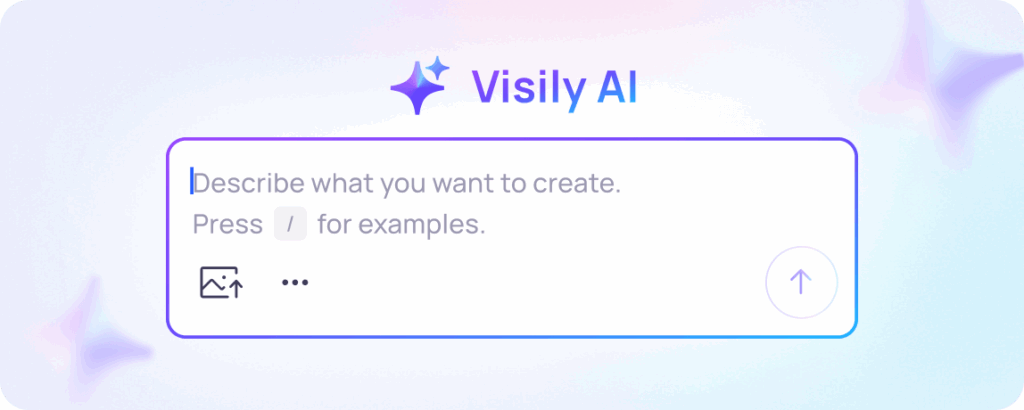
Google Stitch does one thing well: it reads your prompt and paints a UI screen. But what happens next? You cannot drag a button to a new position. You cannot swap a sidebar for a top nav. You cannot link that screen to a second one. Visily starts with the same AI magic, then hands you a full editor, a component library, and a prototyping engine to carry your idea across the finish line.

img 2

Prototypes People Can Tap

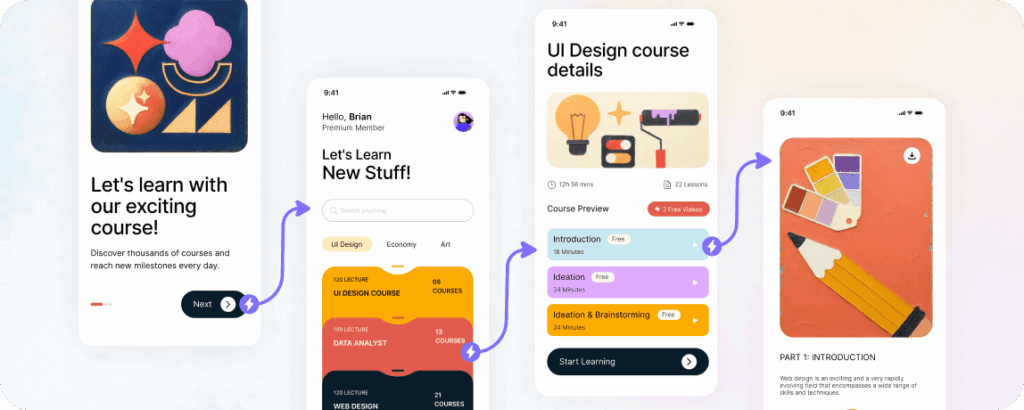
Stakeholders do not review static images. They tap, scroll, and click. Visily's Auto-Prototype turns your wireframes into a shareable interactive experience that feels like a real app. Google Stitch produces standalone screens with no way to connect them. If you need to demonstrate a user journey, Stitch leaves you stranded at screen one.

img 1

More Input Types Than Text

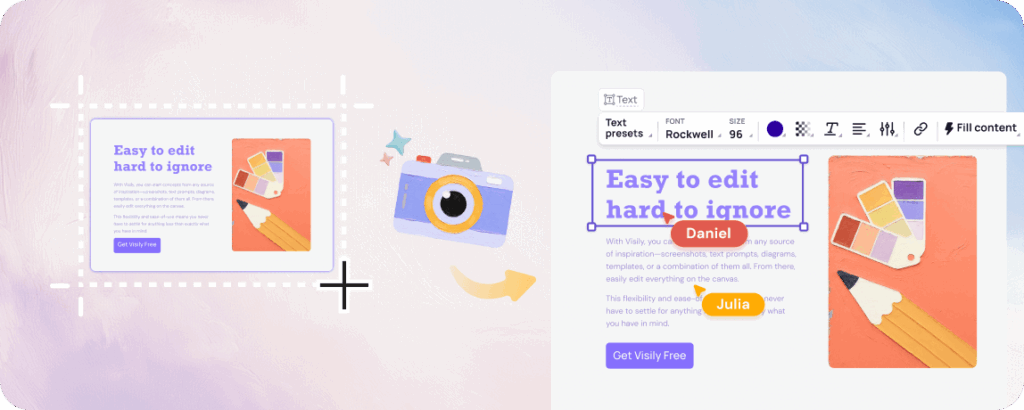
Stitch accepts text prompts and nothing else. Visily accepts text prompts, screenshots, URLs, hand-drawn sketches, flowcharts, and existing diagrams. However you think, whether in words, in pictures, or in rough doodles on a napkin, Visily has an AI entry point that understands your input.

img

Collaboration on Every Board

Design is rarely a solo sport. Visily lets your entire team open the same board and work together in real time. Product managers, developers, marketers, and executives can all view, comment, and co-edit. Google Stitch is a single-player tool with no collaboration features, no commenting, and no shared workspaces.

Why Visily Beats Google Stitch

AI-generated screens are exciting. A complete design platform that uses AI everywhere is transformative.
why visily icon section 01

Full Workshop, Not Sketchpad

Google Stitch gives you a quick sketch. Visily gives you the sketch, the drafting table, the prototyping lab, and the delivery truck. Generate a screen, refine it with drag-and-drop tools, wire it into a prototype, share it with your team, and export it to Figma. All from one browser tab.

why visily icon section 02

Total Post-AI Control

The best AI output still needs a human touch. Visily lets you adjust every element AI creates. Move components, change colors, update text, swap layouts, resize sections. Google Stitch gives you limited control after generation, which means you are often stuck with what AI decided.

why visily icon section 03

1,000+ Templates Ready to Go

Not every project needs to begin with a blank prompt. Visily offers over 1,000 professionally designed templates covering mobile apps, web dashboards, SaaS products, e-commerce stores, and more. Google Stitch has no template library. Every session starts from scratch.

why visily icon section 04

A Platform You Trust

Visily is an established product with a permanent free tier, an active development team, and thousands of teams relying on it daily. Google Stitch is labeled as experimental. Its features, availability, and future are uncertain. When you are building a product, you need wireframing tools that will still be there next quarter.

Start Designing With Visily for Free

AI-generated screens are a great starting point, but your product deserves a complete design journey. Visily takes you from the first spark of an idea through wireframing, prototyping, team review, and developer handoff. Everything happens in one place, everything is powered by AI, and everything is free to start.

Visily’s Starter plan is free forever. No experimental labels, no uncertain timelines, no feature cliffs. Sign up today and see why teams who outgrow single-purpose AI generators choose Visily as their permanent design home.

Get Started Free — No Credit Card Required

NO SETUP REQUIRED

UNLIMITED VIEWERS

FAQs

Everything you need to know about choosing Visily over Google Stitch.
01

Google Stitch uses AI for one task: generating a static UI screen from a text prompt. Visily uses AI across the entire design workflow, including text-to-design, screenshot-to-design, diagram-to-UI, AI chat editing, and Auto-Prototype. After AI generates your screen, Visily gives you a full drag-and-drop editor to refine every detail. Stitch offers minimal editing after generation.

02

Yes. Visily's Text to Design feature works the same way. Describe what you want in plain language and AI builds a structured UI screen with real, editable components. The key difference is that Visily also accepts screenshots, diagrams, and sketches as input, giving you more ways to start.

03

Google has not made any long-term pricing commitments for Stitch. The tool is currently labeled as experimental, and its availability could change at any time. Visily's Starter plan is explicitly free forever with no experimental disclaimers.

04

Visily includes Text to Design, Screenshot to Design, Diagram to UI, and AI Chat for refining wireframes after generation. Auto-Prototype connects your screens into clickable interactive flows using AI. Theme generation applies consistent design tokens across your entire project with a single click.

Use Cases
  • Wireframing
  • Brainstorming
  • Prototyping
  • Collaboration
Features
  • AI UI Design Generator
  • Screenshot Editor
  • Online Sticky Notes
  • UI Mockup Tool
  • AI Prototype Generator
  • Diagram AI
Resources
  • Vibe Designing
  • Blog
  • Release Notes
  • Help Center
  • FAQs
Features
  • Screenshot Editor
  • Online Sticky Notes
  • UI Mockup Tool
Use Cases​
  • AI Prototype Generator
  • Diagram AI

© 2025 Visily. All rights reserved.

Privacy Policy

Terms of Service

Terms Of Use