

AI Design
AI Design Tool That Turns Any Input Into Editable UI
With Visily's AI design generator you can turn text prompts, screenshots, and diagrams into editable UI. Describe a screen, upload a reference, or sketch a flow, and it generates wireframes, mockups, and prototypes on a shared canvas. Designers and non-designers can both create, restyle, and extend what comes back — no blank artboard, no learning curve.








Generate a full screen design from one prompt
Type what the screen needs to do, and the design generator returns a working
layout — navigation, content blocks, empty states and all — on a canvas you
can edit immediately.
Create screen layouts from a plain text
Describe the screen in plain language and get back a real, editable wireframe — not a flat image.
Restyle any screen with a new theme
Select a screen or layout and apply a new visual style that matches your product or brand.

Convert screenshots into editable wireframes
Upload a screenshot of an existing product, a competitor’s app, or a rough sketch, and it becomes a layout you can restyle and extend.
Refine components through inline chat
Quote any element in the chatbox and adjust it directly, without re-prompting the whole screen.

Map user flows into structured diagrams
Talk through the flow in the chatbox and it comes back as a structured diagram you can edit, then evolve into full screens.

Extend existing layouts with new sections
Add sections, pages, or components to what’s already there using a plain instruction.
Assisted design, not automated design
AI-assisted design means the model proposes and you decide. Automated generation means you take what you’re given and start over when it’s wrong. Most UI generators are one-way: enter a prompt, get a static layout, then edit around it. Real product thinking isn’t that linear. Here the assistant stays in sync with the canvas as you explore.
Start from text, sketches, or sticky notes
Some teams think in words, others in flows or sticky notes. However the idea arrives, it gets onto the board.
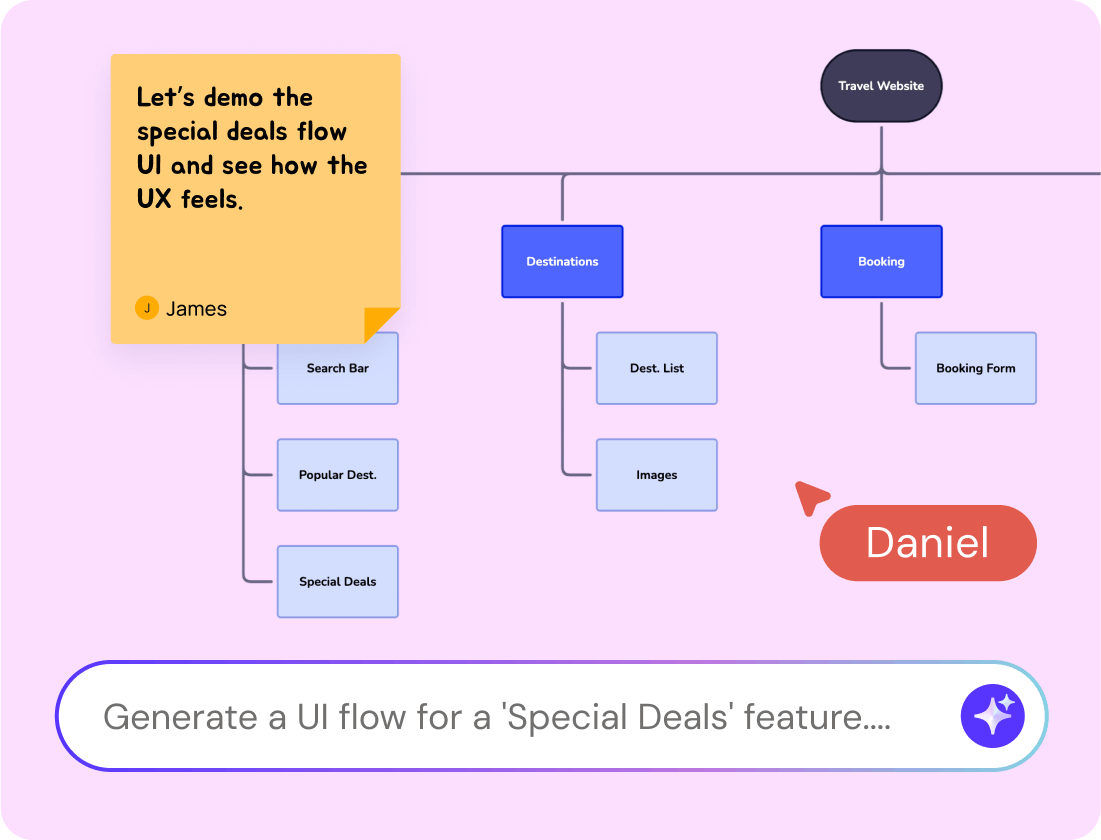
Iterate on the layout already on your canvas
Add notes, screenshots, or diagrams and the suggestions come back aligned to your layout and intent, not to a blank template.
Extend a flow without restarting the design
Add a section to an existing flow, restructure a page, or rework a single block — the surrounding screens stay intact.
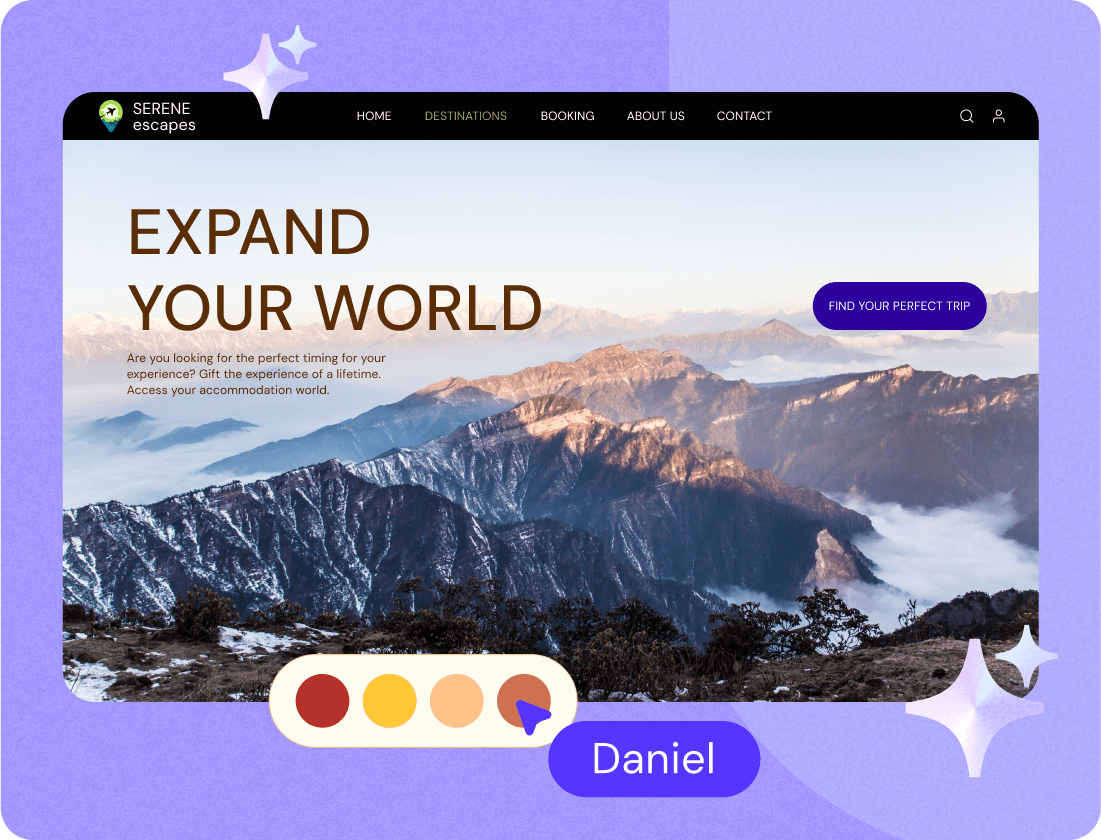
Made for product managers and founders without a design background
Using AI for design work shouldn't require knowing what auto-layout or a constraint is — you describe the screen in the same words you'd use in a standup.Drag-and-drop components, pre-made templates, and editable AI output mean there's no learning curve to get through first.You point, click, and share.
Where designers fit in: refine in Figma, or ship to code
For designers, this is the fast front end of the process: generate and align
on structure here, then export to Figma to refine typography, spacing, and
visual detail.
The Figma plugin moves boards across in one step, and the Screenshot to
Design extension brings existing Figma work back the other way. Figma export
and import are available on Pro and Business plans.
Resources for product teams
Helpful guides, how-tos, and insights to make the most of Visily AI
Frequently Asked Questions About AI Design Generator
Got questions? We've got you covered
Visily is an AI design tool that helps product teams go from idea to interface faster. It adapts to whatever you're working with — text, screenshots, diagrams, or partial screens — and turns it into real, editable UI.
Both. It generates a first draft from a prompt, screenshot, or diagram, then keeps working on the same canvas while you edit, so you are not locked into the first output.
Automated tools return a finished screen and expect you to accept or discard it. AI-assisted design keeps you in the loop: you steer each step, and the model works from what is already on your canvas rather than from a blank template.
Yes. Product managers, founders, and engineers describe a screen in plain language and get a high-fidelity layout back, with no design training and no learning curve.
Yes. The Visily MCP server connects your workspace to an AI coding agent, which reads a board or screen directly and rebuilds it as semantic, responsive components using React, TypeScript, Tailwind v4 and shadcn/ui by default."
Yes. It works on Pro and Business workspaces, for the workspace creator or anyone with an editor license. Free workspaces and viewer or guest roles are not supported.