Generate prototype
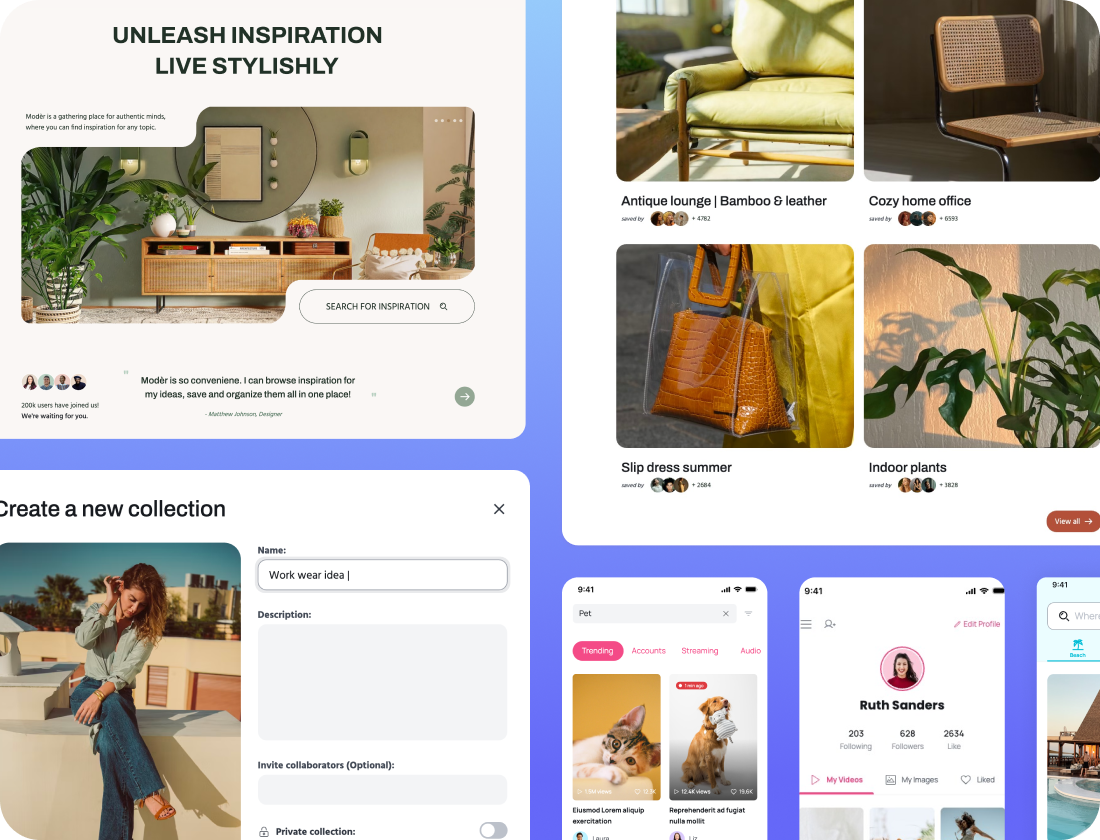
Visily makes it easy for anyone to take their product or UI idea and turn it into a high-fidelity clickable prototype through our AI-powered Auto-Prototyping feature. Simply generate or build the screens you want to include, and Visily will build the connectors for you.
Generate first prototype
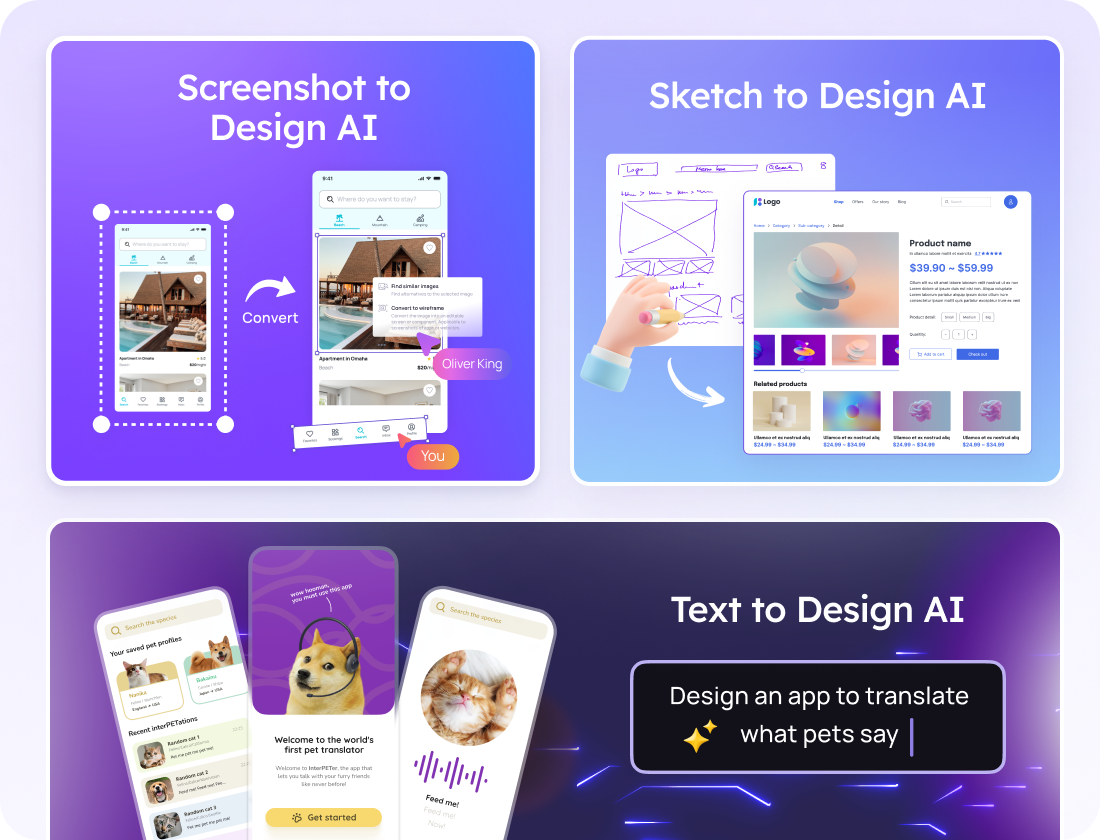
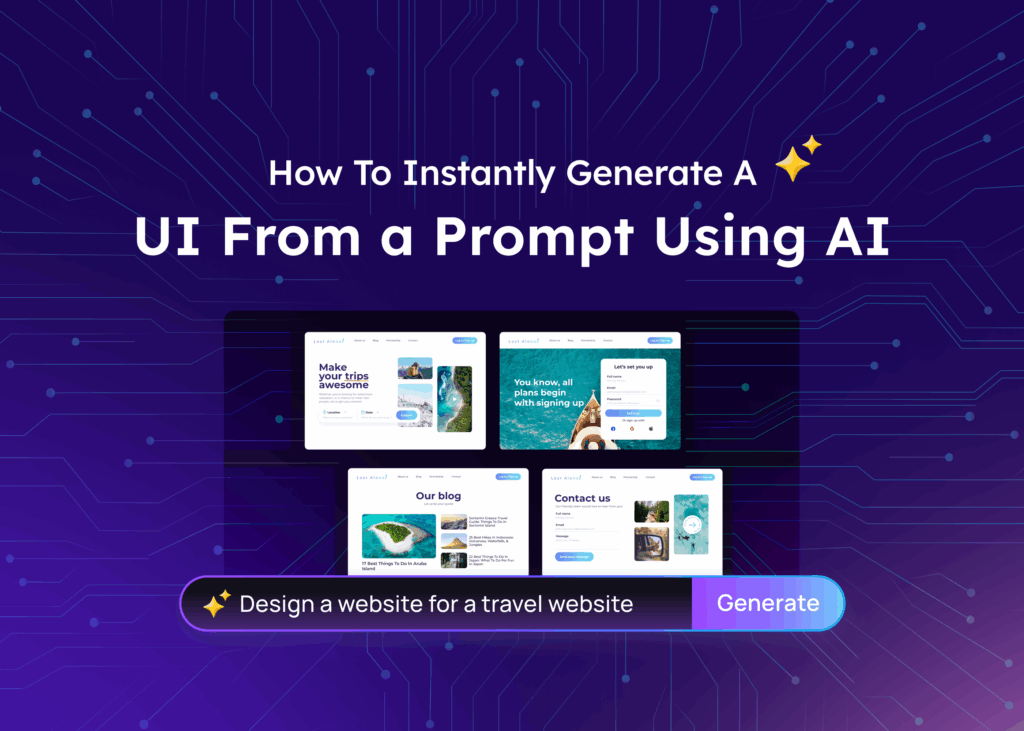
Visily’s multimodal AI makes it possible to create website and app prototypes from just about any source imaginable: use text prompts, screenshots, URLs, or diagrams to generate prototype screens in Visily, and sit back as Visily builds your prototype.
Need to modify something? Just ask Visily’s AI design assistant to make the changes for you. Best of all, you’re never confined to just AI options: Visily’s standard prototyping mode allows you to modify connectors and screens directly on the design canvas!
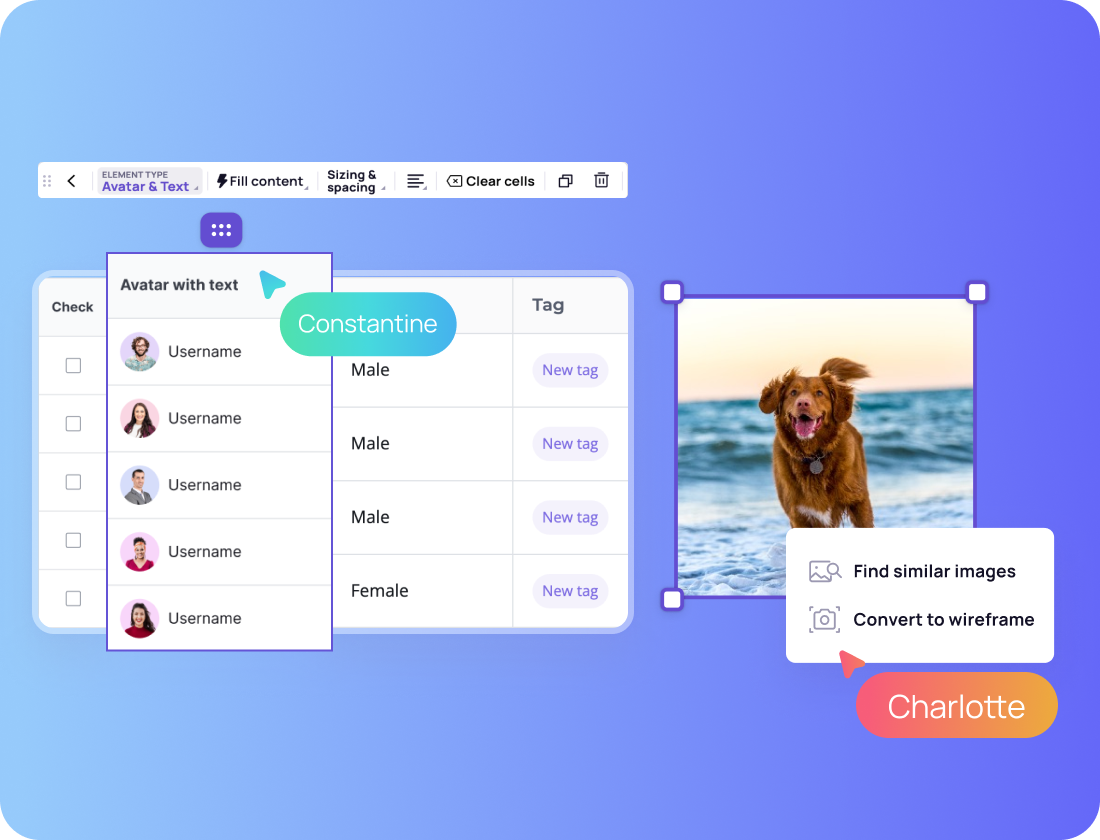
Generating and modifying AI prototypes in Visily is made easier by the many AI-powered features available to you: easily populate tables with relevant data, generate images to add to your screens, update the colors and themes of your AI prototype. It’s so much easier in Visily.
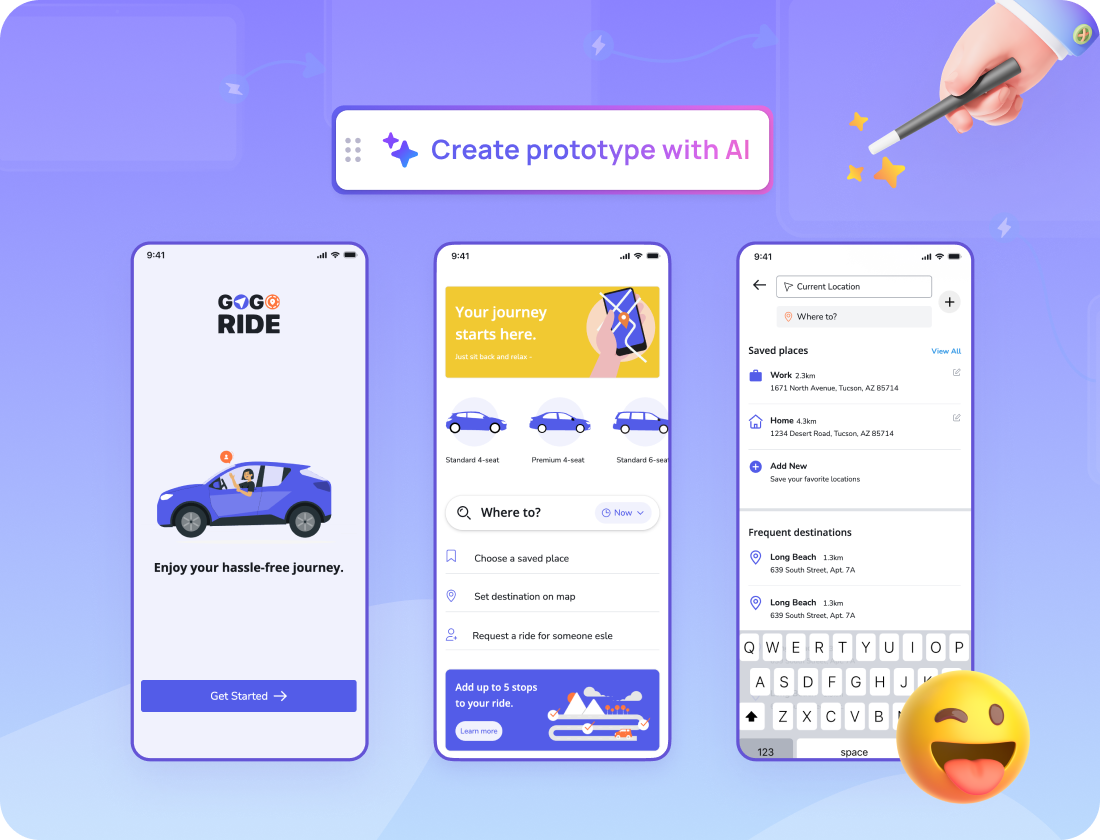
Skip the manual work and focus on refining your user experience. Auto-Prototype analyzes your screens and creates a navigable prototype, which you can easily customize to fit your vision.
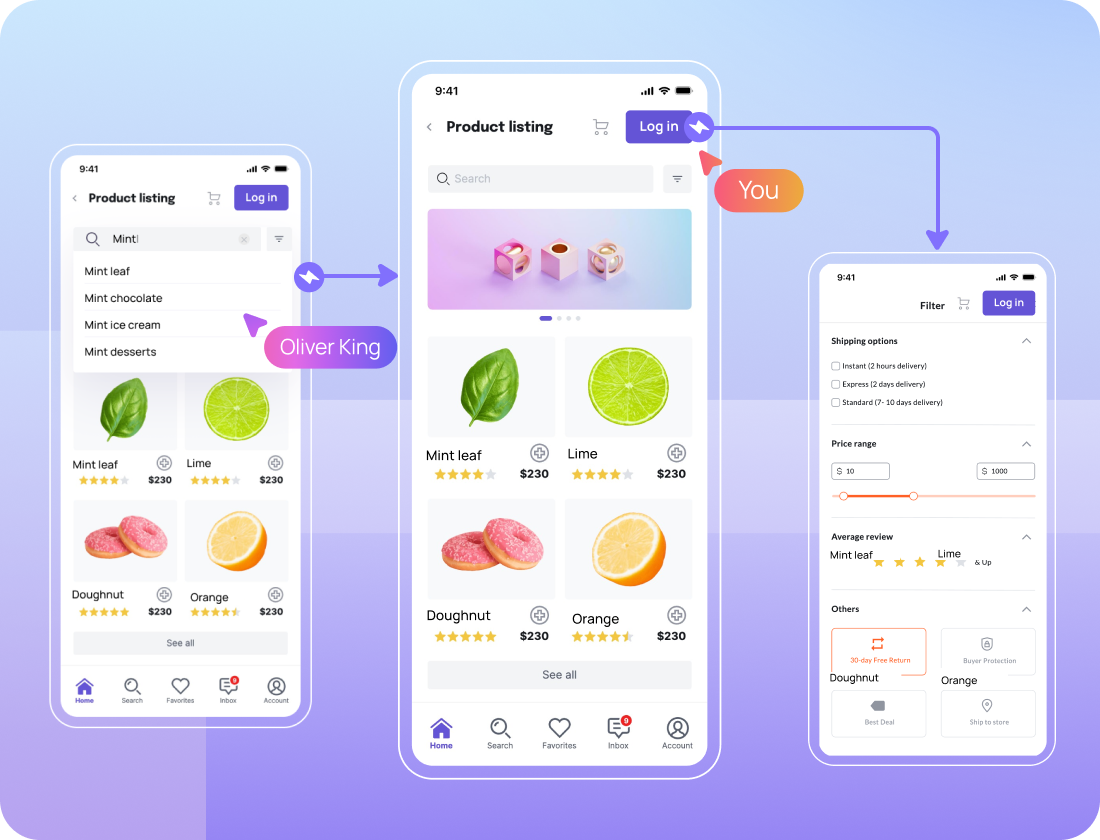
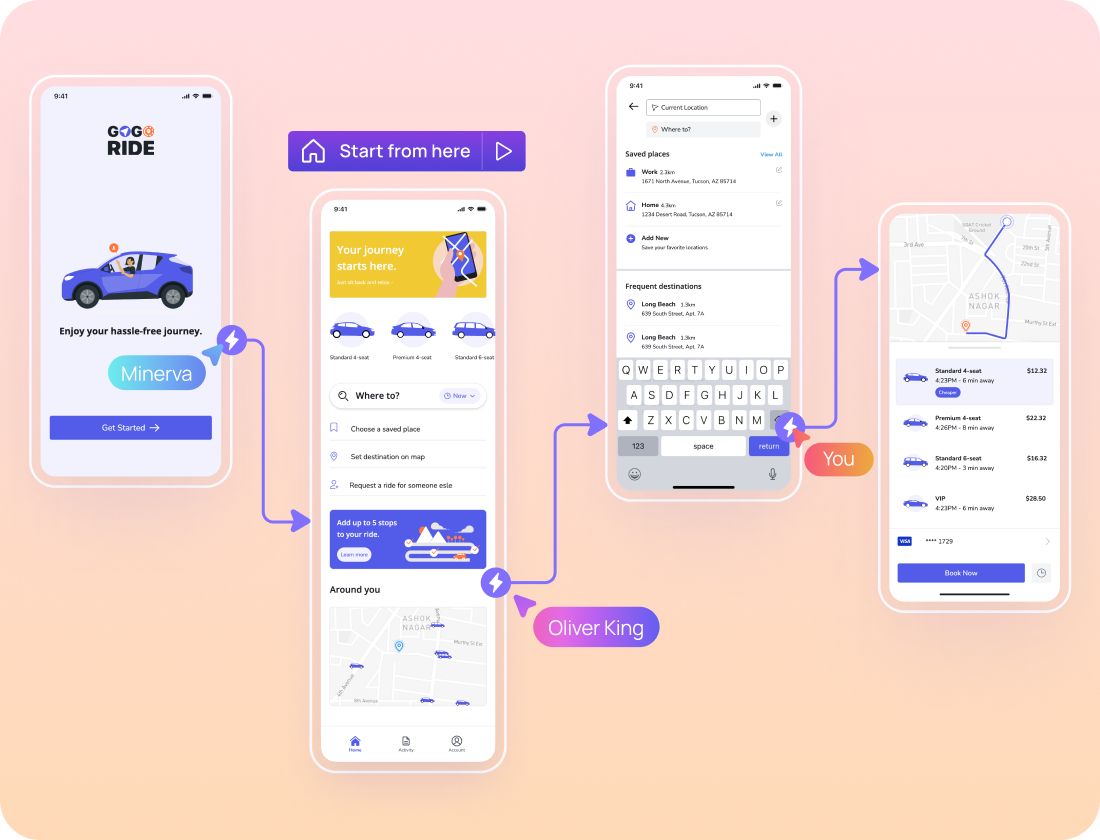
Collaborate on the project with your team to gather feedback in real-time or use the present mode to present the prototype. With features like comment mode, cursor chat, and annotations on the canvas, AI prototyping in Visily is not a solo endeavor!
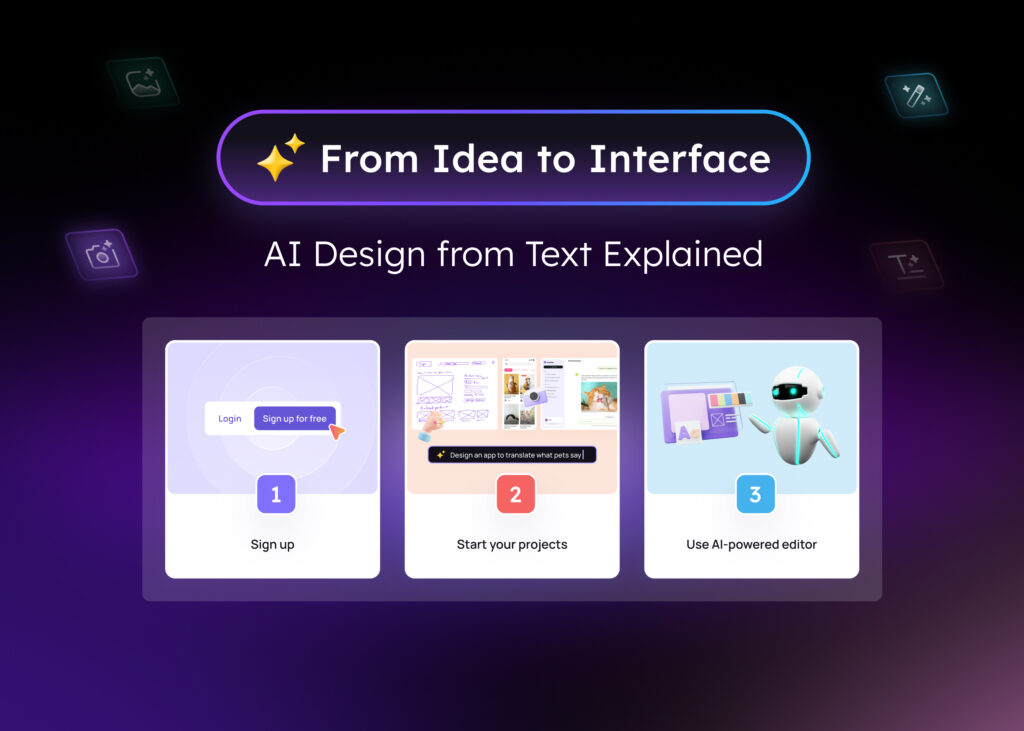
Visily’s AI tools make it easy to get your first AI-generated UI
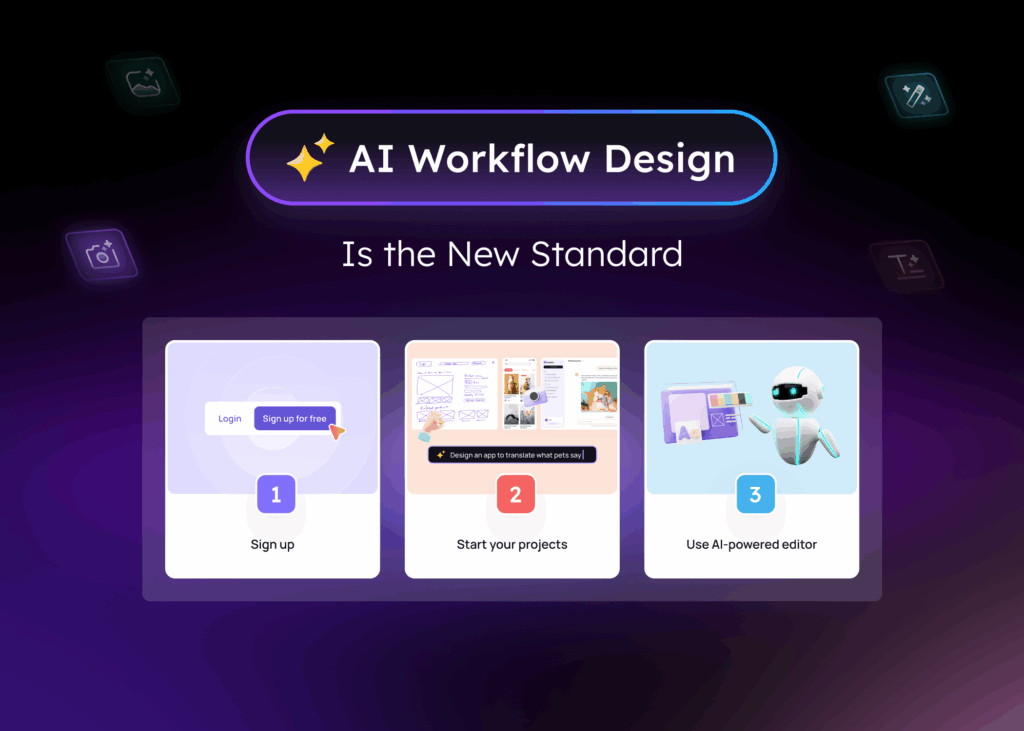
1
Sign up for a free Visily account and start a project
2
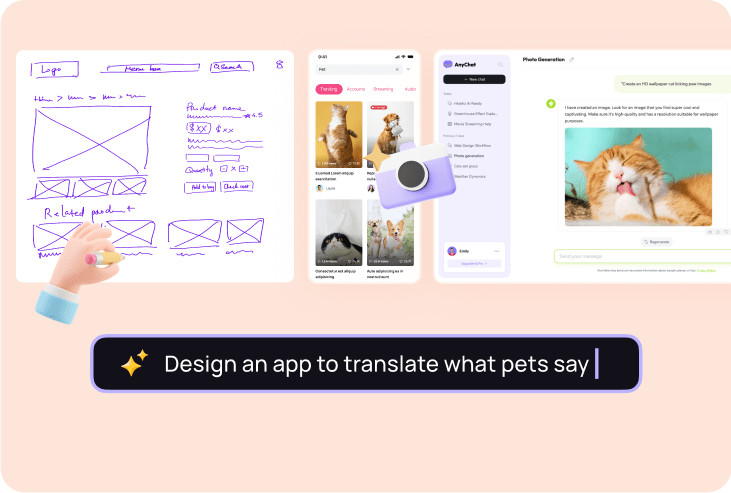
Tweak your mockups effortlessly with Visily's super easy yet robust editor. Plus, Visily's got a bunch of AI features up its sleeve to accelerate your design process.
3
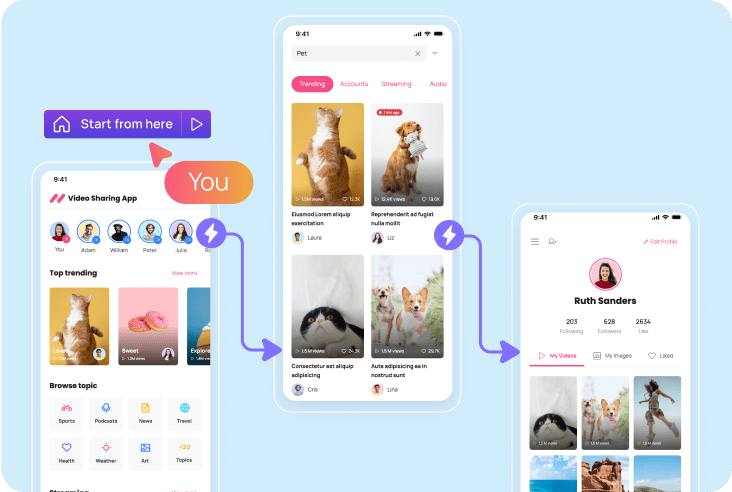
Once your mockup is complete, you can connect the interactions and then turn it into a clickable prototype.
Check out Visily’s vast library of resources on wireframes, mockups, UI elements, and more
Yes, AI can create prototypes by transforming your text descriptions or prompts into visual layouts and interactive designs. You can then customize and refine the AI-generated prototype to fit your exact needs.
An AI prototype generator turns simple text prompts or ideas into interactive app or website mockups. You just describe the screen you want like “dashboard with sidebar and charts” and the AI builds it instantly. It saves time, removes the need for manual wireframing, and helps non-designers create usable layouts without learning design tools.
Anyone building digital products like founders, product managers, UX teams, and even marketers can use AI prototype generators. They're great for quickly visualizing ideas, getting early feedback, and speeding up product cycles.
The best free AI prototype generator right now is Visily. It offers powerful AI-driven features that turn your text prompts into interactive prototypes quickly and easily. You can create wireframes or high-fidelity designs without any coding or design skills. Visily’s includes essential tools for building and refining prototypes, making it ideal for startups, product managers, and designers looking to speed up their workflow without spending money.
The easiest way to turn your website or app idea into a prototype is with Visily. With Visily, you can start from any inspiration, from templates, hand-drawn designs, screenshots, and text prompts into wireframes or mockups. You can then enhance and edit the mockup using Visily's user-friendly and powerful editor, and then add user-click interactions to convert static mockups into interactive prototypes.
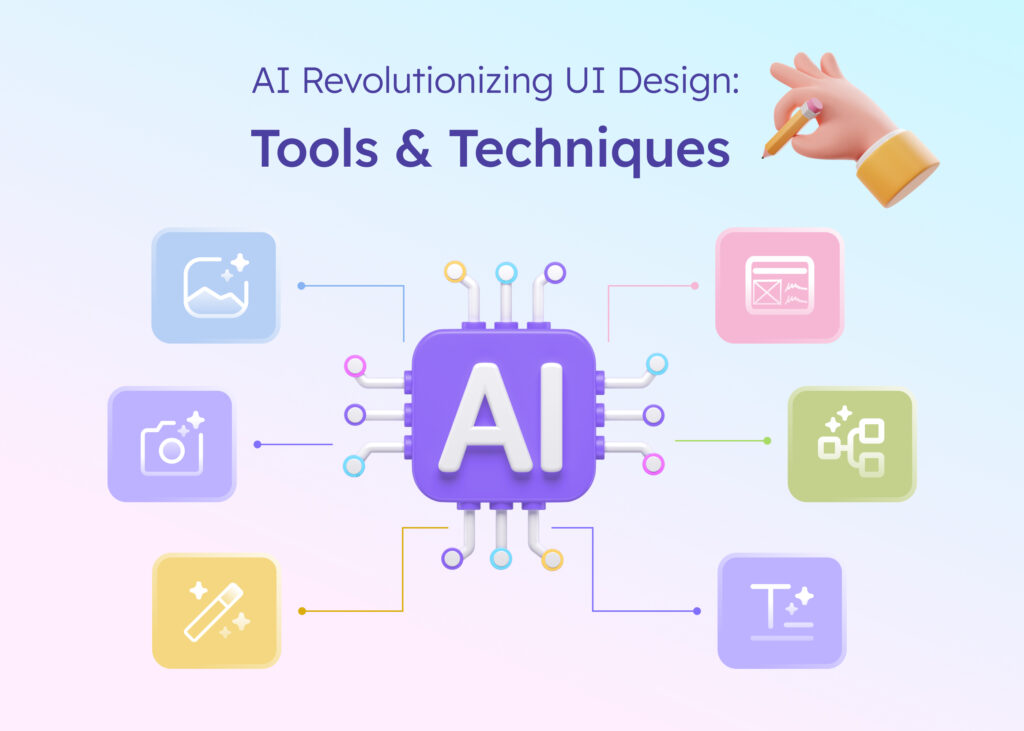
Visily has a robust selection of AI features that help with UI/UX design, wireframing, wire flows, and prototypes:
Text to Design: Create an attractive, fully customizable design with a single text prompt right away.
Screenshot to Design: Convert captures of applications or webpages into modifiable wireframes or mockups.
Hand Drawn Sketches to Design: Jot down your ideas on paper and then convert them into modifiable wireframes.
Magic Theme: Change the appearance of your application with the press of a button.
Magic Image & Structured Data Fill: Try “Magic Image” to search for similar photos, and take advantage of “Structured Data Fill” to quickly fill tables with neatly arranged data.
Yes, AI can create prototypes by transforming your text descriptions or prompts into visual layouts and interactive designs. You can then customize and refine the AI-generated prototype to fit your exact needs.
An AI prototype generator turns simple text prompts or ideas into interactive app or website mockups. You just describe the screen you want like “dashboard with sidebar and charts” and the AI builds it instantly. It saves time, removes the need for manual wireframing, and helps non-designers create usable layouts without learning design tools.
Anyone building digital products like founders, product managers, UX teams, and even marketers can use AI prototype generators. They're great for quickly visualizing ideas, getting early feedback, and speeding up product cycles.
The best free AI prototype generator right now is Visily. It offers powerful AI-driven features that turn your text prompts into interactive prototypes quickly and easily. You can create wireframes or high-fidelity designs without any coding or design skills. Visily’s includes essential tools for building and refining prototypes, making it ideal for startups, product managers, and designers looking to speed up their workflow without spending money.
The easiest way to turn your website or app idea into a prototype is with Visily. With Visily, you can start from any inspiration, from templates, hand-drawn designs, screenshots, and text prompts into wireframes or mockups. You can then enhance and edit the mockup using Visily's user-friendly and powerful editor, and then add user-click interactions to convert static mockups into interactive prototypes.
Visily has a robust selection of AI features that help with UI/UX design, wireframing, wire flows, and prototypes:
Text to Design: Create an attractive, fully customizable design with a single text prompt right away.
Screenshot to Design: Convert captures of applications or webpages into modifiable wireframes or mockups.
Hand Drawn Sketches to Design: Jot down your ideas on paper and then convert them into modifiable wireframes.
Magic Theme: Change the appearance of your application with the press of a button.
Magic Image & Structured Data Fill: Try “Magic Image” to search for similar photos, and take advantage of “Structured Data Fill” to quickly fill tables with neatly arranged data.
No need to face a blank canvas alone—let AI give you a helping hand!
Generate your first design