
Free Online Vision Board Maker
Free Vision Board Maker
Visily's free online vision board maker turns goals into visual boards with AI, drag-and-drop templates, and real-time collaboration. Build your board in minutes, right in your browser.
Get Visily for Free
Vision Boards Trusted by Goal-Setters







Digital Vision Boards Without Design Skills
Most people think of vision boards as magazine cutouts glued to cardboard. That works until you need to share, update, or co-create one remotely. Scattered screenshots, mismatched layouts, and clunky collage apps fall short. Your goals deserve a board that’s dynamic, shareable, and easy to revise.
- Build boards faster with AI-generated layouts.
- Access your vision board from any device, anywhere.
- Keep goals organized and visually clear.
- Update boards instantly as priorities shift.
AI-Powered Vision Board Generator
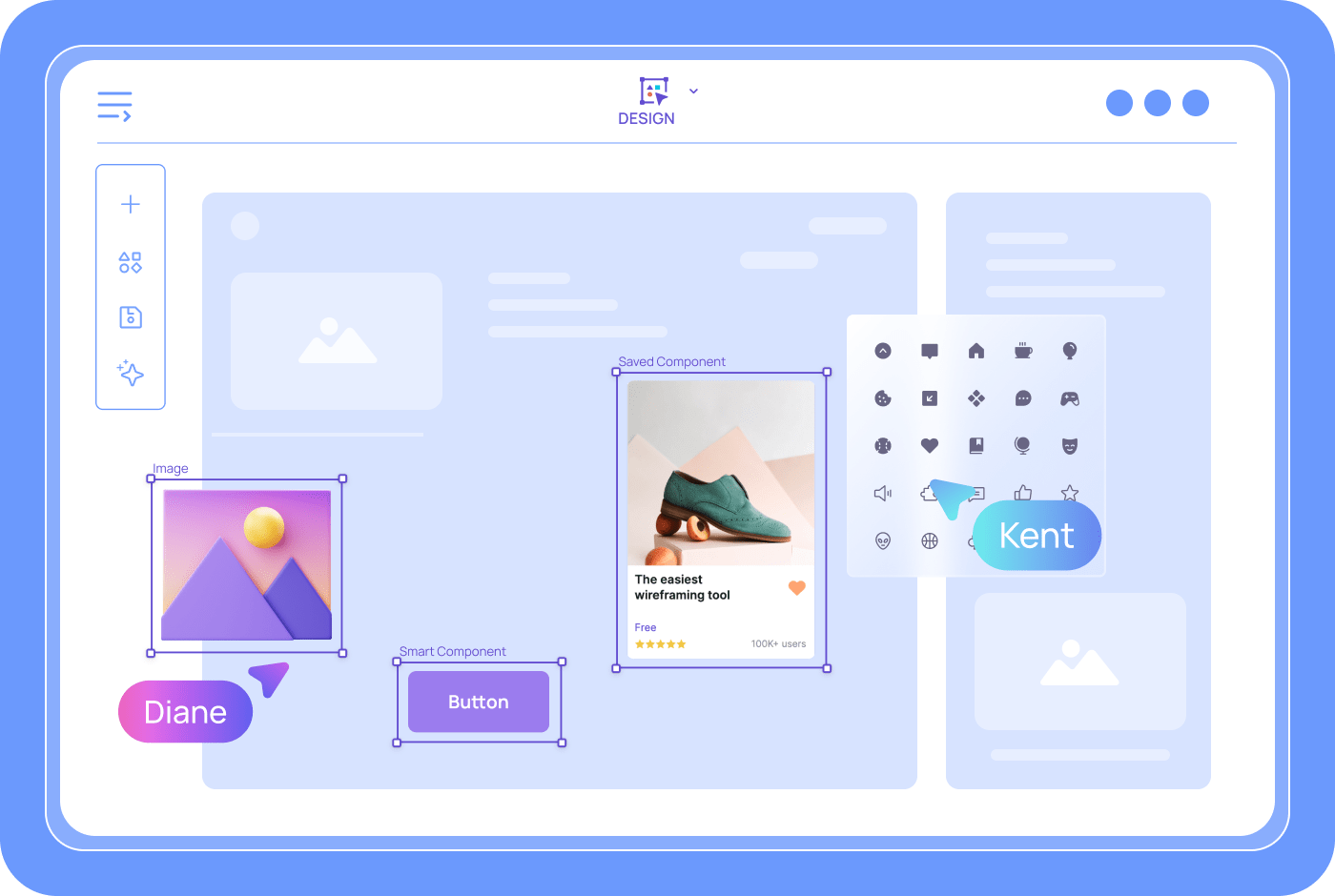
Type a description of your goals, and Visily's Text to Design AI produces a structured board in seconds. Every element is fully editable with drag-and-drop controls. Swap images, rearrange sections, and add text until each panel matches your intent. The result is a polished vision board you can share or keep as your personal roadmap.
Text-to-Board AI Generation
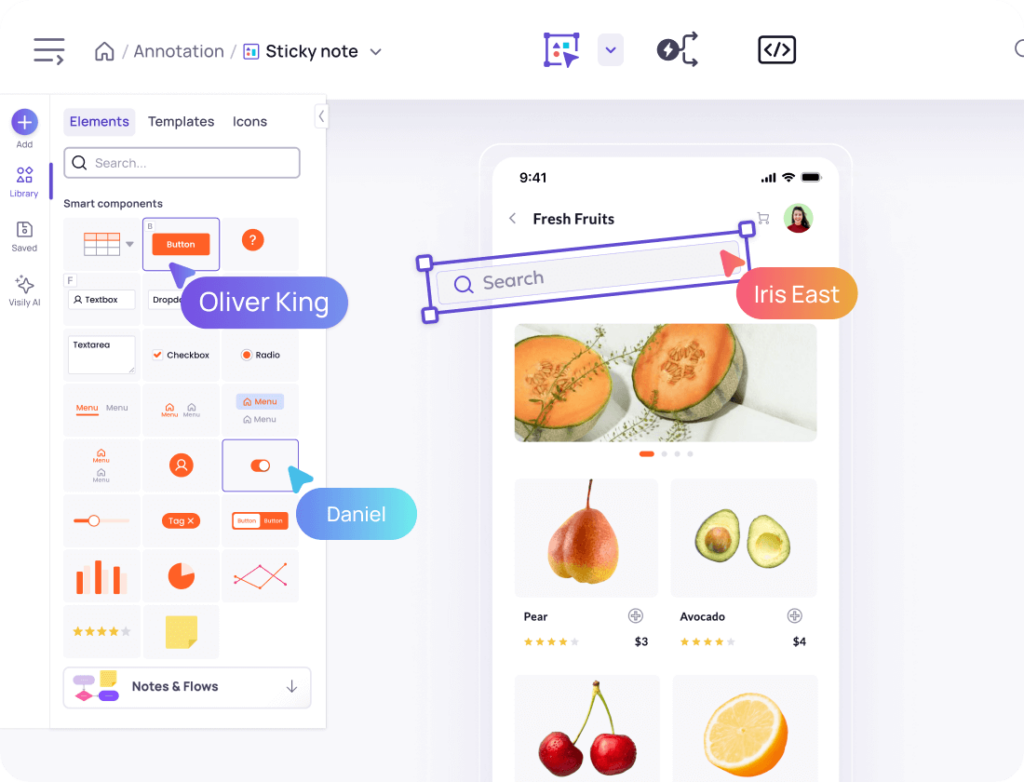
Blank canvases stall progress. Visily’s Text to Design feature converts plain-language goal descriptions into editable visual panels. Type what you want to achieve, and the AI generates a layout with image, text, and icon placeholders. You refine from there. No graphic design background needed. Your energy goes into clarifying your vision, not arranging pixels.
Lo-Fi and Hi-Fi Vision Board Styles
Early brainstorming calls for loose, flexible layouts. A finished board for your wall or presentation needs polish. Visily’s Lo-Fi to Hi-Fi toggle switches between wireframe drafts and high-fidelity designs on one canvas. Start rough, iterate freely, then flip to a polished look before sharing. One board, two modes, no lost work.
Auto-Prototype Connects Vision Board Sections
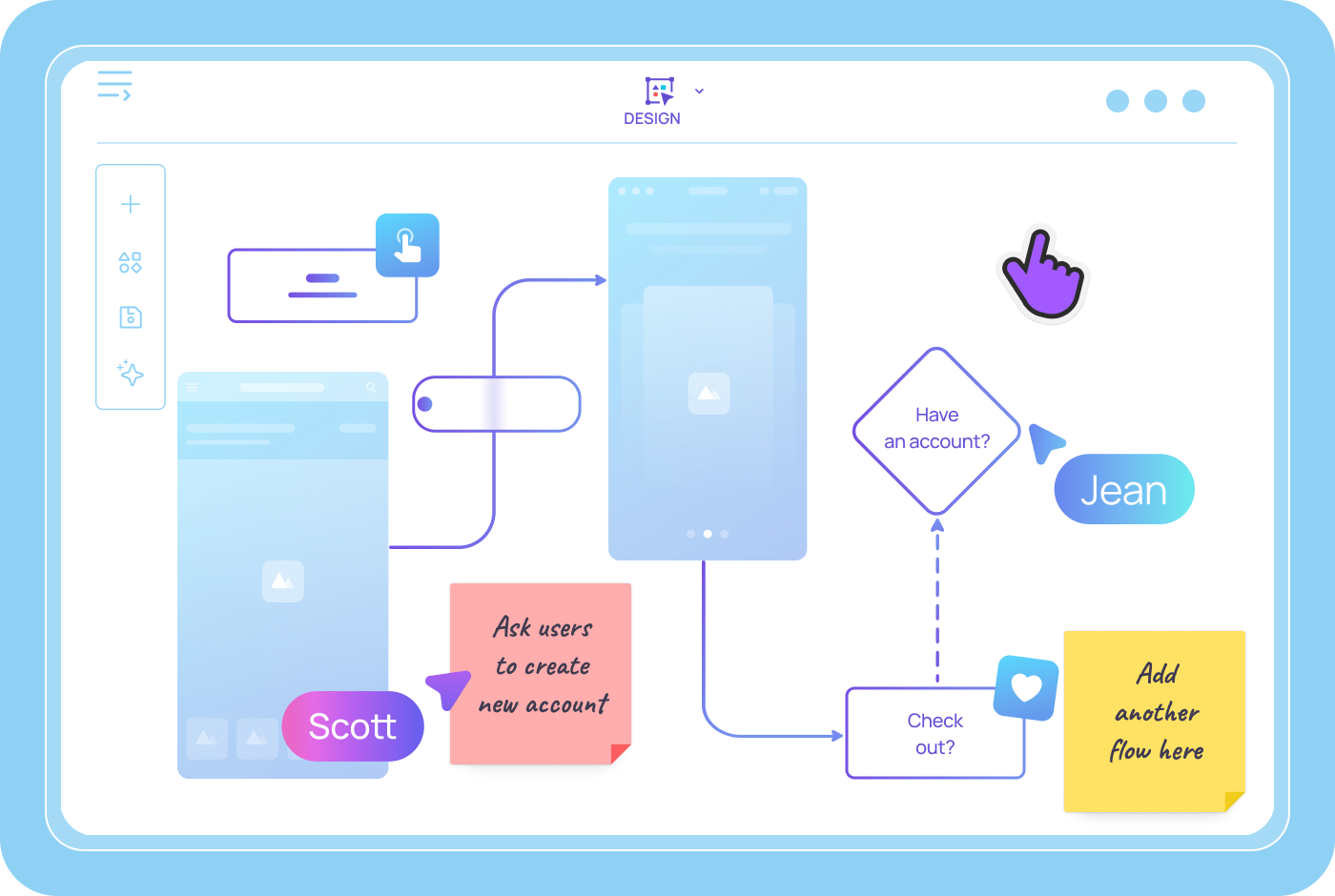
A vision board tells a story. Visily’s Auto-Prototype feature links panels into a clickable sequence. Your goals flow from one area to the next in a logical narrative. Share the interactive version with friends, coaches, or teammates. They can click through your vision step by step.
Real-Time Vision Board Collaboration
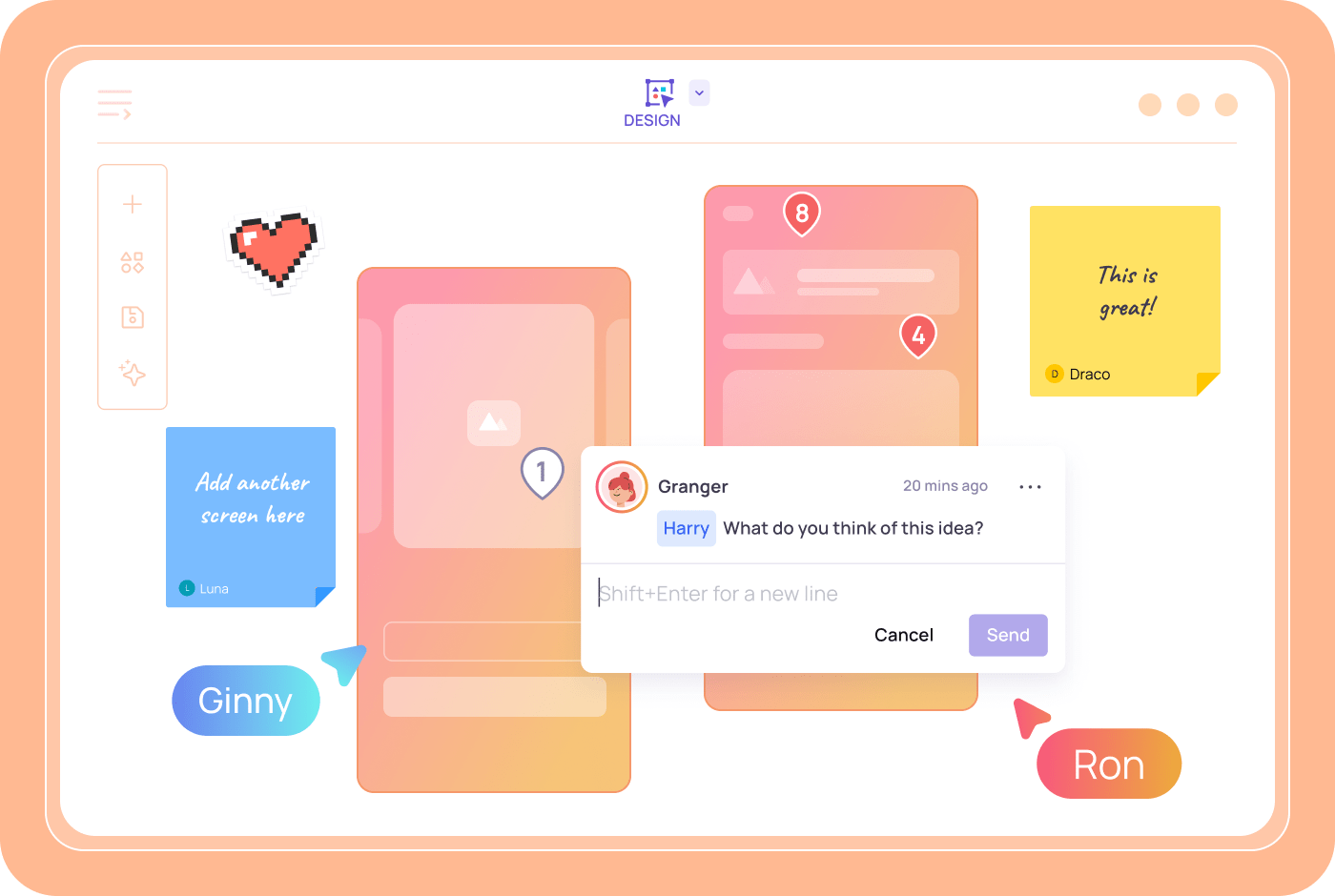
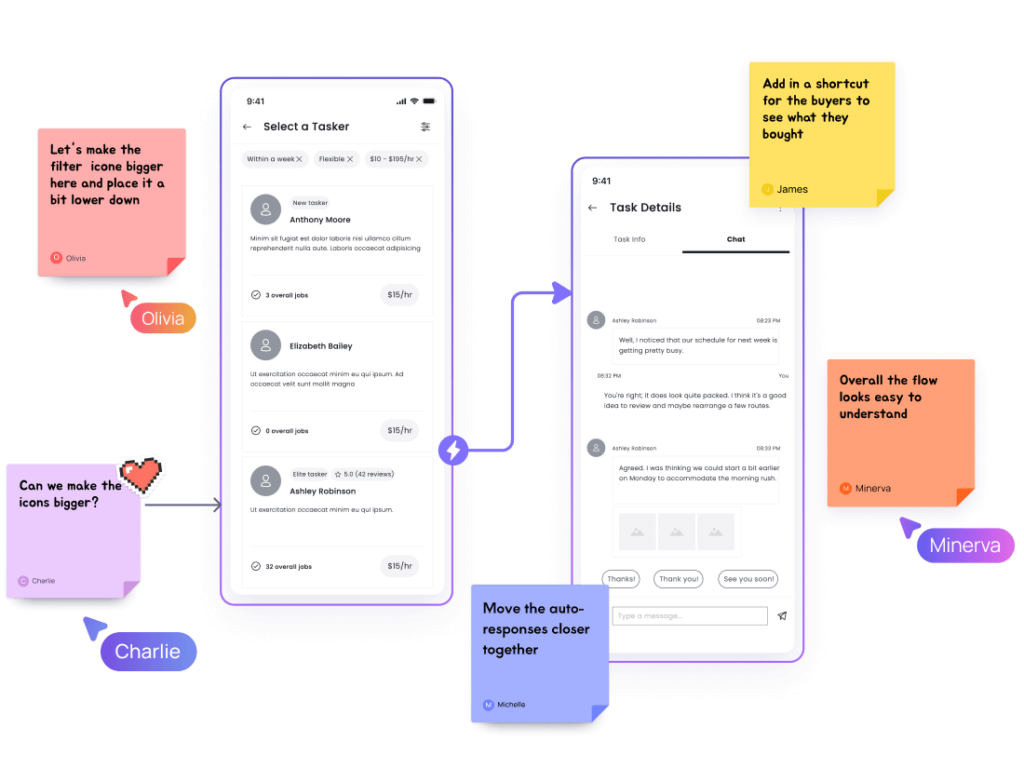
Building a shared vision board shouldn’t mean emailing files back and forth. Visily’s collaboration tools let multiple people edit the same board at once. Add comments directly on panels. Use cursor chat for quick check-ins. Everyone contributes in context, and feedback stays attached to the right goal.
Create a Vision Board in 4 Steps
No design skills needed.
1
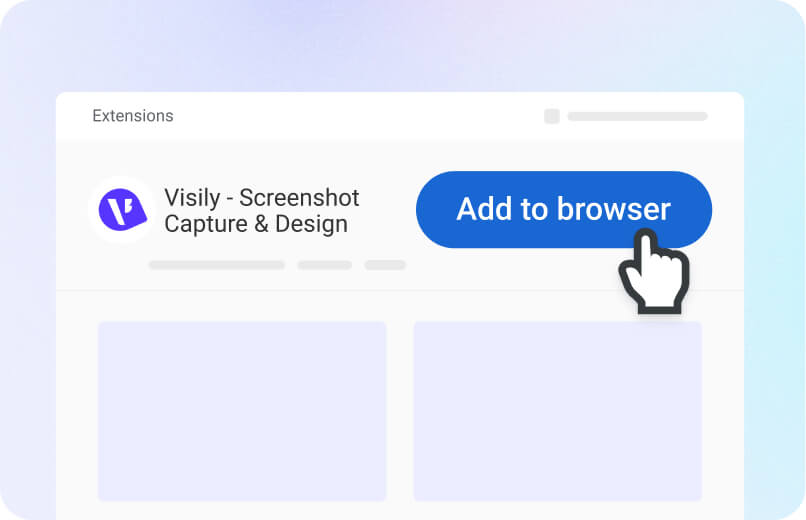
Sign Up Free
Create your Visily account in seconds. It's free forever.
2
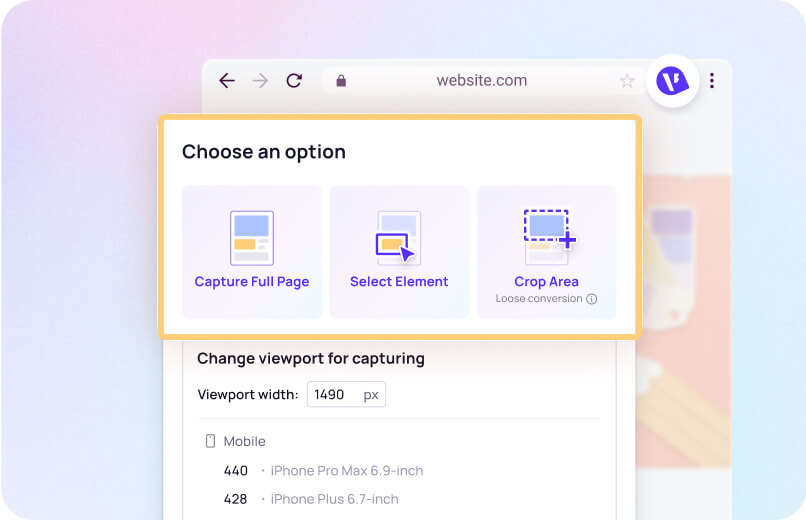
Describe Your Goals
Type your goals or aspirations into the AI prompt field.
3
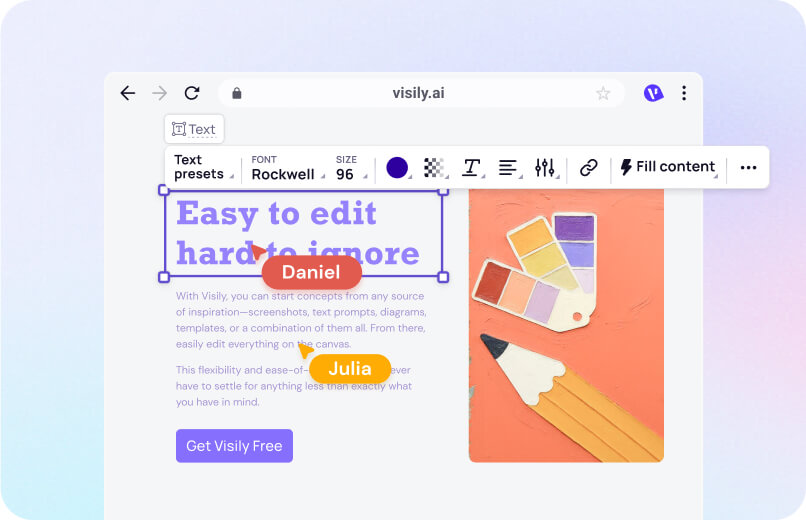
Customize Your Board
Drag, drop, and edit every panel to match your personal vision.
4
Share or Export
Invite collaborators or export as PNG, JPG, or PDF.
Vision Board Maker Built for Real Outcomes
Visily’s AI turns your goals into visual boards fast. Skip the blank canvas and start designing your future now.
1,500+ templates for every type of goal
Career growth, fitness, travel, relationships, and finances all need different layouts. Visily offers over 1,500 customizable templates across every category. Pick a layout that fits your theme, then let AI fill in the structure. You skip setup entirely and focus on what matters most: your goals.
From vision board to shareable prototype
Static boards sit in a drawer. Visily’s Auto-Prototype turns your vision board into a clickable, interactive experience. Share a link with your accountability partner or mentor. They click through each goal, leave comments, and help you refine your plan. Your vision board becomes a living document.

Multiple Input Formats for Inspiration
Inspiration doesn’t always arrive as text. Visily’s AI accepts screenshots, hand-drawn sketches, and typed prompts in a single session. Paste a photo from Pinterest alongside a written goal statement. The AI merges both into one cohesive board. Work with whatever sparks your creativity.
Free tier with full vision board features
Visily’s Starter plan costs nothing and includes AI credits, templates, and collaboration tools. Build vision boards, generate AI layouts, invite viewers, and export your work at no charge. No credit card required. No feature gates. Your goals shouldn’t wait behind a paywall.
Vision Board Planning Resources
Browse Visily's library of guides on boards, templates, goal mapping, and visual planning.
Start Your Free Vision Board Now
You have goals and ambition. Now you need a visual plan that makes both tangible. Visily’s free online vision board maker turns typed aspirations into editable boards in minutes. No design experience required. No software to install. Open your browser, describe what you want, and watch your vision take shape. Your next step starts with a board you can actually see.
NO SETUP REQUIRED
UNLIMITED VIEWERS
Vision Board Maker FAQ
Your questions about online vision boards, answered
A free online vision board maker is a browser-based tool for arranging images, text, and goals into a visual collage. Visily's version adds AI generation and drag-and-drop editing, so you don't need design skills. The Starter plan is free forever.
Start by listing your goals. In Visily, type those goals into the Text to Design AI. It generates a structured board layout. Then customize each panel with your own images, icons, and text using the drag-and-drop editor.
Yes. Visily supports real-time collaboration on any board. Invite teammates, partners, or a coach to co-edit your vision board. Everyone can add comments directly on panels.
You can share a link for view-only access or grant editing permissions. Collaborators see changes live, so there's no version confusion. This makes group vision boards for teams, couples, or classrooms easy to manage together.
Export options include PNG, JPG, and PDF. You can also share a static version with anyone who prefers a file over a live link.
Visily's collaboration features work on the free Starter plan, with unlimited viewers and up to two editable boards per workspace. Upgrade to Pro for unlimited boards.
Anyone with goals. Students, entrepreneurs, coaches, teams, and creatives all use vision boards to clarify priorities. Visily's drag-and-drop interface is accessible regardless of technical background. No design experience needed.