

Free Mood Board Generator Online
Free Mood Board Generator Online
Visualize Your Mood Board in a Board
Visily's free mood board generator collects images, color palettes, typography, and UI references on one canvas. Organize your creative direction in minutes and share it with your whole team. No design skills needed.
Mood Boards Trusted by Design Teams








Collecting visual inspiration shouldn't drain your energy
You’ve been there. Screenshots land in scattered folders. References spread across three apps. Links get pasted into a doc nobody reads. When you present a visual direction, you’re stitching it from memory. Your team sees fragments, not a story. Creative direction gets lost before real work even starts.
- Gather visual references in one shared space.
- Pull inspiration from any device, any time.
- Keep creative direction moving forward.
- Align your team on a unified aesthetic.
Build a visual mood board from a text prompt
Describe your target aesthetic, and Visily's Text to Design AI generates a layout. It fills in UI components, color groupings, and placeholder imagery. Every element is fully editable on the drag-and-drop canvas. You adjust fonts, swap images, and rearrange sections without starting over. Within minutes you've got a mood board that communicates your intended feel.
Describe a vibe, get a mood board layout
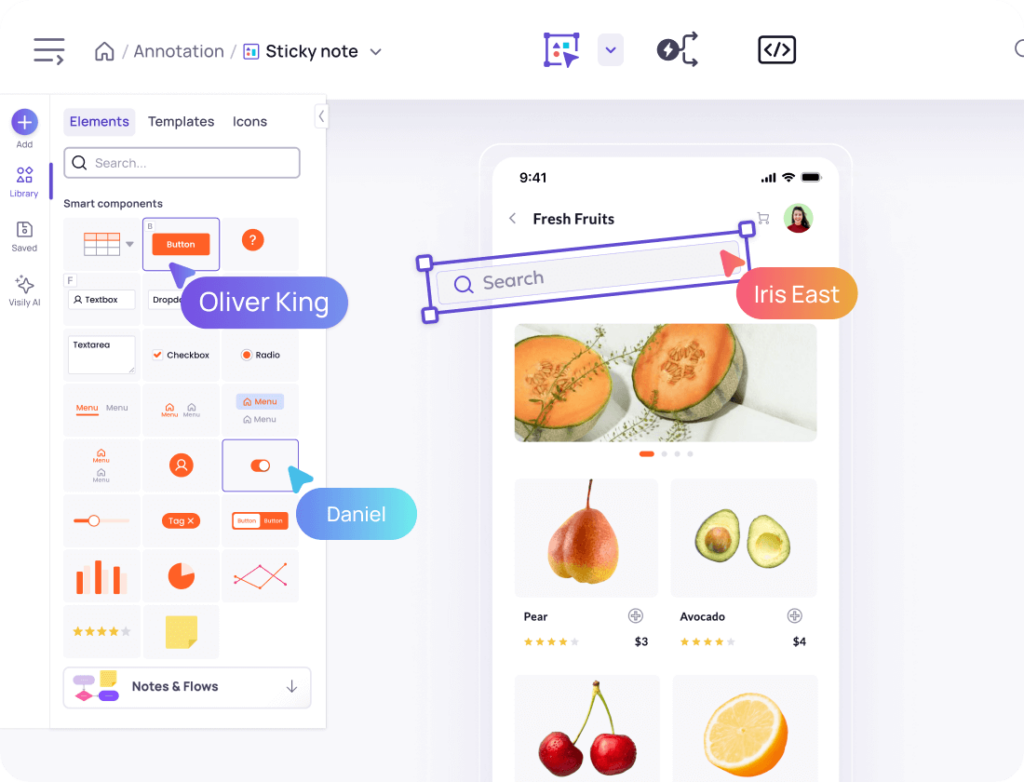
A blank canvas kills momentum fast. Instead, type a short description of your project’s tone into Visily’s Text to Design feature. The AI builds an editable screen with color blocks, image placeholders, and typography samples. You don’t need to draw anything or have prior design training. A polished starting point appears in seconds. Your focus stays on curation, not construction.
Toggle mood board fidelity from lo-fi to hi-fi
Early exploration should feel rough and flexible. Client presentations need to look refined. Visily’s lo-fi to hi-fi toggle switches fidelity on the same board without duplicating work. Brainstorm loosely with wireframe-style layouts in the morning. Flip to high-fidelity before your afternoon review. One board holds both versions, so nothing gets lost between rounds.
Link mood board sections into a clickable flow
A mood board often tells a story across multiple screens: brand palette, typography, then UI patterns. Visily’s Auto-Prototype connects your screens into a navigable sequence automatically. Share one link, and viewers click through your visual narrative in order. No extra setup required.
Collect team feedback right on the mood board canvas
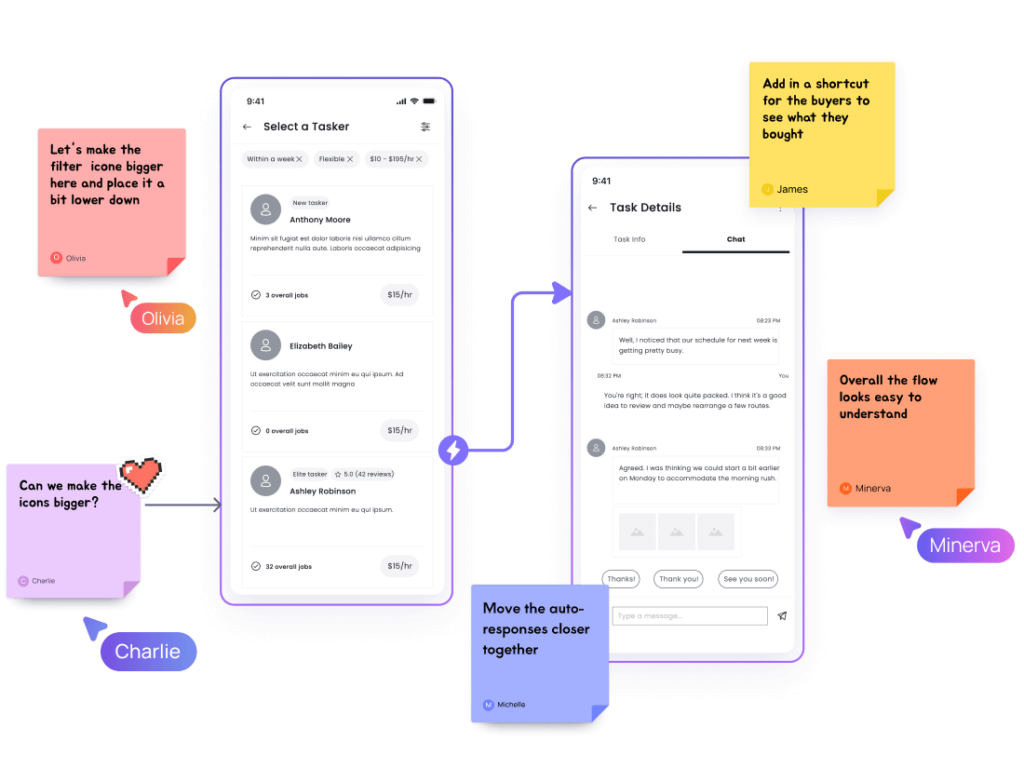
Exporting a mood board as a flat image kills the conversation. With Visily’s real-time collaboration, teammates drop comments directly on specific sections. Cursor chat handles quick questions on the spot. Follower Mode lets you walk stakeholders through the board live. Every note lands exactly where it belongs.
Create a Mood Board in 4 Steps
No design experience needed.
1
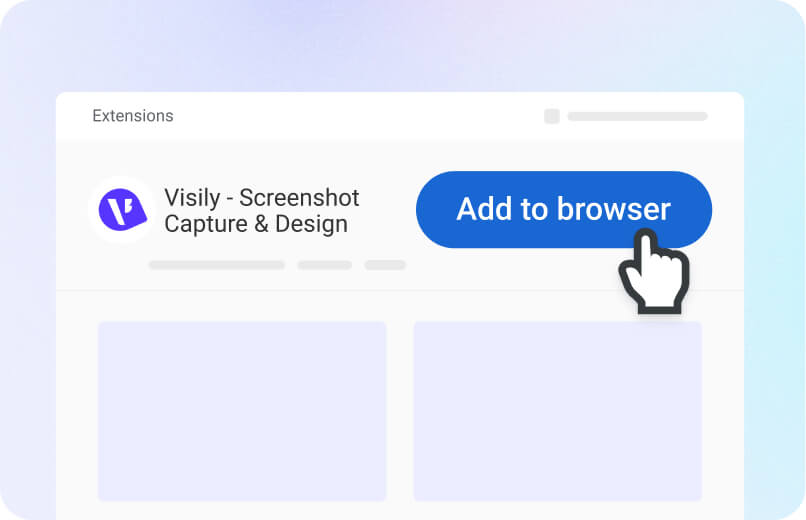
Sign Up Free
Create your Visily account in seconds. No credit card required.
2
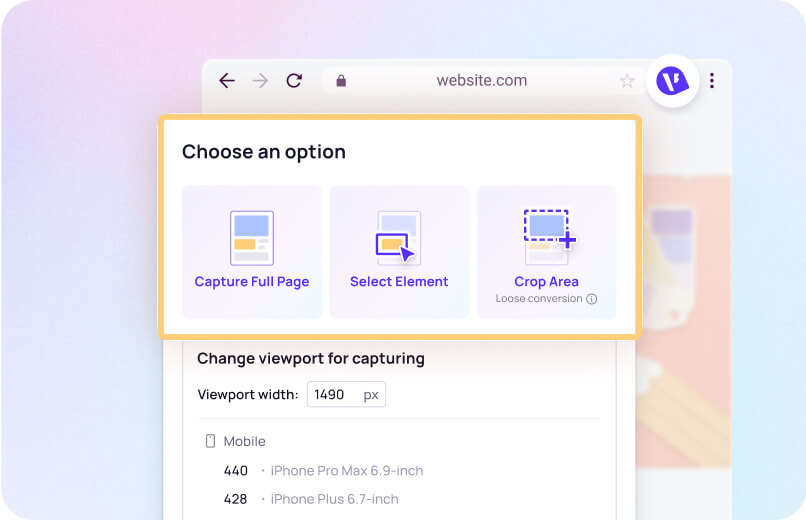
Add Your References
Drop in screenshots, type text prompts, or pick from 1,500+ templates to seed your board.
3
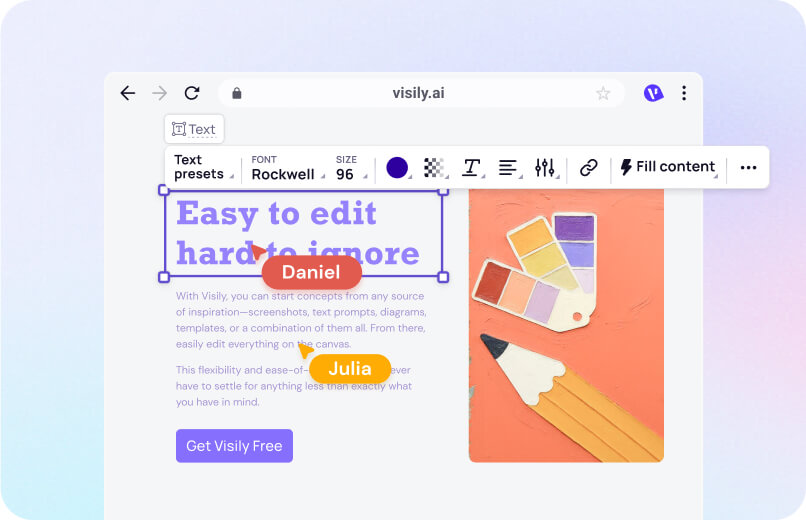
Arrange and Customize
Drag and drop colors, images, fonts, and UI elements until the board reflects your vision.
4
Share with Your Team
Invite collaborators to view, comment, or edit. Feedback starts flowing right away.
Why Visily Beats Other Mood Board Tools
Most mood board apps only let you pin images. Visily gives you a full design canvas with AI that actively helps you build.
1,500+ templates for every visual direction
Typical mood board tools hand you a blank grid. Visily offers over 1,500 customizable templates covering websites, mobile apps, and dashboards. Pick a template close to your project type, then restyle it as your mood board foundation. You skip the empty-canvas problem and start curating immediately.
From mood board to working prototype
Other tools stop at the collage. Visily lets you turn mood board screens into clickable prototypes on the same canvas. Auto-Prototype links your sections into a navigable flow. Your visual direction becomes a living reference developers and stakeholders can interact with.
AI that accepts any input format
Inspiration doesn’t always come as text. Visily’s AI accepts screenshots, hand-drawn sketches, existing designs, and written prompts. Snap a photo of a magazine spread and add a text description of the color tone you want. The AI blends both into an editable mood board layout. You work however feels natural.
Free plan with real AI features
Most competitors hide AI behind a paywall. Visily’s Starter plan is free forever and includes AI design generation, real-time collaboration, and export options. Build mood boards, generate layouts, and share with your team at zero cost. No credit card. No trial countdown.
More Mood Board Resources
Browse Visily's library of guides on visual design, templates, UI patterns, and creative workflows.
Start Your Free Mood Board Today
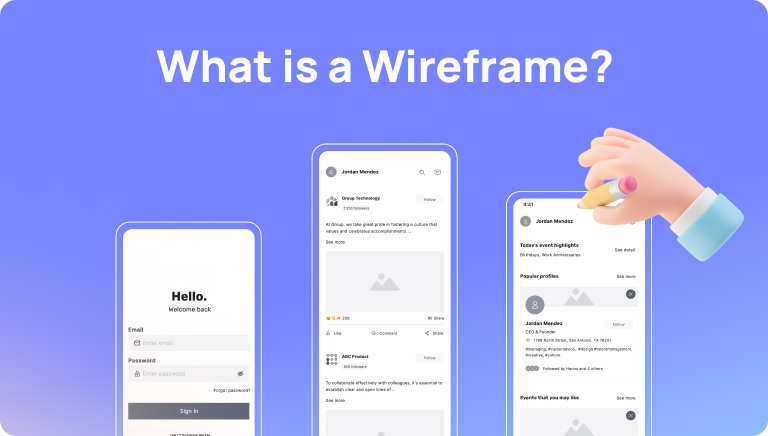
Your visual references are scattered across tabs and folders. You’ve got the project brief. Now you need one shared canvas that pulls it all together. Visily’s free mood board generator turns text prompts, screenshots, and templates into organized, editable boards in minutes. No software to install. No design background required. Open your browser, describe the aesthetic, and watch your board take shape. Your team’s next creative decision starts here.
NO SETUP REQUIRED
UNLIMITED VIEWERS
Mood Board Generator FAQ
Common questions about building mood boards in Visily
An online mood board generator is a browser-based tool for collecting images, colors, fonts, and UI references on one visual canvas. Visily's version adds AI-powered layout generation and drag-and-drop editing. You can build polished boards without any design software.
Sign up for Visily's free Starter plan. Start a new project, choose a template or use Text to Design AI, then drag in your references. Customize colors, swap images, and rearrange sections on the canvas. Share the board link with your team for instant feedback.
Mood boards aren't limited to designers. Product managers, marketers, founders, and developers all benefit from a shared visual reference.
Anyone working on branding, UI direction, or creative campaigns can use Visily's design templatesto start a mood board. Teams that align on aesthetics early save revision cycles later. Text to Design AIalso lets non-designers generate layouts from plain descriptions, removing the skill barrier entirely.
Add sticky notes and comments to explain your choices. This turns a static collage into a conversation your whole team can follow.
Visily's real-time collaboration lets multiple people edit the same board at once. Stakeholders leave feedback directly on sections, so context never gets lost in email chains.
Yes. Visily exports to PDF, PNG, JPG, and Figma. The free plan exports at 1x resolution. Pro users get high-resolution exports without watermarks and unlimited Figma conversions.