
Free Online AI Storyboard Maker
Online AI Storyboard Maker
Visily's free online AI storyboard maker turns scene descriptions into editable, high-fidelity panels. Type what happens at each step of the user journey, and the AI generates structured screens you can rearrange, restyle, and share. Your team aligns around a visual narrative before anyone writes a single line of code.
Get Visily for Free
Trusted by Product Teams Worldwide









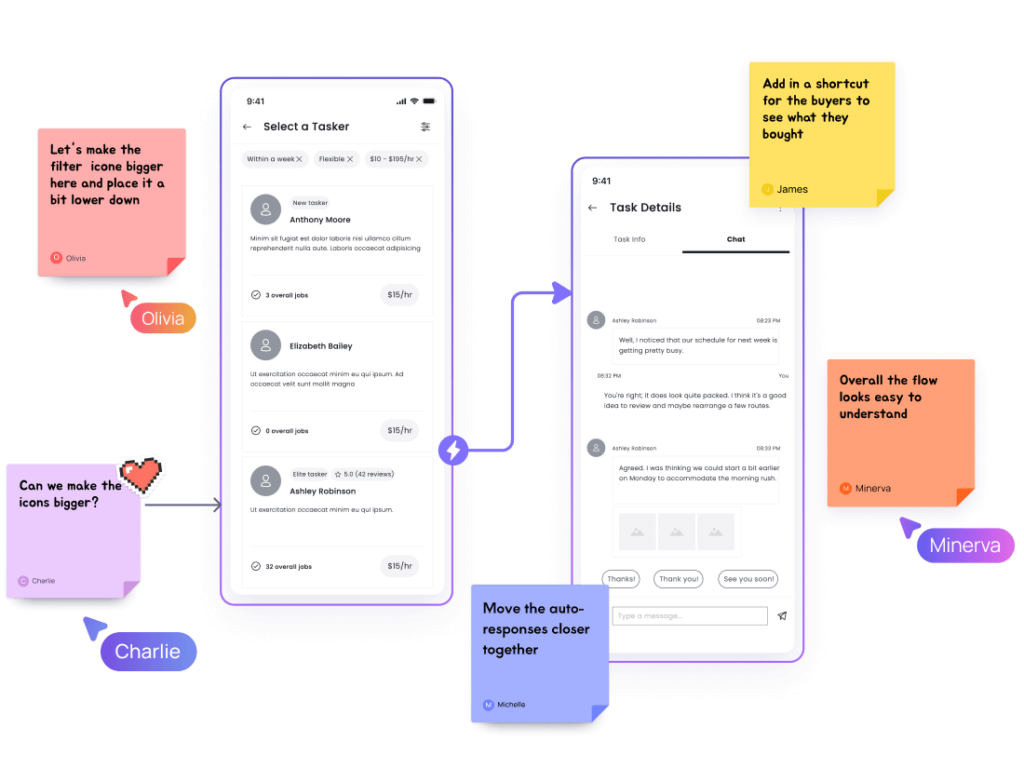
AI Storyboards from Text: A Faster Panel Drawing Solution
You know the routine. Someone sketches panels on a whiteboard, photos get shared in Slack, and by tomorrow half the context is gone. Redrawing panels after feedback eats another afternoon. The storyboard never looks polished enough for stakeholders, so you rebuild it in a slide deck instead.
Visily replaces that loop. Describe each scene in plain text, and the AI generates editable panels on a shared canvas. Here’s what changes:
- Cut hours of manual drawing time.
- Create storyboard panels from any device.
- Keep every panel editable and on-brand.
- Share a single link with your full team.
Edit, Sequence, and Share Every Panel with AI-Powered Storyboard Generator
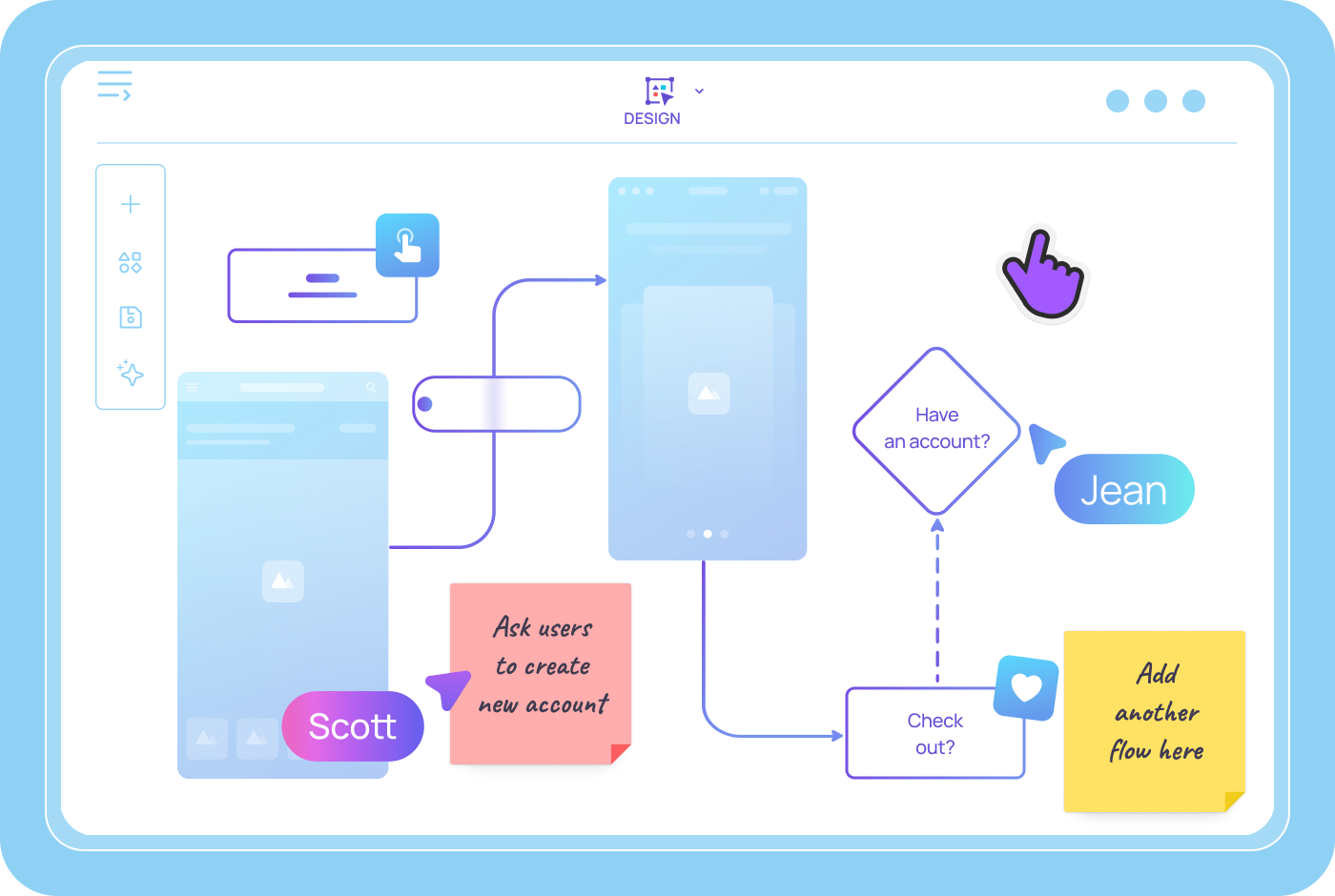
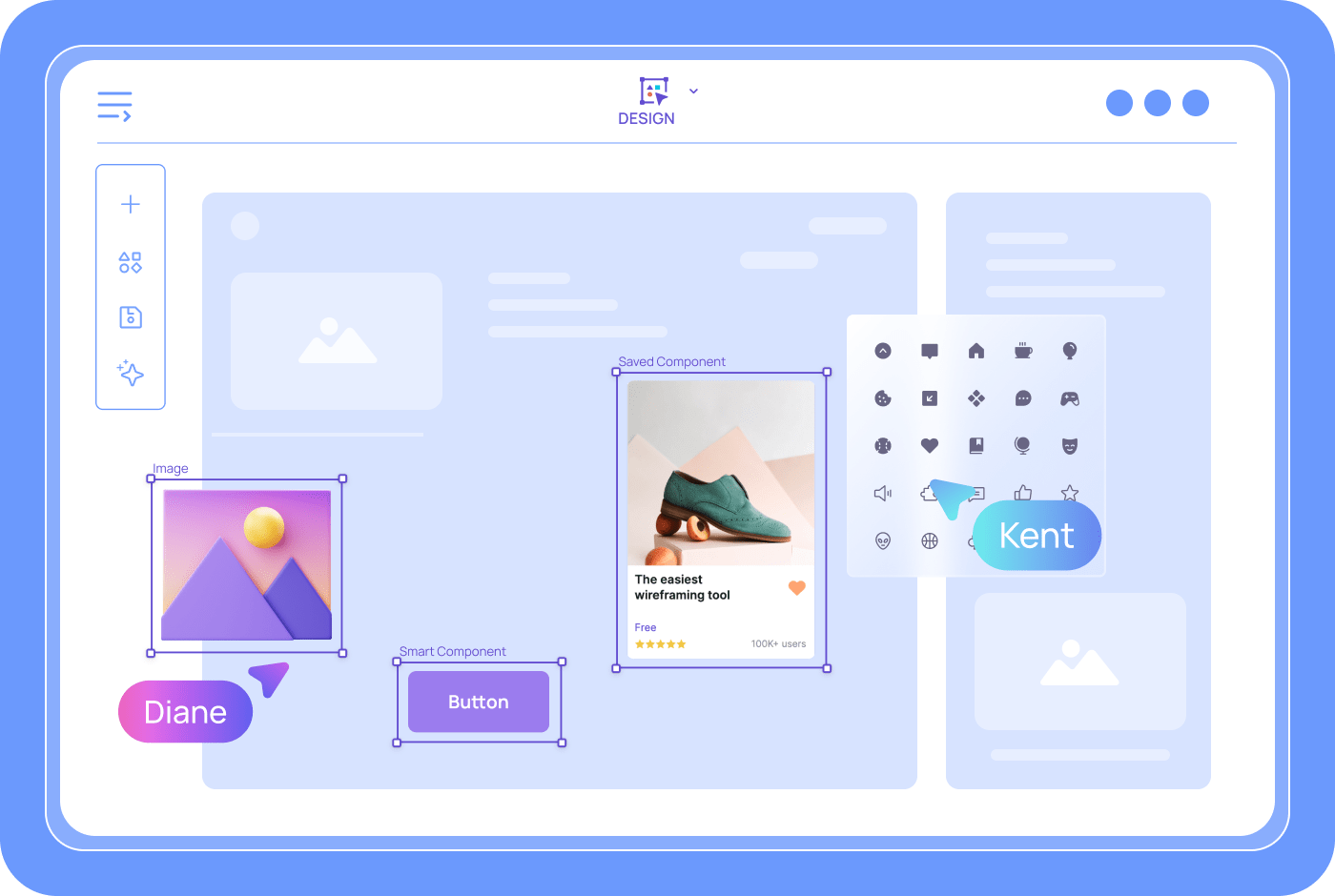
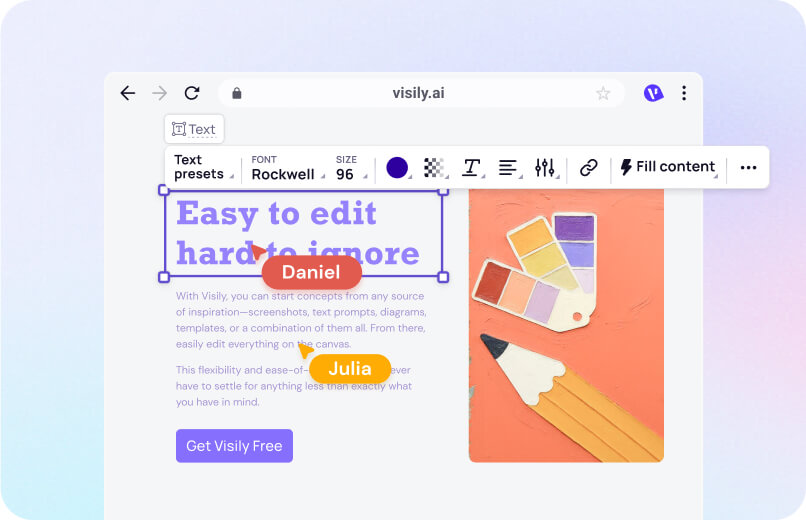
Every AI-generated panel lands on Visily's drag-and-drop canvas. Move shapes, swap icons, update text, and reorder screens with clicks. Smart Components give you styled buttons, nav bars, and form fields ready to place. You refine each panel's layout without code or a second tool. The canvas works the same for designers and product managers.
AI Storyboard Panels from Text: Describe a Scene, Get an Editable Screen
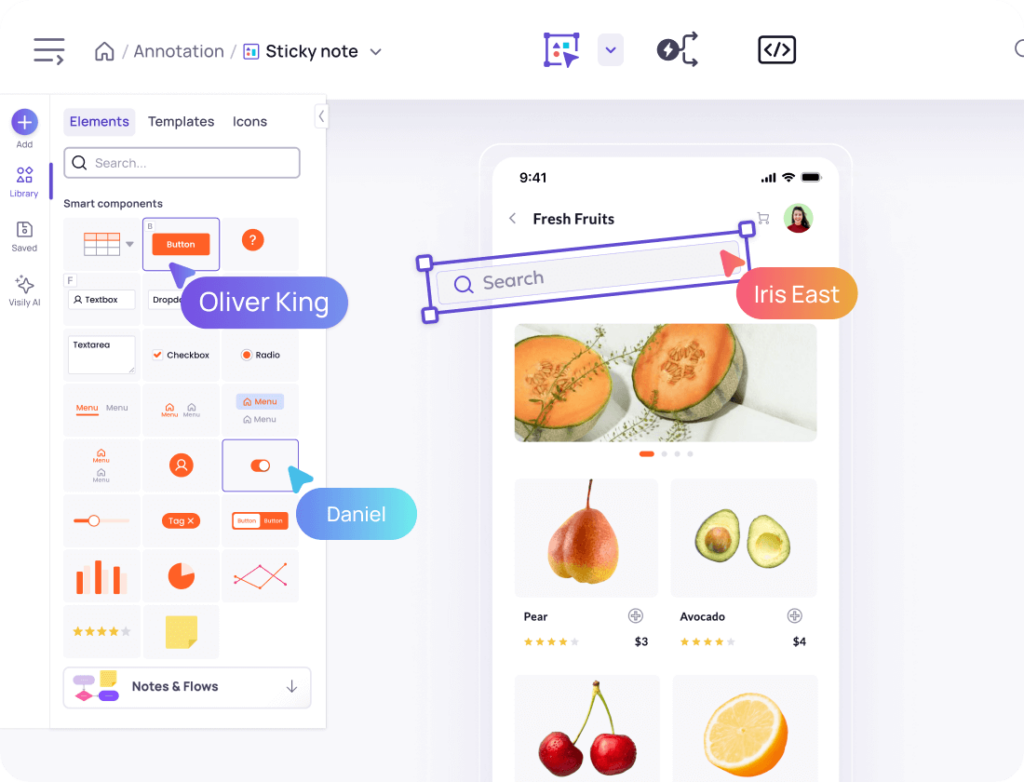
Type a short description of any screen or scenario. Visily’s Text to Design AI reads your prompt and builds a structured UI panel in seconds. You get real components like cards, headers, and lists in a logical layout.
Edit the output right on the canvas: swap colors, resize elements, or add annotations. Every generated panel stays fully editable, so iteration takes minutes instead of hours.
Storyboard Fidelity Modes: Rough Panels for Workshops, Polished for Reviews
Early storyboards need rough, flexible frames that invite debate. Stakeholder reviews need polished visuals that build confidence.
Visily’s fidelity toggle switches your entire board between wireframe and high-fidelity modes. All content, layout, and connections stay intact during the switch. Start loose during brainstorming, then flip to a refined look before presenting. One board handles both phases.
Storyboard Scene Sequencing
A storyboard tells a sequential story. Visily’s Auto-Prototype links your panels into a clickable flow automatically. You don’t wire screens together by hand.
The AI reads your generated sequence and creates connections for you. Stakeholders click through the narrative from start to finish. The result feels like a working product demo, not a static slideshow.
Real-Time Storyboard Collaboration
Your team comments directly on individual storyboard panels inside Visily. Cursor chat lets you ask quick questions without leaving the board.
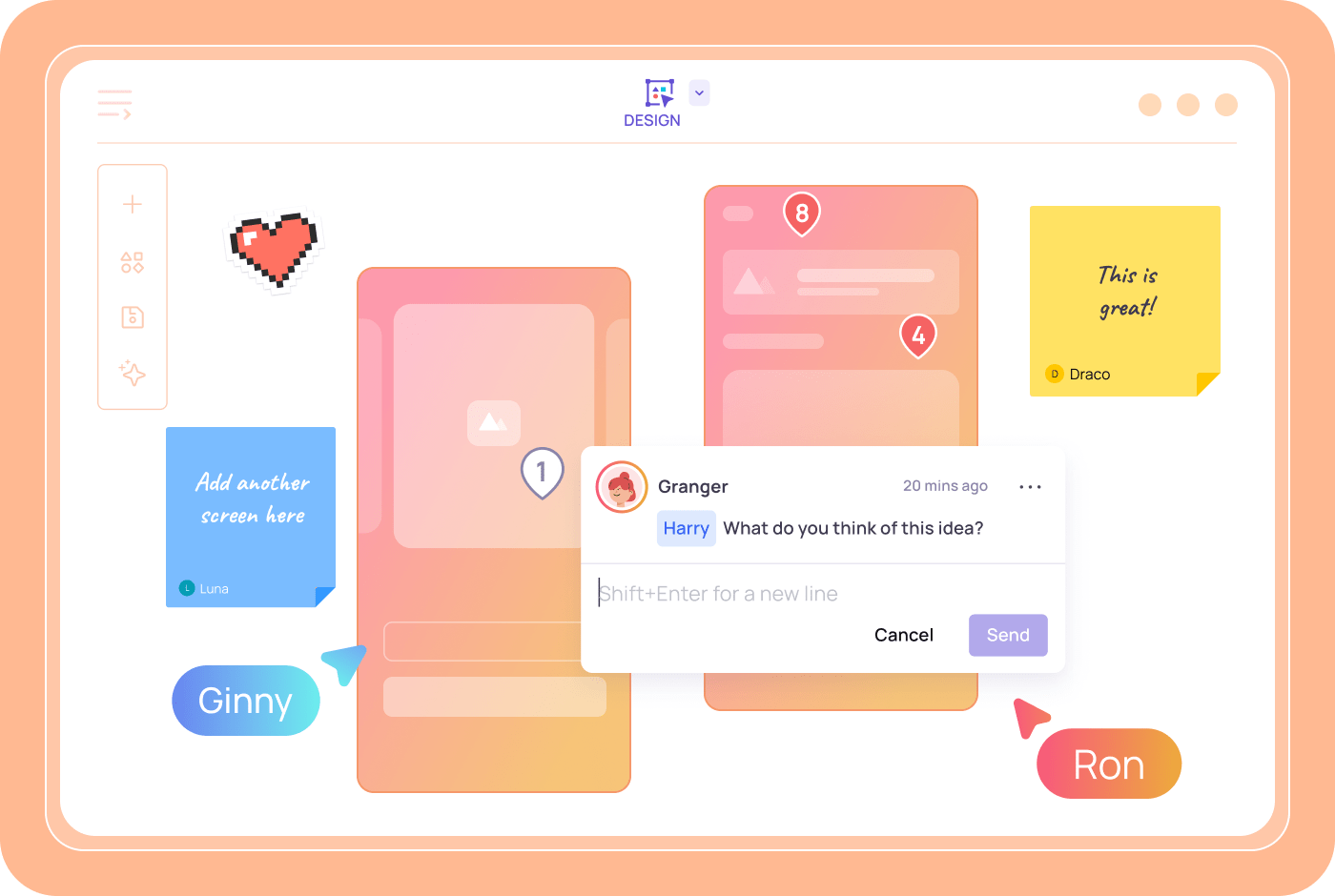
Follower Mode keeps everyone on the same screen during live reviews. Multiple editors can rearrange and update panels at the same time. Feedback stays attached to the exact frame it references.
How to Create an AI Storyboard in 4 Steps
You don't need drawing skills or expensive software. 4 steps take you from a blank screen to a shared, clickable storyboard your whole team can review.
1
Sign Up Free
Create your Visily account in seconds. No credit card required.
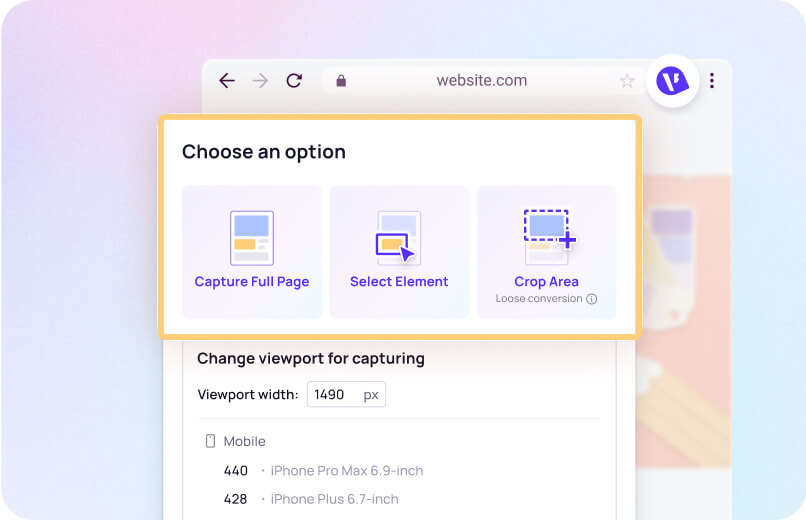
2
Describe Your Scenes
Type a plain-language prompt for each storyboard panel you need.
3
Edit and Arrange Panels
Drag, drop, and reorder AI-generated screens on the canvas.
4
Share and Iterate
Invite teammates to review, comment, and co-edit in real time.
How Visily Beats Traditional Storyboard Tools
Manual storyboarding means sketching each panel by hand, then redrawing after feedback. Visily’s AI generates your starting point and keeps every panel editable. The old way costs you hours. The Visily way costs you minutes.
1,500+ built-in templates
Pick from over 1,500 customizable templates for mobile apps, websites, and dashboards. Each template gives you pre-built screens you can repurpose as storyboard panels. Adjust layouts, swap content, and add your brand colors. You skip blank-canvas paralysis and jump straight into your narrative.
Screenshot to Design for reference panels
Upload a screenshot of any app or webpage. Visily’s AI converts it into an editable wireframe you can drop into your storyboard. Use competitor screens or existing product views as reference panels. Every converted screen is fully editable with drag-and-drop controls.

Multimodal AI input
Your ideas arrive as sketches, screenshots, text prompts, or diagrams. Visily’s AI accepts all of these inside one conversation. Snap a photo of a whiteboard sketch and paste it alongside a text description. The AI blends both inputs into cohesive storyboard panels. You work in whatever format feels natural.
Free plan
Visily’s Starter plan is free forever. You get full access to Text to Design, Screenshot to Design, Auto-Prototype, and real-time collaboration. Create unlimited storyboard panels, invite your team, and export your work. No trial period. No feature gates. No credit card.
Storyboarding Resources and Guides
Browse Visily's library of guides on wireframes, mockups, UI elements, and visual storytelling.

Start Generating Your Storyboard with AI for Free
You have user research and a product vision. Turn both into a visual story your whole team can act on. Visily’s free AI storyboard maker converts text into polished, editable panels in minutes. No design skills required. No software to install. Open your browser, describe each scene, and watch panels appear.
NO SETUP REQUIRED
UNLIMITED VIEWERS
Storyboard Maker FAQ
Common questions about AI storyboard creation
Visily is a strong choice for teams that need editable storyboard panels fast. Its Text to Design AI generates screens from plain-language prompts. The drag-and-drop canvas lets anyone adjust results. The Starter plan is free forever with full AI access.
A UX storyboard is a sequence of visual panels showing how a user interacts with a product. Each panel captures a specific moment, screen, or emotion in the journey. Teams use storyboards to align on user experience before building anything. Panels can range from rough sketches to high-fidelity mockups.
Sign up for a free Visily account. Then open the Text to Design AI and type a description of your first scene.
Visily's AI generates an editable UI panel based on your prompt. Browse 1,500+ templatesfor additional scene layouts. You can also upload screenshots or sketches using Screenshot to Designto turn existing visuals into editable storyboard frames. Rearrange panels on the canvas with drag-and-drop controls.
Use the lo-fi/hi-fi toggle to switch between rough wireframes and polished mockups. Both fidelity levels live on the same board.
Invite your team for real-time feedback. Comments attach directly to individual panels. Auto-Prototype links your screens into a clickable flow stakeholders can review independently.
Storyboarding isn't limited to designers. Product managers, UX researchers, developers, and founders all contribute. Visily's no-code canvas lets any role build or edit storyboard panels without specialized training.