
Free Customer Journey Map Generator
Free Customer Journey Map Generator
Your customers don't follow a straight line. They bounce between channels, stall at unexpected moments, and drop off where you least expect it. Visily's free journey map generator turns a short text description into a structured, editable map with stages, touchpoints, and emotions. You'll see the full picture in minutes, not days, and your team can act on it before a single line of code gets written.
Get Visily for Free
Trusted by Product and UX Teams










Customer Journey Mapping: Stop Losing Hours to Manual Diagrams
You’ve done this before. Sticky notes on a wall, screenshots scattered across three apps, and a journey “map” that’s really just a slide deck no one updates. Feedback lives in email threads. Stakeholders can’t follow the logic. By the time you present, priorities have already shifted.
Visily puts your entire customer path on one board. Here’s what changes:
- Cut hours of manual diagramming with AI-generated maps.
- Capture touchpoints from any device, in any format.
- Keep your team aligned on one map.
- Maintain visual consistency across every journey stage.
AI-Powered Journey Map Generator: From Text Prompt to Visual in Minutes
Type a description of your customer's experience. Visily's AI builds a structured journey map with stages, touchpoints, emotions, and actions. Every element is editable with drag-and-drop, so you refine the story instead of redrawing it. Your team shares one source of truth for the full customer lifecycle within minutes.
Generates Customer Journey Stages, Touchpoints, and Flows from Text
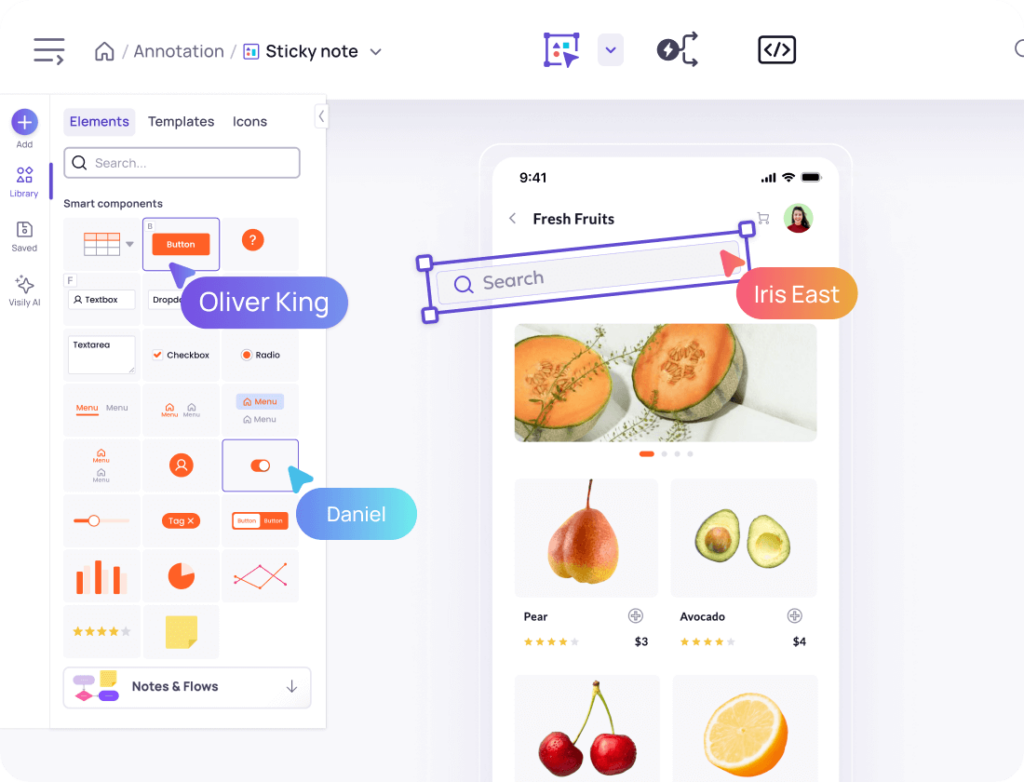
The blank canvas is the biggest barrier to journey mapping. Visily’s Text to Diagram AI removes it.
Describe your customer’s path in plain language. The AI generates a structured visual with stages, channels, and decision points. You don’t need a design background. You’ll get a ready-to-edit map in seconds and spend your time on insights, not layout.
Switch Between Workshop Draft and Polished Output
Early workshops need rough, flexible maps that invite debate. Stakeholder presentations need polished visuals that build confidence.
Visily’s fidelity toggle switches between wireframe-style and high-fidelity views on the same board. Start loose during discovery, then switch to polished before your review. You won’t need duplicate files or rework.
Auto-Link Into a Clickable Walkthrough
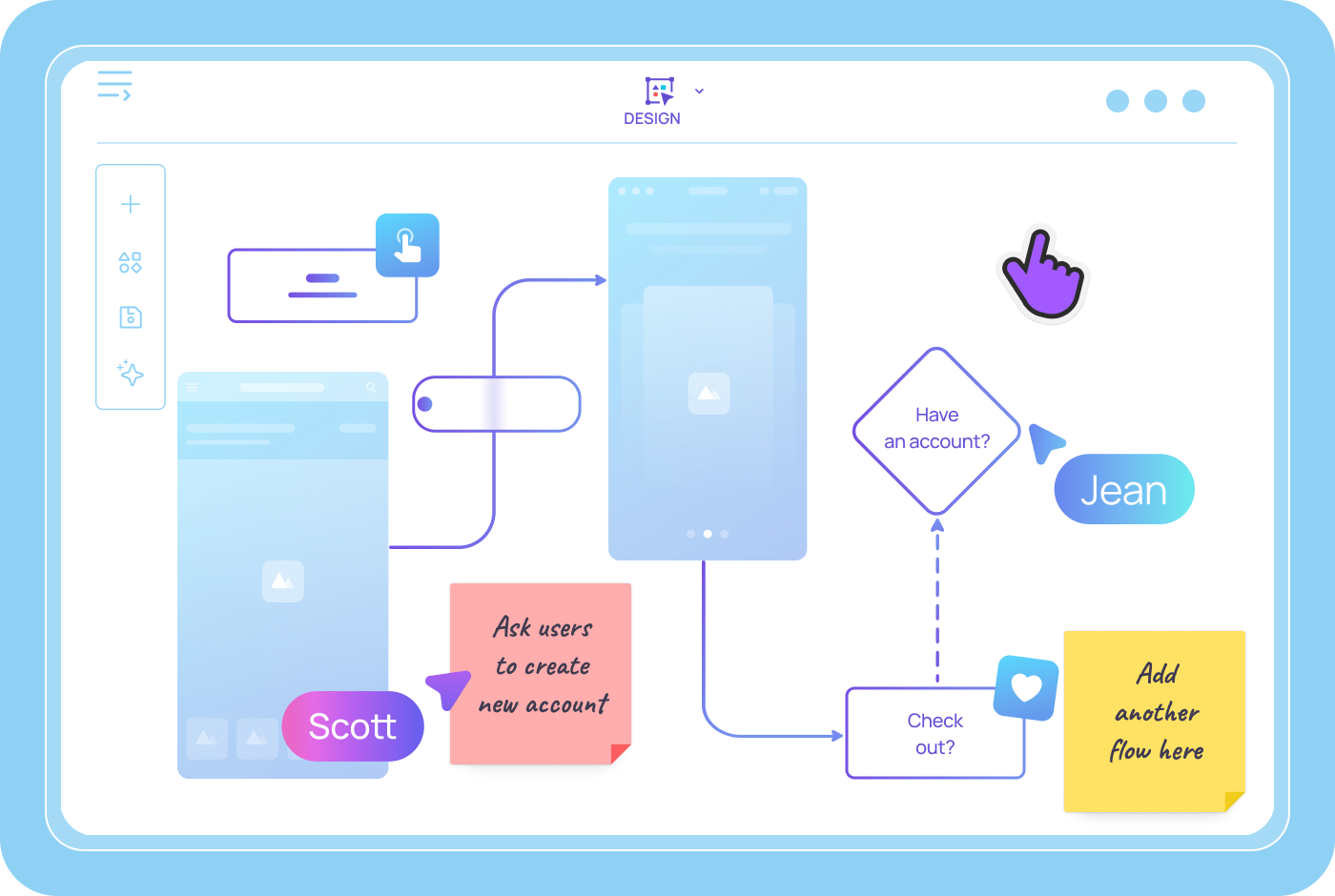
A journey map tells a story from first awareness to post-purchase loyalty. Visily’s Auto-Prototype links your journey stages into a clickable sequence automatically.
Stakeholders walk through the customer’s path step by step. They see every touchpoint in context, not as disconnected slides.
Collaborate on Journey Maps in Real Time
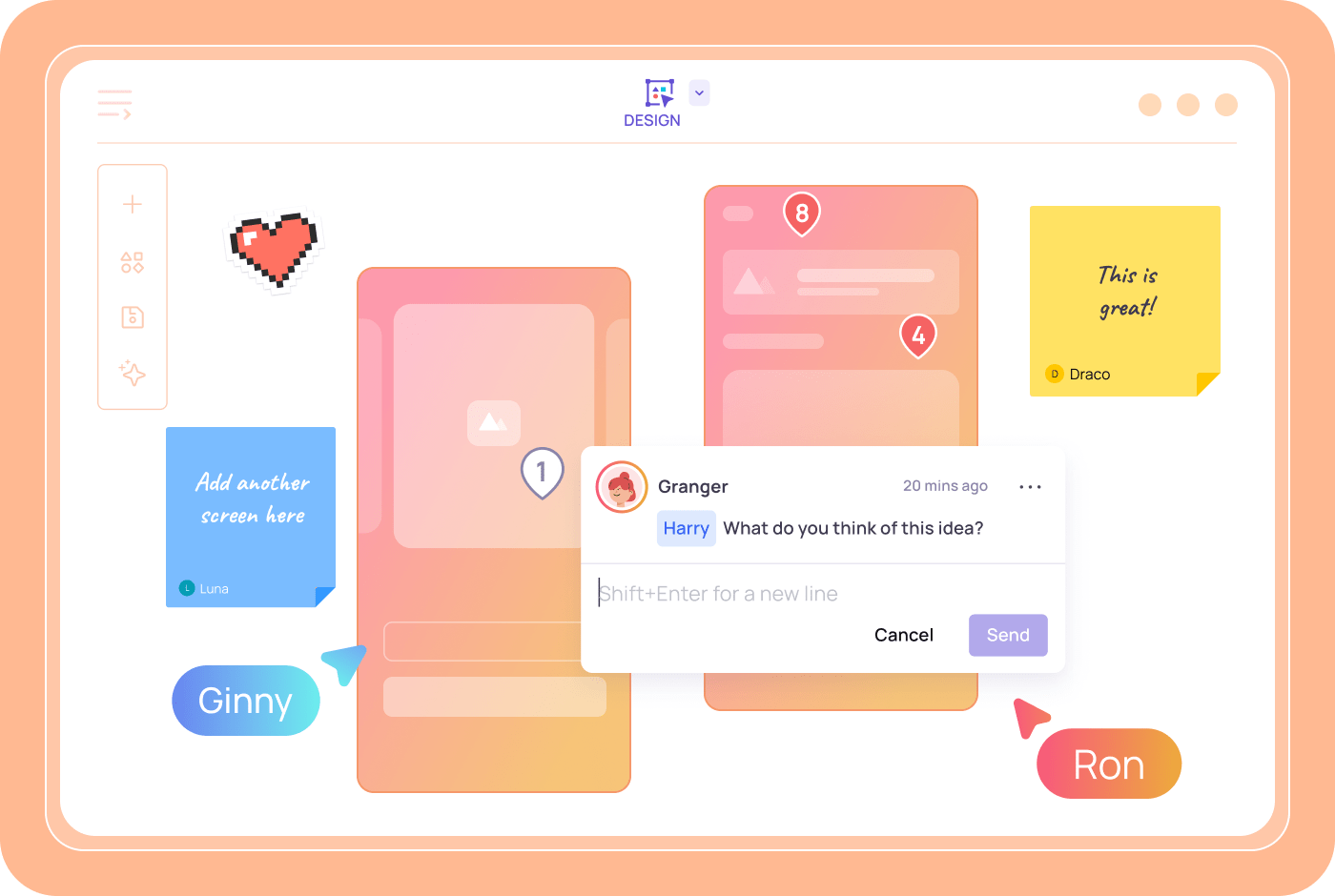
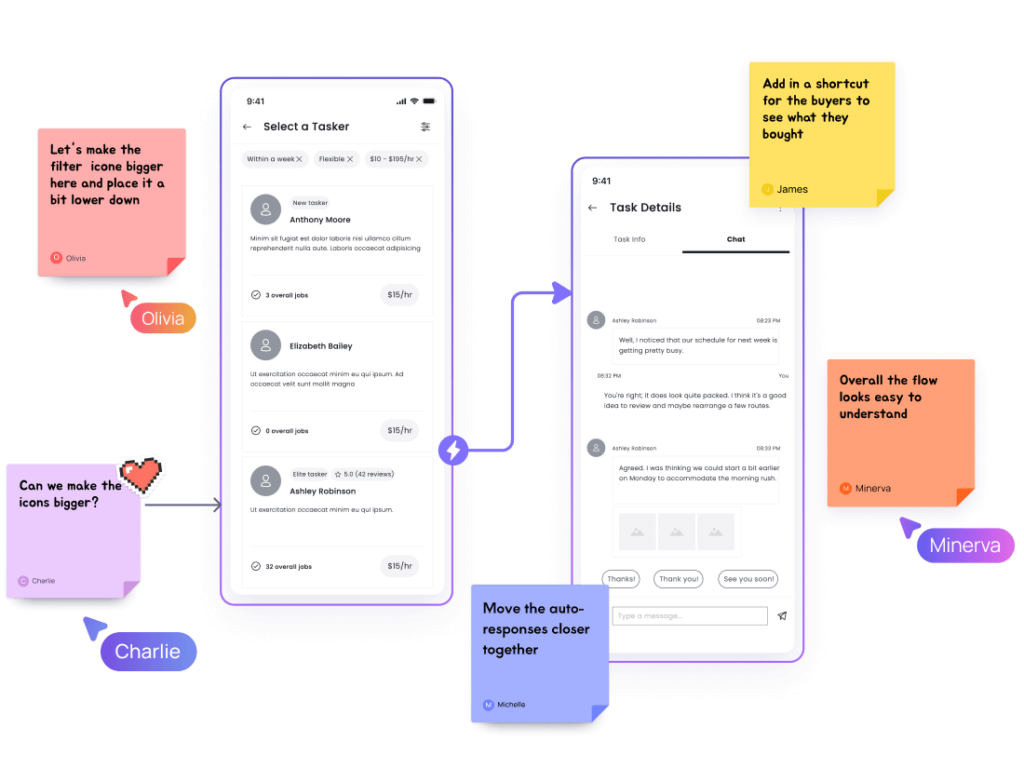
Exporting static images kills context and slows feedback. Visily’s collaboration tools let teammates comment directly on journey stages.
They can use cursor chat for quick clarifications and follow your view during live walkthroughs. Feedback stays attached to the exact touchpoint it addresses.
How to Build Your Customer Journey Map with Visily in 4 Steps
You don't need design training or expensive software. Four steps take you from a blank screen to a shared, editable journey map your whole team can use.
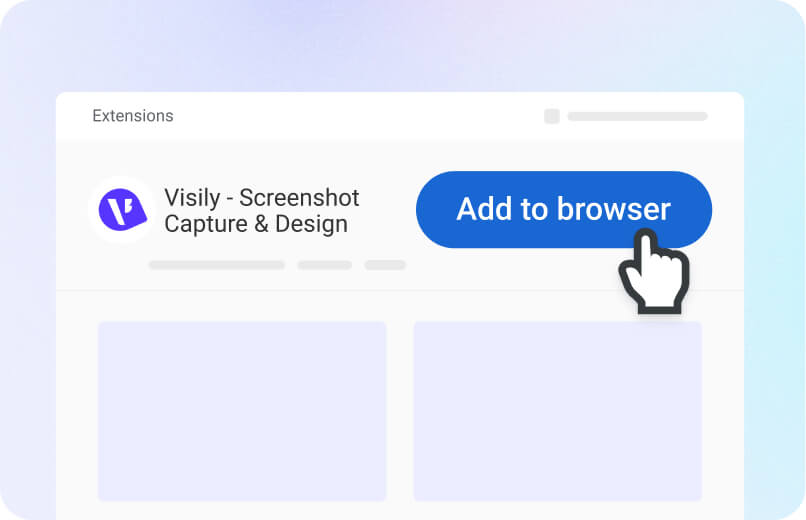
1
Create Free Account
Sign up in seconds. No credit card required.
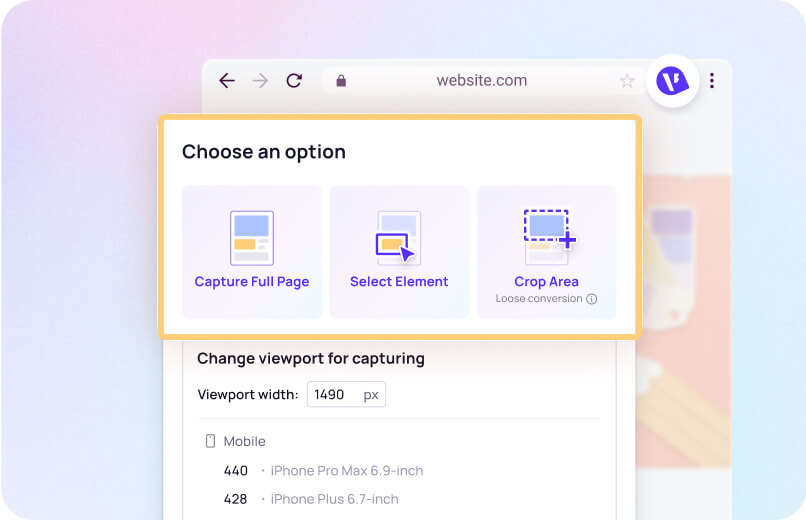
2
Describe the Journey
Type your customer's path into the Text to Diagram prompt.
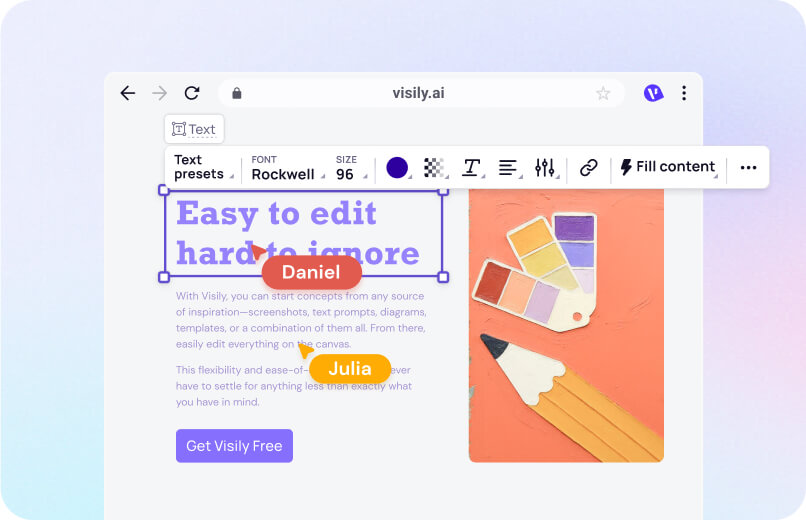
3
Customize Every Stage
Drag and drop to edit touchpoints, emotions, and channels.
4
Share and Iterate
Invite teammates to comment, edit, and refine the map together.
Why Teams Choose Visily for Generating Customer Journey Map
Visily pairs AI speed with full creative control. You skip the blank canvas and land on a map your whole team can act on.

1,500+ built-in templates
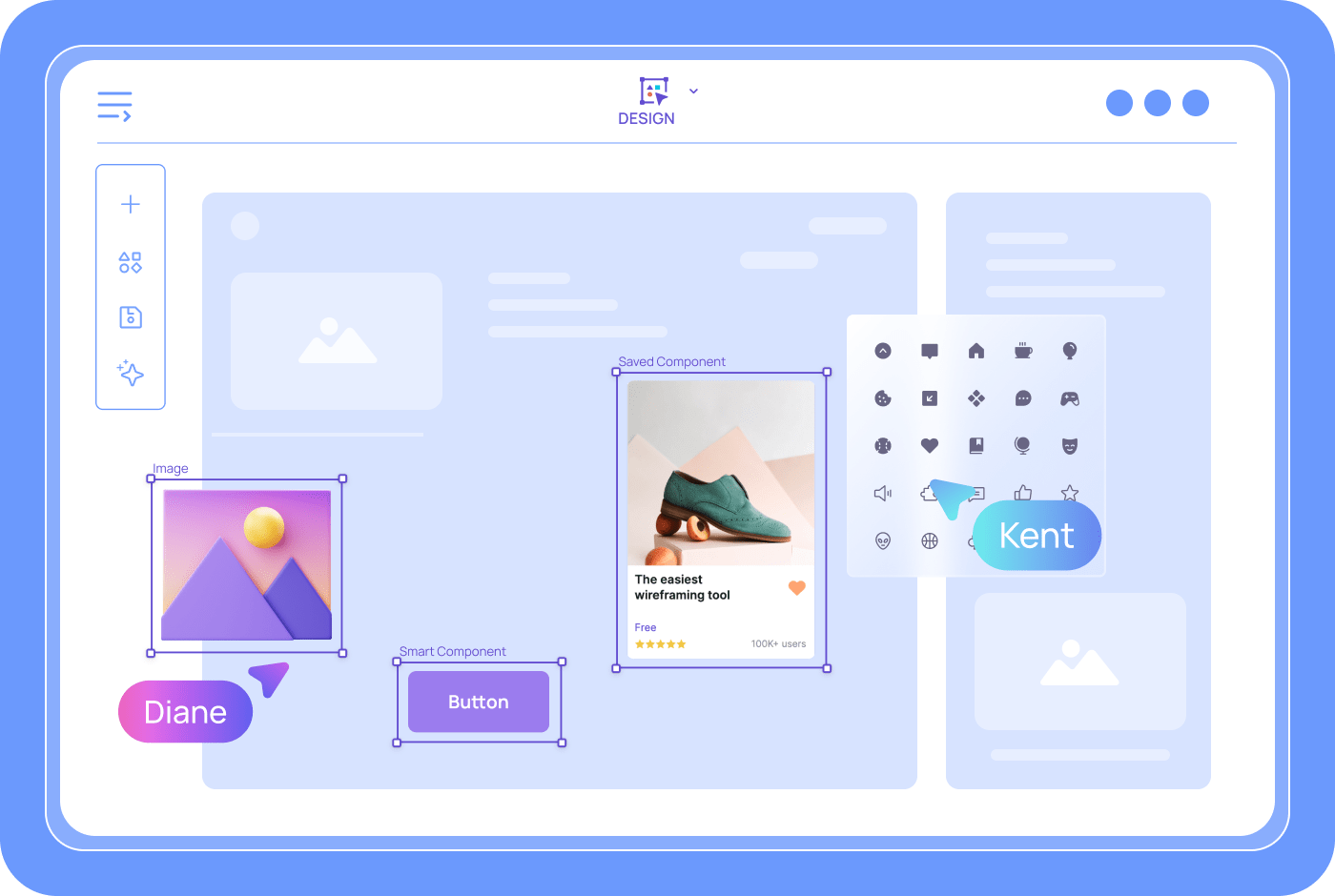
Most mapping tools drop you on a blank page. Visily offers over 1,500 customizable templates covering journey maps, empathy maps, personas, and flowcharts. Pick one that fits your scenario, then let AI populate the details. You skip setup and jump straight into customer insights.

From Journey Map to Clickable Prototype
Other tools stop at the visual. Visily lets you connect journey stages into a clickable prototype, then generate code from your designs. The responsive layout adapts to different screen sizes automatically. Your journey map becomes a development asset, not a presentation slide.

Multimodal Input for Any Journey Research
Your research doesn’t always arrive as text. Visily’s AI accepts screenshots, hand-drawn sketches, existing diagrams, and written prompts in one conversation. Combine a competitor’s app screenshot with your own journey notes. The AI produces a unified map. Work in whatever format feels natural.

AI Design on the Free Starter Plan
Visily’s Starter plan is free forever and includes AI design, 1,500+ templates, Smart Components, and real-time collaboration. You can create journey maps, share with unlimited viewers, and iterate with your team at no cost. No credit card required. Teams with heavier usage can upgrade to Pro or Business for deep AI design, expanded credits, and advanced export options.
Customer Journey Mapping Resources
Browse Visily's library of guides on journey maps, empathy maps, user flows, and more.




Start Generating Your Customer Journey Map for Free
You have the research. You have the customer data. Now turn insights into a clear journey map. Visily’s free generator converts text descriptions into polished, editable maps in minutes. No design skills needed. No software to install. Open your browser, describe the experience, and watch the map take shape. Every day without a clear map risks building the wrong thing.
NO SETUP REQUIRED
UNLIMITED VIEWERS
Customer Journey Map FAQ
Common questions about journey mapping with Visily
Visily is a strong choice for free journey mapping. Its Text to Diagram AI generates structured maps from plain text. The drag-and-drop editor lets anyone customize stages, touchpoints, and emotions. The free Starter plan includes full AI access and real-time collaboration.
A customer journey map is a visual representation of every step a customer takes with your product or brand. It typically includes stages like awareness, consideration, purchase, and retention. Each stage shows touchpoints, emotions, and pain points to help teams identify improvement areas.
Sign up for a free Visily account. Open a new project and select the Text to Diagram AI option.
Describe your customer's journey in the text prompt, including stages and key touchpoints. Visily's AI will generate an editable journey mapwithin seconds. You can then adjust the layout, add personas, and highlight pain points using drag-and-drop tools. Visily's template library also includes a dedicated User Journey Map Template you can customize directly.
Invite team members to collaborate in real time. They can comment on specific stages, suggest changes, and refine the map before it reaches stakeholders.
Visily also supports switching between lo-fi and hi-fi views. Keep maps rough during workshops and polish them for presentations, all without creating separate files.
Journey mapping isn't limited to one role. Product managers, UX designers, marketers, customer success teams, and founders all benefit from it. Visily's simple interface means anyone can contribute, regardless of design skill.