

Free AI Concept Map Generator
Free AI Concept Map Generator
Visualize Your Concept in a Board
Visily's free AI concept map generator turns a short text prompt into an editable concept map in seconds. Organize complex ideas, see relationships, and share your thinking before decisions are made.
AI Concept Maps Trusted by Teams










Concept Mapping Without the Busywork
You’ve been there. A big idea sits tangled with dependencies and unknowns. You open a generic drawing tool and start dragging boxes. Twenty minutes later you’re adjusting connector arrows instead of thinking. The structure still doesn’t capture what you mean. By the time you share it, half your team reads it differently.
- Map complex ideas in minutes, not hours.
- Start from a text prompt anywhere, anytime.
- Keep your thinking momentum going.
- Produce consistent, readable maps every time.
AI Text-to-Diagram for Concept Maps
Type a topic description, and Visily's Diagram AI produces a concept map with labeled nodes and connectors arranged for clarity. Every element is editable with drag-and-drop controls. You reshape the map without starting over. Within minutes, you have a visual structure your whole team can read, annotate, and build on.
Text Prompt to Concept Map Nodes
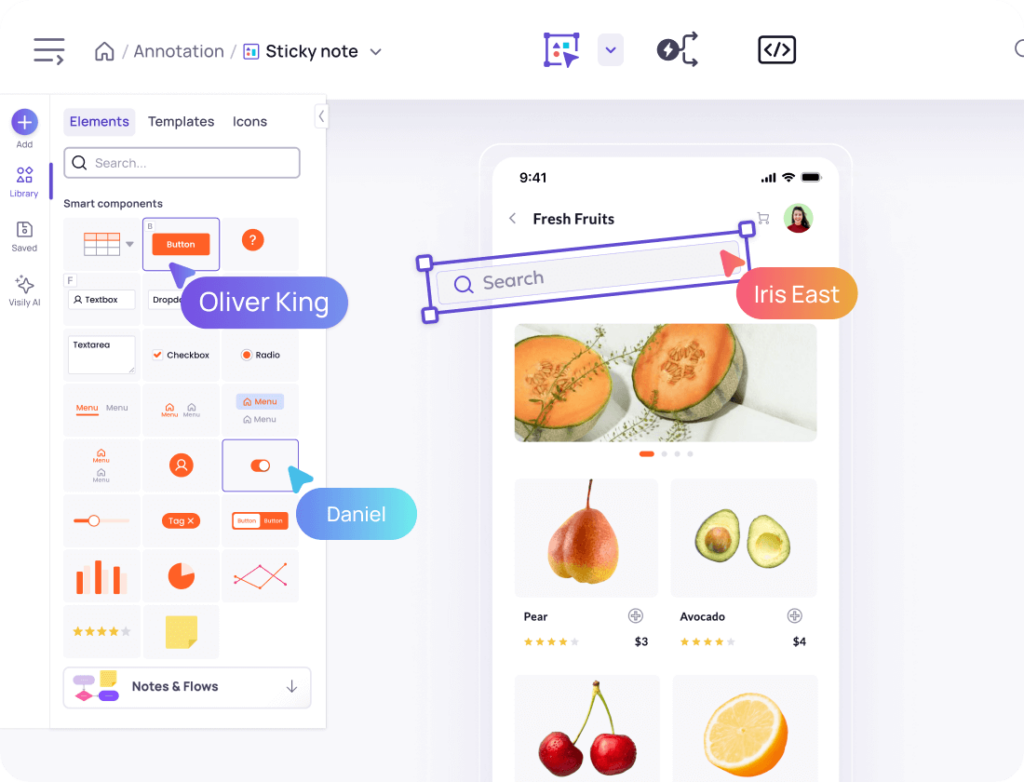
The blank canvas is the biggest barrier to clear thinking. You know the pieces but not the arrangement. With Visily’s Text to Diagram AI, you type a plain-language description and its relationships. The AI generates labeled nodes and linking phrases from your input. No drawing skills needed. You get a structured starting point in seconds, keeping focus on ideas rather than layout.
Toggle Between Wireframe and Polished Map Views
Early concept maps should feel loose and open to revision. Final versions need to look clean for stakeholders. Visily’s Lo-Fi to Hi-Fi toggle switches your map between sketch-style and polished nodes on one canvas. Start messy during brainstorming, then flip to presentation mode for your next meeting. One board, two fidelity levels, no duplicate work.
Auto-Connect Nodes Into a Logical Map Structure
A concept map gains its power from connections, not isolated boxes. Visily’s Auto-Prototyping links multiple generated nodes in a single request. Your map flows logically from core concept to supporting details. The result is a shareable diagram that tells a complete story about how ideas relate.
Real-Time Team Collaboration on Concept Maps
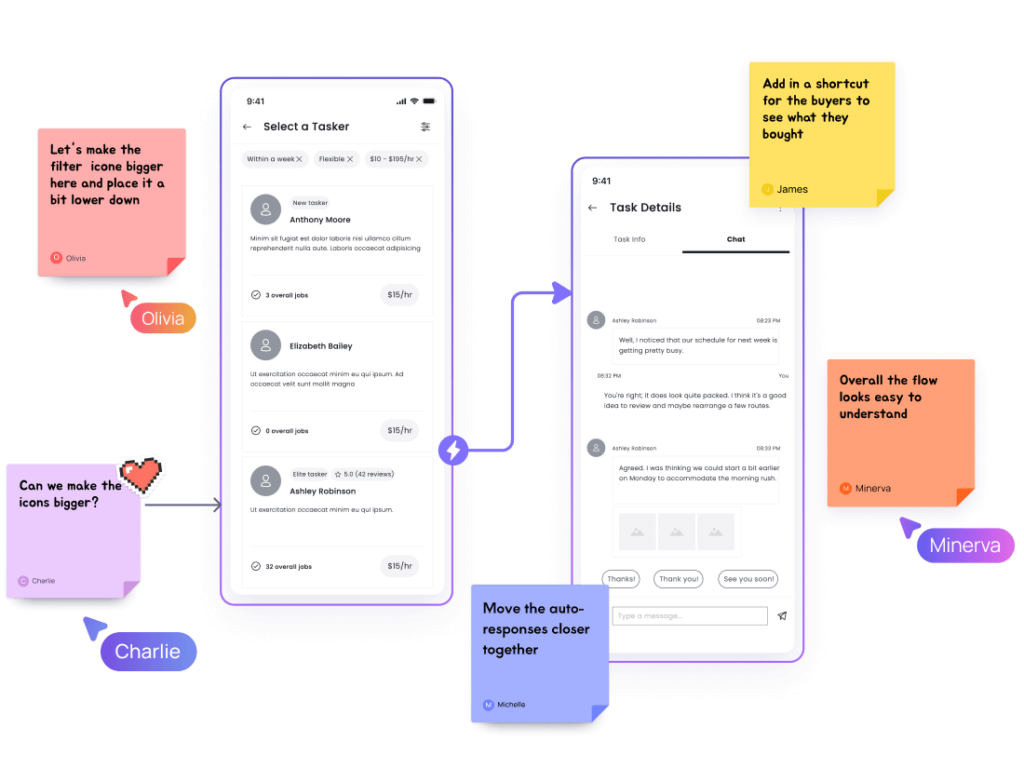
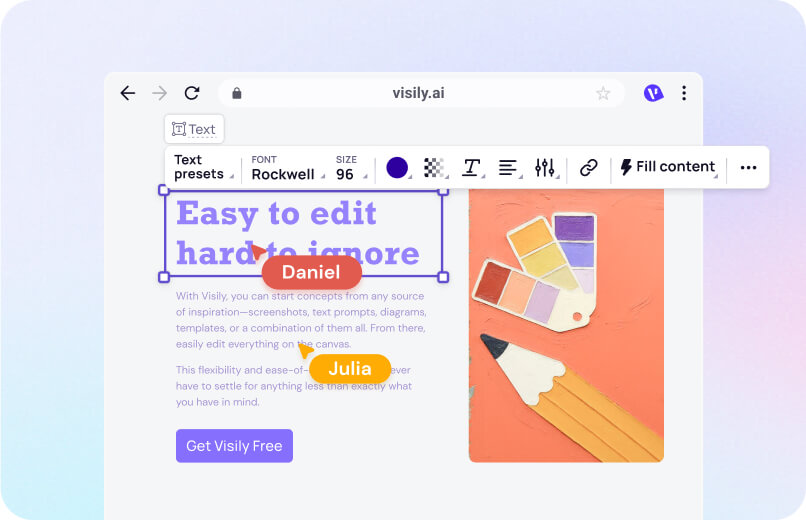
Passing static images back and forth strips away context. Visily’s real-time collaboration lets teammates comment directly on any node. Use cursor chat for quick questions, or follow someone’s view in Follower Mode during live sessions. Feedback lands on the exact concept it references, so nothing gets lost.
Build a Concept Map in 4 Steps
No design skills required. Setup takes under a minute.
1
Create Free Account
Sign up in 30 seconds. No credit card required.
2
Describe Your Topic
Type your subject and key relationships into the AI prompt box.
3
Customize Your Map
Drag, recolor, and relabel nodes to match your thinking.
4
Share and Collaborate
Invite your team to edit the map and add their own concepts.
Why Visily's AI Concept Map Tool Stands Out
Before Visily, concept mapping meant juggling a drawing app and a separate notes tool. Now your ideas flow from text to a structured visual you can edit, share, and act on in one place.

1,500+ templates for every mapping scenario
Most concept map tools hand you a blank board. Visily offers over 1,500 customizable templates for diagrams, flowcharts, and visual structures. Pick the concept map template, and the AI fills in nodes based on your topic. You skip setup entirely and jump straight into organizing ideas.
From concept map to prototype in one tool
Other mapping tools stop at the diagram. Visily goes further. Turn concept map nodes into UI screens, then connect them into a clickable prototype. Your research artifact becomes a design artifact without switching apps. One workspace carries your thinking from exploration to product design.

Multimodal AI accepts any input format
Your inspiration doesn’t always arrive as text. Visily’s AI accepts screenshots, hand-drawn sketches, existing diagrams, and typed prompts. Upload a whiteboard photo alongside a written description. The AI produces a clean concept map from both inputs. You work in whatever format feels natural.

Free tier with full AI concept mapping
Many competitors gate AI features behind paid plans. Visily gives you full access to AI concept map generation, real-time collaboration, and template libraries on the free tier. Create unlimited concept maps, invite teammates, and export at no cost. No credit card. No feature limits.
Concept Mapping Resources
Browse Visily's guides on diagrams, visual thinking, templates, and more.




Create Your AI Concept Map for Free
You have the knowledge. Connections are forming in your head. Now put them on screen where your whole team can see and build on them. Visily’s free AI concept map generator turns a short description into an editable, shareable visual map in under a minute. No design experience needed. No software to install. Open your browser, describe the topic, and watch your concept map take shape.
NO SETUP REQUIRED
UNLIMITED VIEWERS
Concept Map Generator FAQ
Common questions about AI concept mapping
Visily is a strong choice for free AI concept mapping. Its Text to Diagram AI converts plain-language descriptions into structured, editable concept maps. The free tier includes full AI access, real-time collaboration, and export — no credit card needed.
A concept map is a visual diagram showing relationships between ideas. Nodes represent individual concepts. Labeled connectors show how those concepts relate. Unlike simple mind maps, concept maps allow cross-links between branches. That makes them ideal for illustrating complex topic structures. They're used widely in education, research, and product planning.
Sign up for a free Visily account. Click "Ask AI" and select "Generate Diagram from Text."
Type your topic and key relationships into the prompt box. Visily's Diagram AIwill generate a structured concept map with labeled nodes and connectors. drag-and-drop editorYou can then rearrange, recolor, and relabel every element to fit your needs.
Invite teammates to collaborate on the same map in real time. Add, remove, or reconnect nodes as your understanding grows.
Visily also supports switching between lo-fi and hi-fi views. Your concept map goes from rough brainstorm to polished presentation without rebuilding.
AI concept mapping helps anyone who needs to see how ideas connect. Students use them for study notes. Product managers map feature relationships. Engineers document system architecture. Researchers organize literature reviews.