
Free Graphic Organizer Maker Online
Free Graphic Organizer Maker
Visily's free graphic organizer maker turns plain-text descriptions into editable mind maps, flowcharts, and concept maps. Structure any idea visually in seconds. No design experience required.
Get Visily for Free
Trusted by Educators and Product Teams










Manual Graphic Organizers Waste Your Time
You’ve been there. You open a slide deck, drag boxes around for an hour, and still get a lopsided concept map. Connectors snap to the wrong nodes. Colors clash. Sharing means exporting a PDF nobody can edit. The organizer meant to clarify your thinking becomes another obstacle.
- Generate organizers from text in seconds.
- Access your diagrams from any browser.
- Keep every revision on one shared board.
- Produce consistent, professional layouts.
AI-Powered Graphic Organizer Generation
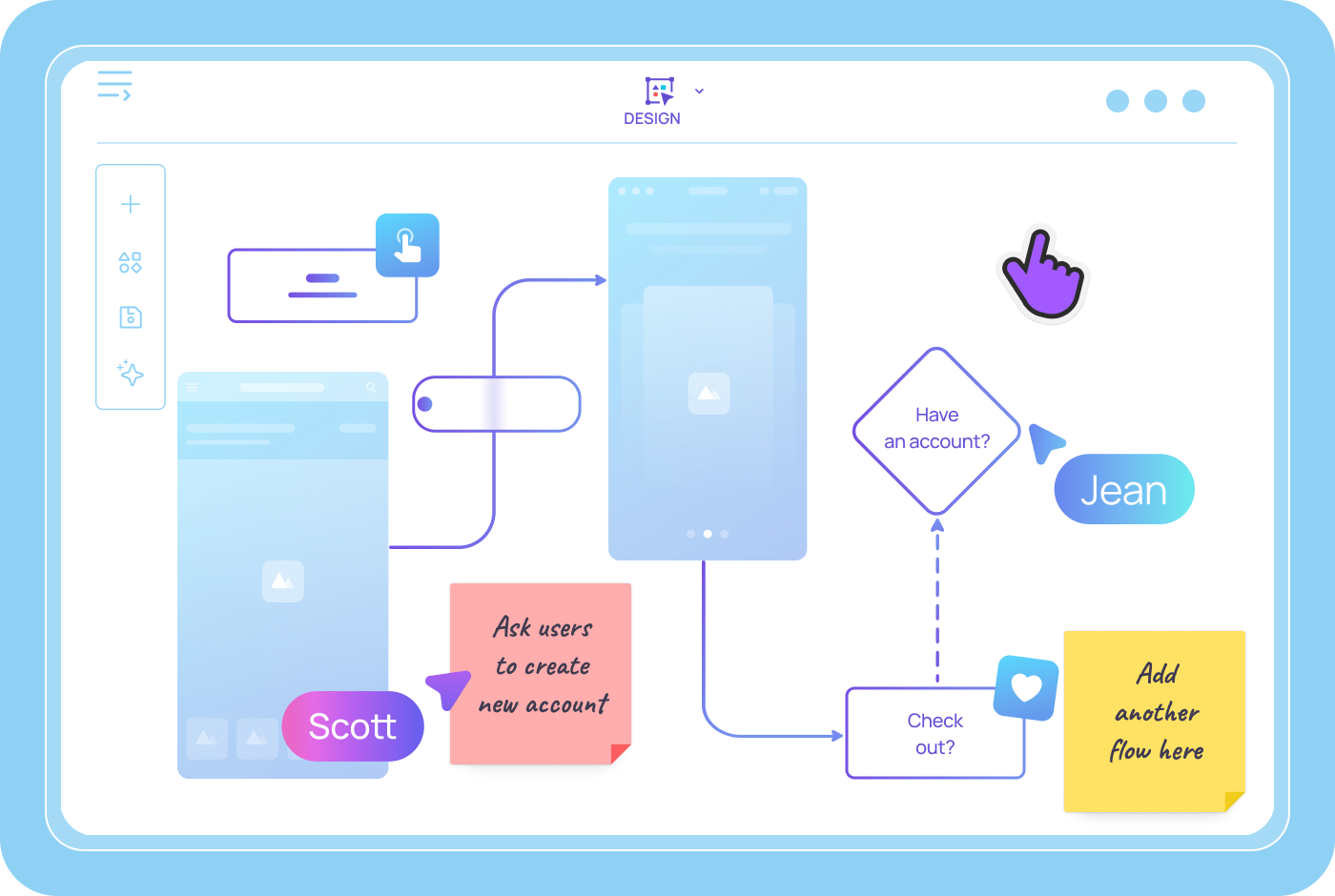
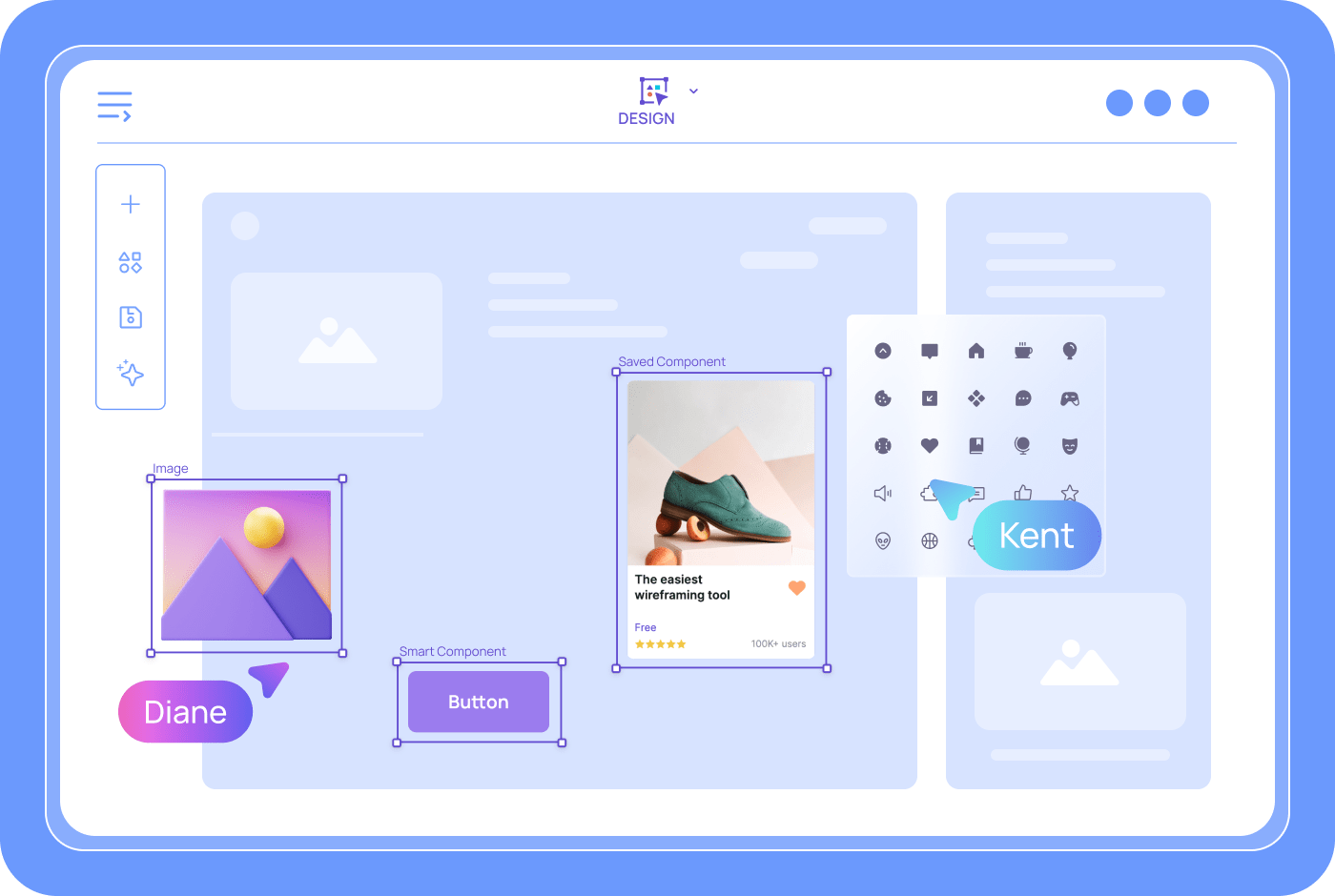
Visily's Text to Diagram AI converts a typed description into a structured visual organizer. You write concept relationships; the AI maps them as connected nodes, branches, or flow steps. Every element is fully editable on a drag-and-drop canvas. Add shapes, icons, color codes, and labels with a few clicks. Your team can read and refine the output within minutes.
Text to Diagram for Concept Maps
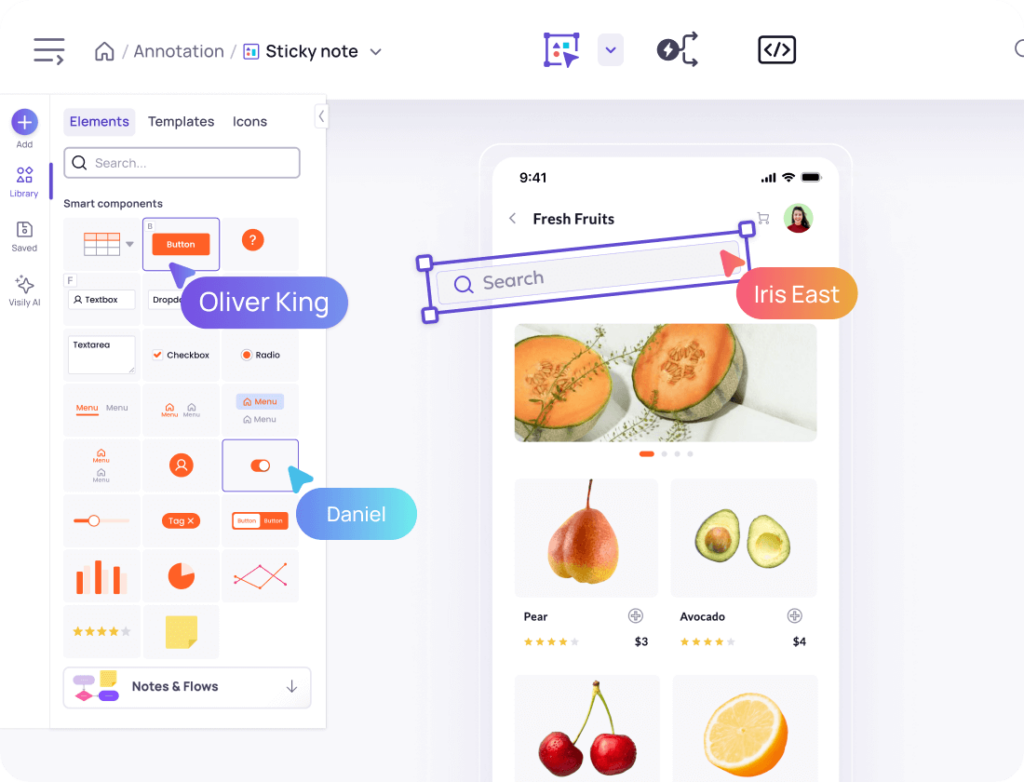
Visily’s Text to Diagram feature accepts a plain-language prompt describing your topic and its relationships. The AI parses the input, identifies key concepts, and produces labeled nodes with connectors. You don’t need drawing skills or diagramming training. Type your prompt, review the output, and drag elements to fine-tune placement. The whole process takes less time than formatting one slide.
Lo-Fi and Hi-Fi Organizer Fidelity
Early brainstorming calls for rough structure. Final presentations demand clean visuals. Visily’s fidelity toggle switches your graphic organizer between lo-fi wireframe style and polished hi-fi mode. Both views share the same underlying layout. Toggle to hi-fi before you present. No duplicate files, no rework.
Auto-Prototype Links Organizer Panels
A graphic organizer often spans multiple boards or screens. Visily’s Auto-Prototype feature wires those screens together automatically. Each panel connects to the next, producing a clickable flow you share via link. Stakeholders click through the organizer like a presentation—no software install needed.
Real-Time Collaboration on Organizers
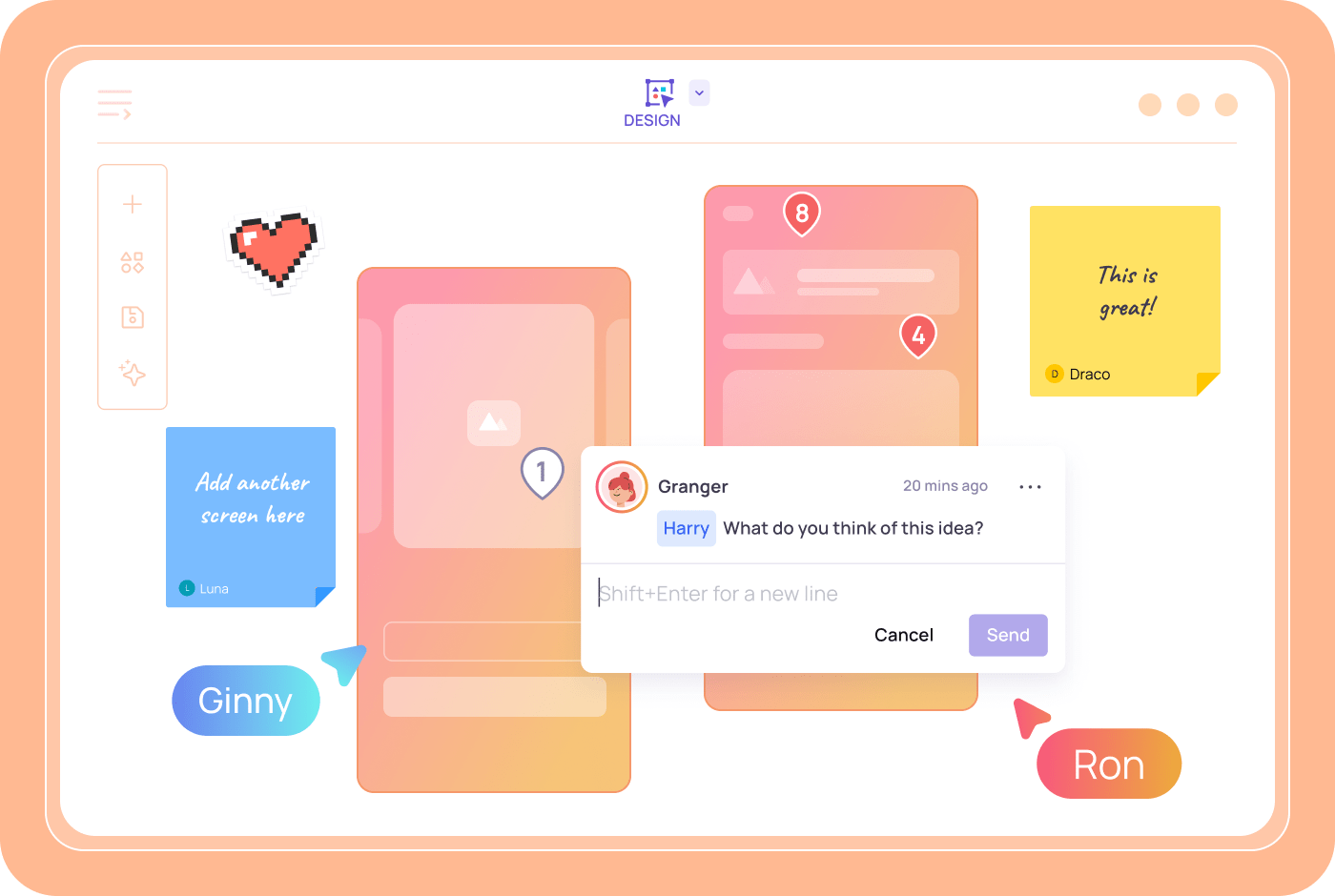
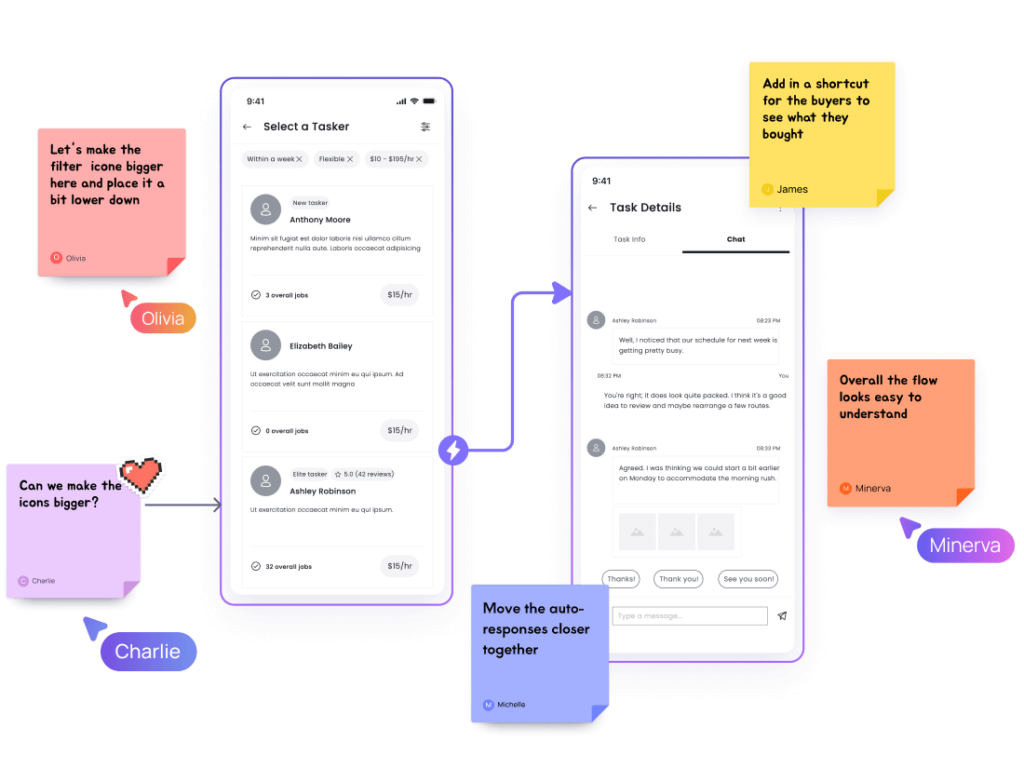
Visily’s collaboration tools let multiple users edit the same graphic organizer at once. Team members add nodes, comment on specific branches, and follow the presenter’s view in Follower Mode. Feedback stays attached to the exact element it references. One board, one conversation. No screenshots or email chains.
Create a Graphic Organizer in 4 Steps
No design skills needed.
1
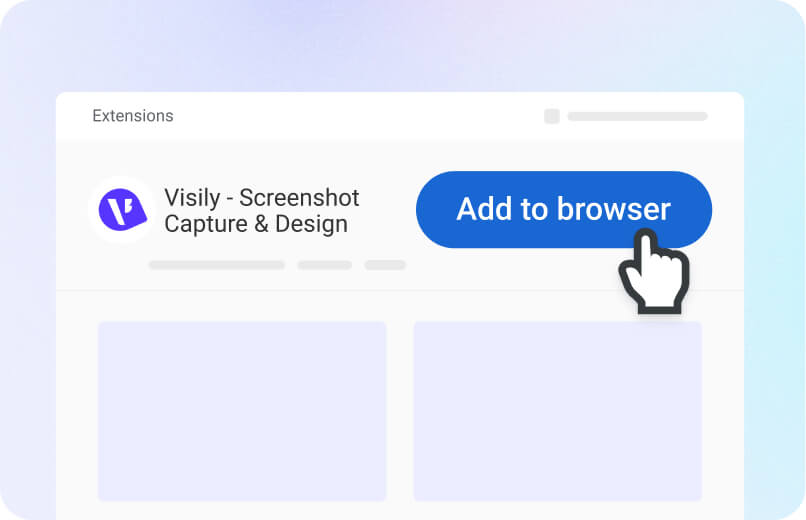
Sign Up Free
Create your Visily account in seconds. No credit card required.
2
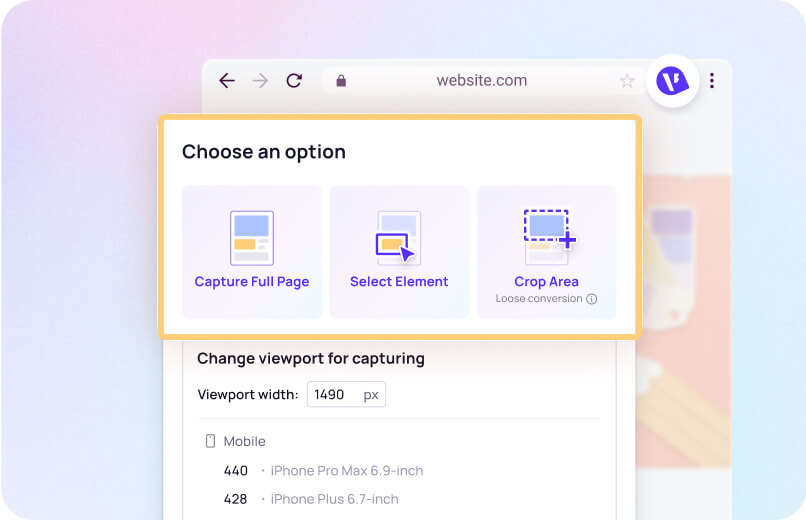
Describe Your Organizer
Type a prompt describing the concepts and relationships you need mapped.
3
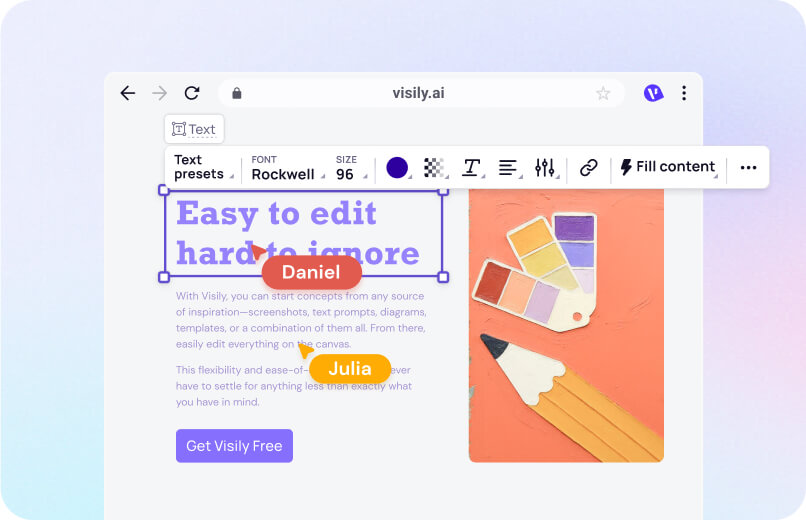
Customize the Layout
Drag and drop nodes, change colors, and add icons on the visual canvas.
4
Share and Collaborate
Invite your team to view, comment, or co-edit in real time.
Why Visily Beats Other Organizer Tools
Traditional graphic organizer software locks you into rigid templates. Visily’s AI builds the structure for you, then gives you full control to reshape it.

1,500+ diagram and design templates included
Most organizer apps ship a handful of generic layouts. Visily’s library holds over 1,500 templates: mind maps, flowcharts, concept maps, Venn diagrams, and more. Pick the closest match, and the AI adapts it to your content. You skip blank-canvas paralysis and start thinking immediately.

From organizer to developer handoff
Visily doesn’t stop at visuals. Export your graphic organizer as PNG, PDF, or JPG. Need pixel-level control? The Figma plugin transfers every element as organized Figma layers. Your organizer becomes a reusable asset across design, documentation, and development.

Multimodal AI Input for Organizers
Ideas arrive in many formats. Visily’s AI accepts text prompts, screenshots, hand-drawn sketches, and existing diagrams. Upload a whiteboard photo, and the AI rebuilds it as an editable graphic organizer. Paste a competitor’s diagram alongside a written outline, and the AI merges both inputs. You work in whatever format fits your moment.

Free tier with full AI access
Visily’s Starter plan costs nothing—forever. You get full access to Text to Diagram AI, the template library, real-time collaboration, and all export options. No trial countdown. No feature gates. Create as many graphic organizers as you need at zero cost.
Graphic Organizer Resources
Browse Visily's guides on diagrams, concept maps, flowcharts, and visual thinking tools.




Start Making Graphic Organizers Free
You have the ideas and the content. Now you need a visual structure that makes both clear to every stakeholder. Visily’s free graphic organizer maker converts your text into editable mind maps, flowcharts, and concept maps in minutes. No software to install. No design background required. Open your browser, type your prompt, and watch your ideas take shape on a shared canvas.
NO SETUP REQUIRED
UNLIMITED VIEWERS
Graphic Organizer FAQs
Common questions about the free graphic organizer maker
A graphic organizer is a visual diagram that maps relationships between concepts. Common types include mind maps, flowcharts, concept maps, and Venn diagrams. Visily lets you create all of these from a text prompt, then edit them on a drag-and-drop canvas.
Sign up for a free Visily account, click Ask AI, and select Text to Diagram. Type a description of the concepts and relationships you want to visualize. The AI generates an editable diagram in seconds. Drag nodes, adjust colors, and add connectors to refine the layout.
Yes. Every Visily template is fully editable. You can move, resize, recolor, or delete any element on the canvas.
Browse the template library to find organizer layouts for mind maps, flowcharts, and more. Once you select a template, modify it on the drag-and-drop canvas to match your specific topic and audience. Add icons, images, and text labels to any node.
You can also combine template elements with AI-generated content. Start from a template, then use Text to Diagram to add new sections automatically.
Real-time collaboration means teammates can edit the same organizer at once. Share the board link, collect feedback on the canvas, and iterate without version confusion.
Educators, students, product managers, UX designers, and business analysts all rely on graphic organizers. They're useful for lesson planning, project scoping, user flow mapping, and strategic brainstorming. Visily's zero-learning-curve interface makes it accessible to every role.