

Free Product Development Tool
Free Product Development Tool
Build Products Faster
Your product idea shouldn’t die in a whiteboard photo.
Visily’s free product development tool turns raw ideas into wireframes, prototypes, and diagrams, with no design skills and nothing to install.
Your whole team builds, tests, and iterates on one shared board, so a rough concept becomes a reviewable design in minutes instead of a week of scattered replies.
Start building for free in your browser.
Trusted by Product Teams Everywhere








Product Development Stalls Without a Shared Design Tool
Someone sketches a concept on a whiteboard and emails a photo around. Feedback scatters across threads, three apps hold three versions of the truth, and the idea loses momentum before anyone builds a thing.
With the right tool, one rough idea becomes a shared, editable design in minutes, and your whole team works from the same screen instead of a blurry photo and a dozen replies.
Visily is that tool. No design skills needed, no handoff delays, no lost momentum.
- Ship product ideas in minutes, not weeks.
- Turn rough concepts into visual screens from anywhere.
- Keep your whole team aligned on one board.
- Go from lo-fi sketch to hi-fi mockup instantly.
AI Wireframing for Product Development Workflows
Describe your product concept in plain text and Visily’s AI generates editable UI screens that match your intent. You refine what the AI already started, and within minutes a rough idea becomes a wireframe developers and stakeholders can review.
Text to Design: Turn Product Ideas Into UI Screens
Visily’s Text to Design AI turns one sentence into a real UI screen. Type what you need, a dashboard, a checkout flow, a settings page, and the AI builds it.
You get an editable layout in seconds, not hours, and every element stays drag-and-drop after generation.
Your focus stays on the product decision, not the pixels.
Lo-Fi to Hi-Fi Toggle for Product Design
Visily’s fidelity toggle switches between wireframe-style and high-fidelity views on the same board.
Start loose during brainstorming, then flip to polished mode before your review. Nothing gets redrawn or lost in the switch.
One board carries the idea from the messy first pass to the meeting where it earns a yes.
Auto-Prototype: Clickable Product Flows, No Manual Linking
A product concept isn’t a single screen. It’s a flow. Visily’s Auto-Prototype connects your screens into clickable sequences without manual linking.
Share the result, and your team clicks through the whole user journey in the browser.
You test the experience and catch the gaps before anyone writes a line of code.
Real-Time Collaboration on Product Design Screens
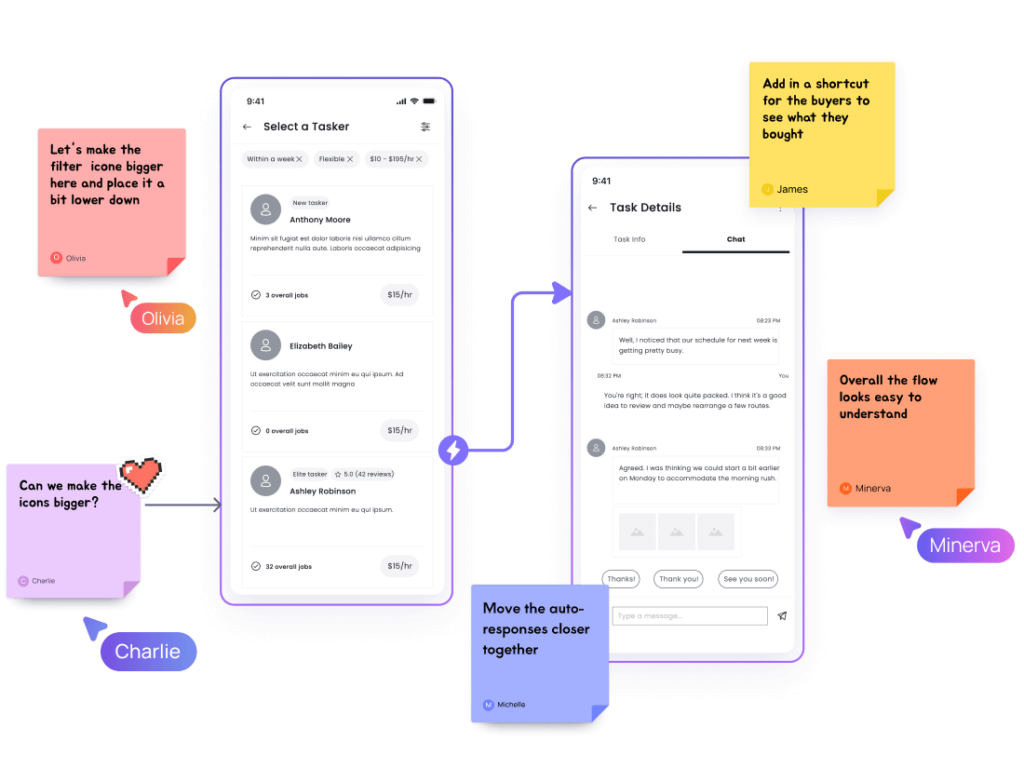
Visily’s collaboration tools let teammates comment on screens, co-edit in real time, and share boards with unlimited viewers.
Feedback stays attached to the exact element it references, so context travels with the comment.
Your team gives design input without booking a meeting or hunting through a thread.
How to Build Your First Product Design in 4 Steps
Getting started takes 4 steps, and most take seconds. You sign up, describe an idea, refine it, and share it.
No credit card, no download, and no design background stand between you and your first screen.
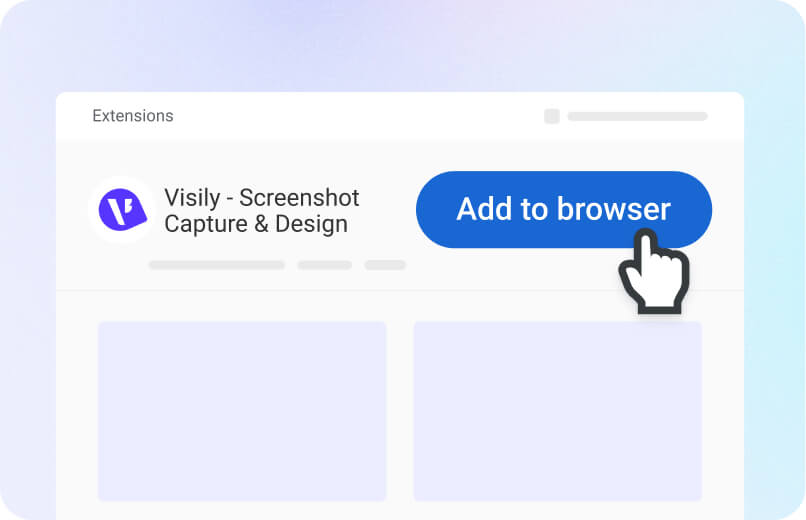
1
Create Free Account
Sign up in seconds. No credit card required.
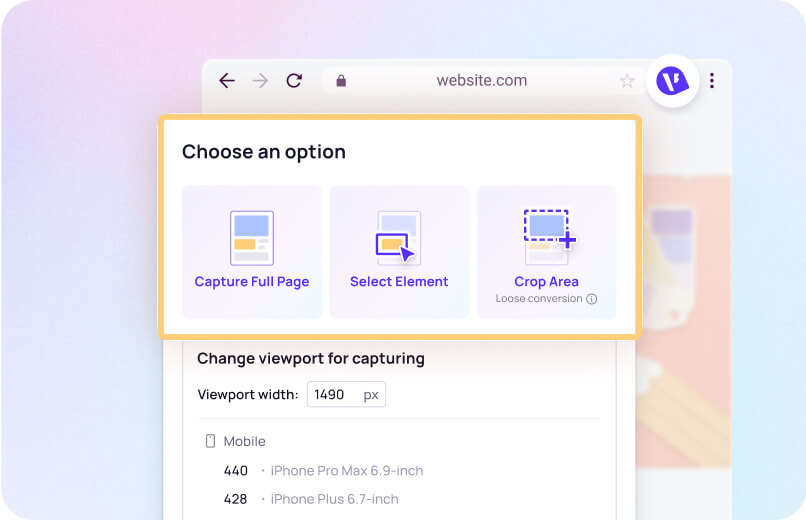
2
Enter Your Product Idea
Type a text prompt describing the screen or flow you need.
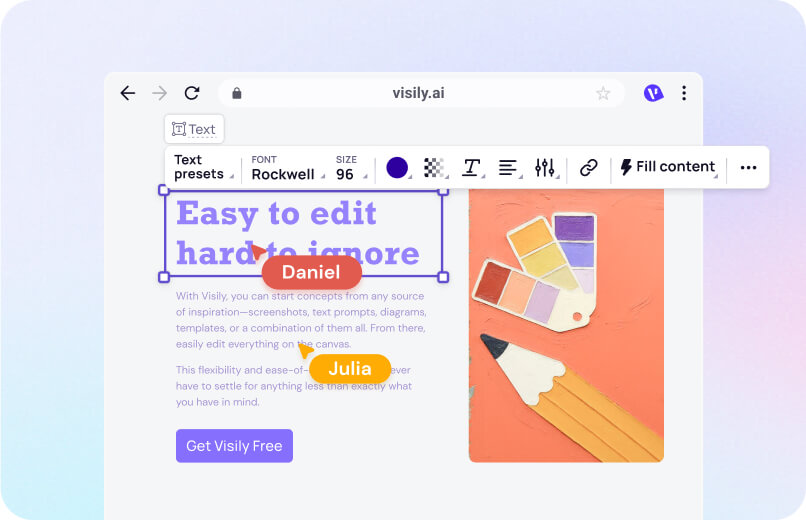
3
Refine Your Designs
Edit AI outputs with drag-and-drop tools or adjust fidelity levels.
4
Share and Collect Feedback
Invite your team to review, comment, and iterate together.
What Makes Visily a Complete Product Development Tool
Imagine one workspace that carries a product from the first idea through developer handoff, with no app-switching in between. That’s Visily, and the Starter plan covers it at no cost.
1,000+ templates for every product scenario
You used to cobble together slides and static mockups from three or four different apps. Now you pick from over 1,500 templates, dashboards, onboarding flows, e-commerce listings, inventory systems, and shape any one to your exact use case in minutes. Each template is fully editable.
Screenshot to Design: Convert Any UI to Editable Wireframes
Recreating a competitor’s layout used to mean hours of manual redrawing. Now you upload any screenshot and Visily’s AI converts it into an editable design. Swap colors, move components, make it yours. The gap between “I like that” and “here’s our version” shrinks to minutes.

Multimodal AI: Text, Sketch, and Screenshot Inputs
Your product ideas don’t always arrive as neat text. Sometimes they’re hand-drawn sketches, existing diagrams, or competitor screenshots. Visily’s AI accepts all of these in one conversation, so a rough sketch plus a written description produces a cohesive layout. Your work however feels natural.
Free Starter plan with full AI access
Most product development tools lock their AI features behind a paid tier. Visily’s Starter plan includes AI design, templates, and Smart Components at no cost, and it stays free forever. Pro and Business tiers add more AI credits, AI deep design, and export to Figma and code when your usage grows. Free forever means you can prove the workflow on a real project before you ever discuss an upgrade.
Product Development Resources
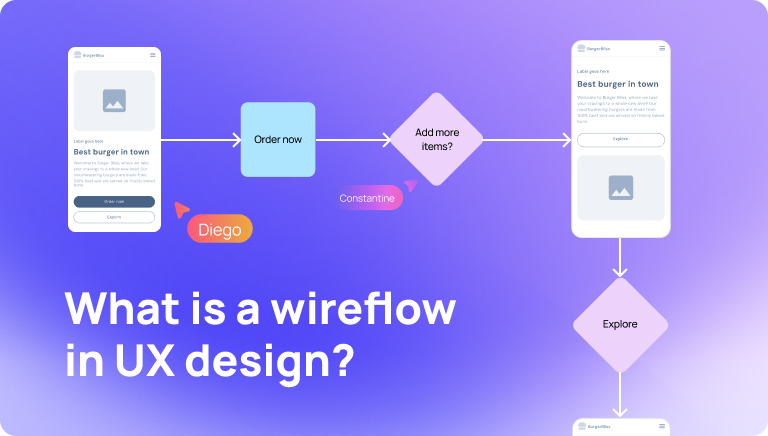
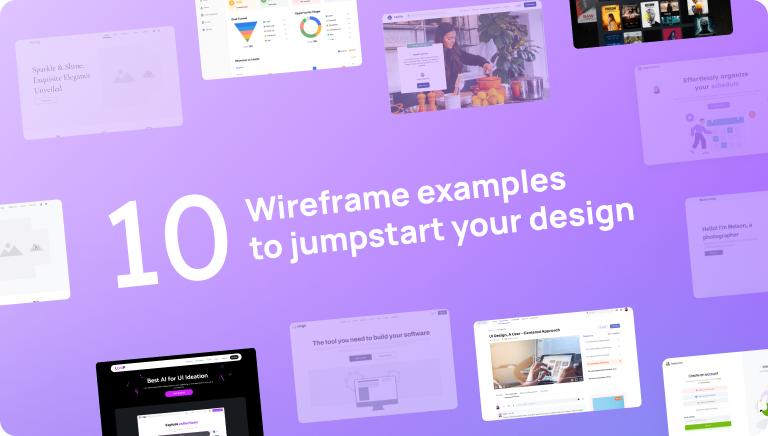
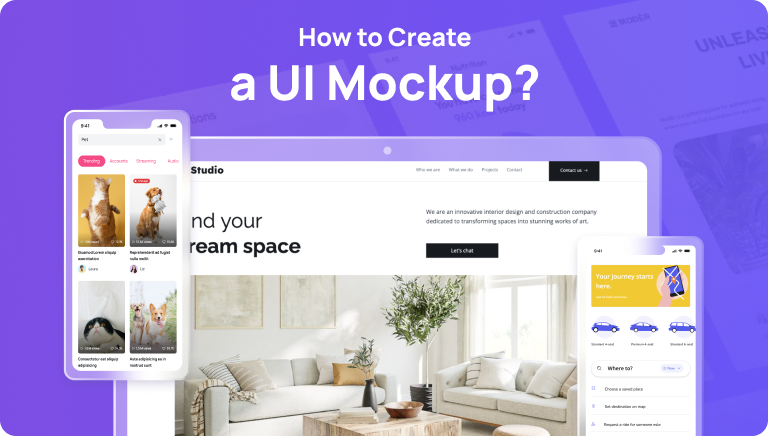
Browse Visily's library of guides on wireframes, prototypes, UI components, and product design workflows.

Start Product Development With Visily for Free
You have the user research. You have the roadmap. What you’re missing is a fast way to turn those inputs into screens your team can see, click, and improve. Visily converts text prompts, sketches, and screenshots into editable wireframes and prototypes, all in your browser with nothing to install.<br>
No design background, no credit card, and a Starter plan that’s free forever mean the only thing you spend to find out is a few minutes. Open your browser, describe your product idea, and watch it take shape on a shared board.
NO SETUP REQUIRED
UNLIMITED VIEWERS
Free Product Development Tool FAQ
Common questions about this free product development tool
Visily's Starter plan gives you full AI access, 1,000+ templates, and real-time collaboration at no cost. You can create wireframes, mockups, and interactive prototypes without design experience. The AI handles layout generation so you focus on product decisions.
Product managers, engineers, founders, and business analysts all benefit from Visily. Anyone who needs to communicate a product idea visually can use it. The drag-and-drop interface and AI features remove the need for design training.
Sign up for a free account and choose how to begin. You can start with AI by typing a text prompt describing your screen or flow.
You can also browse Visily's library of over 1,000 pre-built templates. Pick one that fits your use case and customize it with drag-and-drop tools or Text to Design AI. The AI generates editable screens from plain-language descriptions, cutting your setup time dramatically.
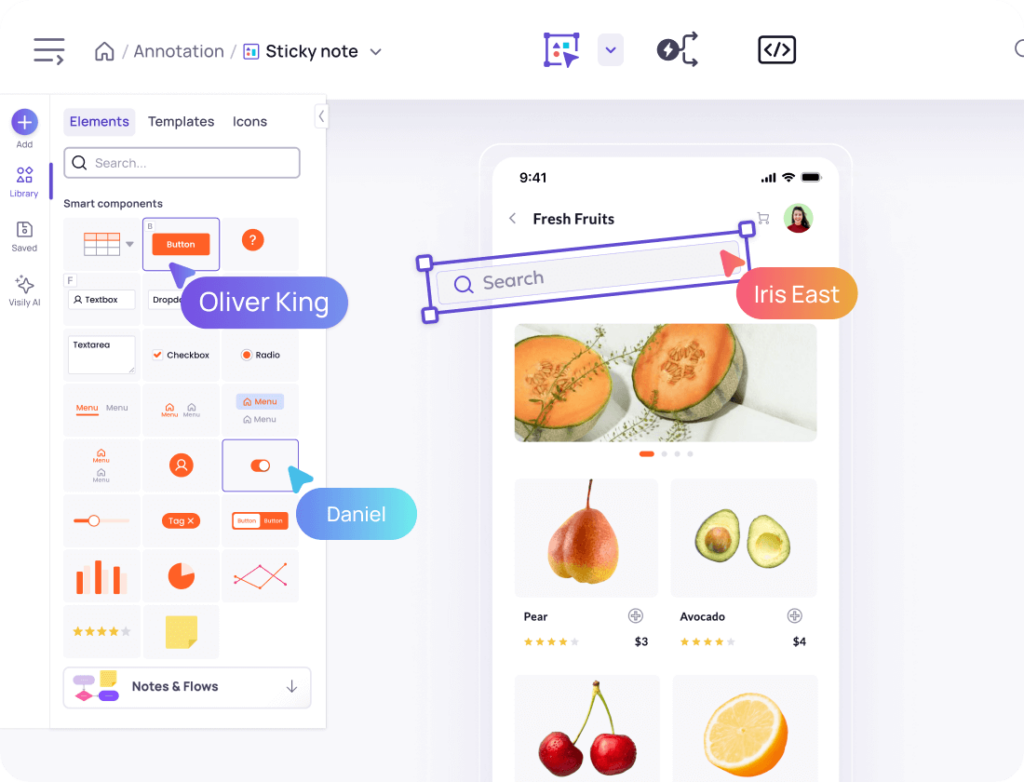
Once your initial screens are ready, refine them with Smart Components like buttons, sliders, and cards. Toggle between lo-fi and hi-fi views to match your audience.
Visily supports real-time collaboration, so teammates can comment and co-edit on the same board. Share your project with stakeholders for instant feedback—no file exports needed.
Yes. Visily was built for non-designers from the ground up. AI generates layouts from text or screenshots, and the drag-and-drop editor requires no technical training. Product managers, engineers, and founders use it daily.