


[Help Center] Integration With Slack
Visily is a powerful tool for creating wireframes, prototypes, and user flows. With the Visily and Slack integration, teams can stay aligned by previewing Visily links directly in Slack and receiving real-time notifications on comments and discussions—without switching between apps.
Why connect Visily with Slack?
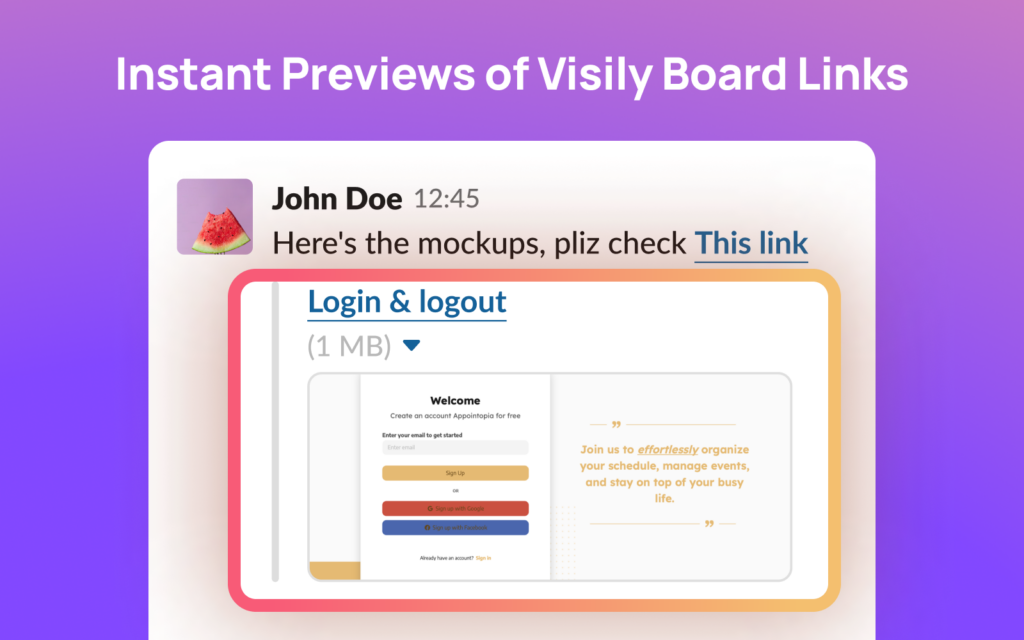
🔗 Instant Previews – Share a Visily board or element link in Slack to see a rich preview with a name and thumbnail.
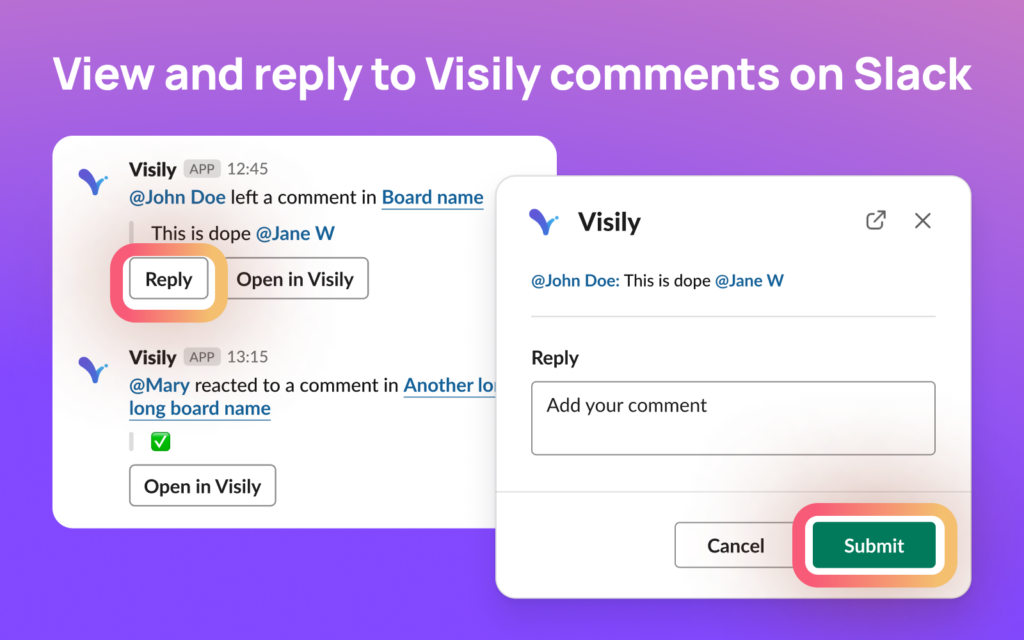
💬 Stay in the Loop – Get notified when someone mentions you, replies to your comments, or reacts to a comment.
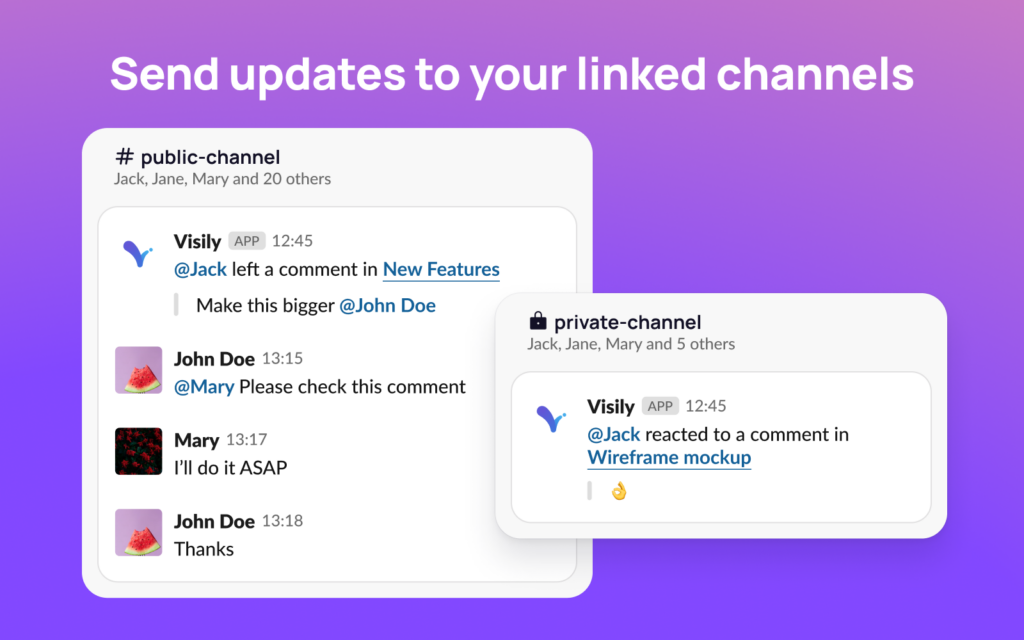
📢 Channel-Wide Updates – Link Slack channels to Visily boards and receive team-wide updates on all comments.
⚙️ Custom Notifications – Choose notification preferences: everything, mentions & replies, or none.
👥 Effortless Team Sharing – Invite teammates to Visily directly from Slack without typing emails manually using Share via Slack Contact.
How It Works in Slack
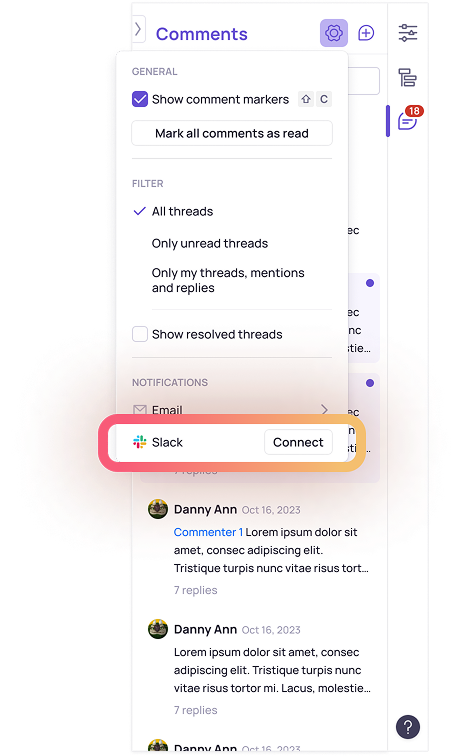
1️⃣ Install Visily for Slack – Click the Connect Slack button and grant the necessary permissions.
2️⃣ Share a Visily Link – Paste a Visily board or element link in any Slack message to generate an instant preview.
3️⃣ Enable Notifications – Set up Slack notifications from Visily’s comment settings to stay updated.
4️⃣ Link Slack Channels – Connect Visily boards to specific Slack channels for team-wide collaboration.
Get Started
From a Visily Board – Open the Comment Settings on any Visily board, look for Connect to Slack in the Notifications, and click to install.
- If your Slack workspace requires admin approval, you may need to wait for an admin to approve the installation.
- After installation, grant the necessary permissions to enable link previews and notifications.
See It in Action
Visily link previews in Slack messages
Slack notifications for comments and mentions
Slack channel settings in Visily
Share board easily with Slack members
Need Help?
Visit our Help Center or contact us at support@visily.ai.
Enhance your team’s workflow with Visily for Slack—Get started today! 🚀