You can now move boards across different projects, making it easier to organize your design files and enhancing your workflow and productivity.

Tip: This feature is only available in Pro and Business plans.
Where to access
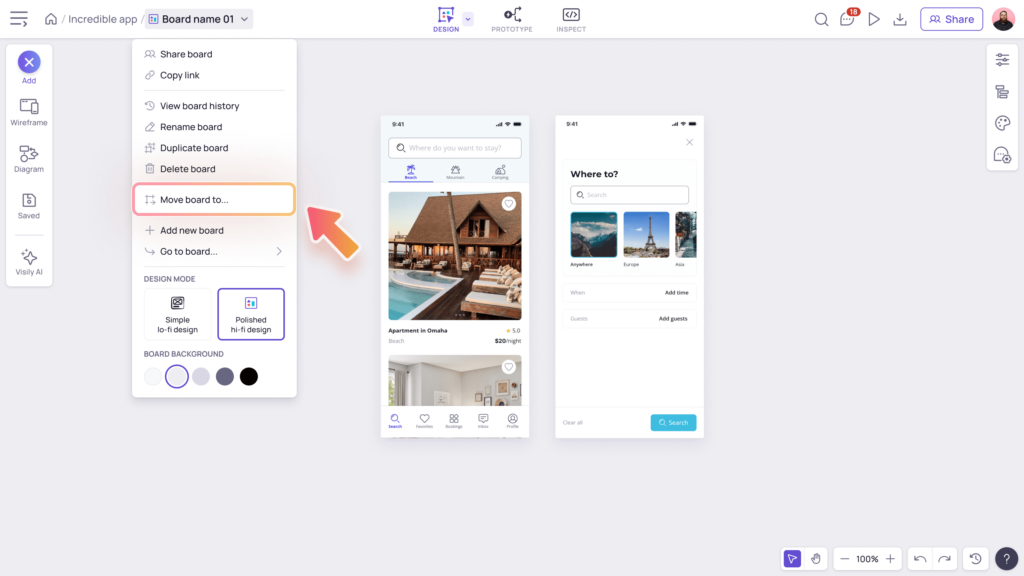
In your board editor, click on the dropdown next to the board’s name and choose Move board to… from the actions menu.
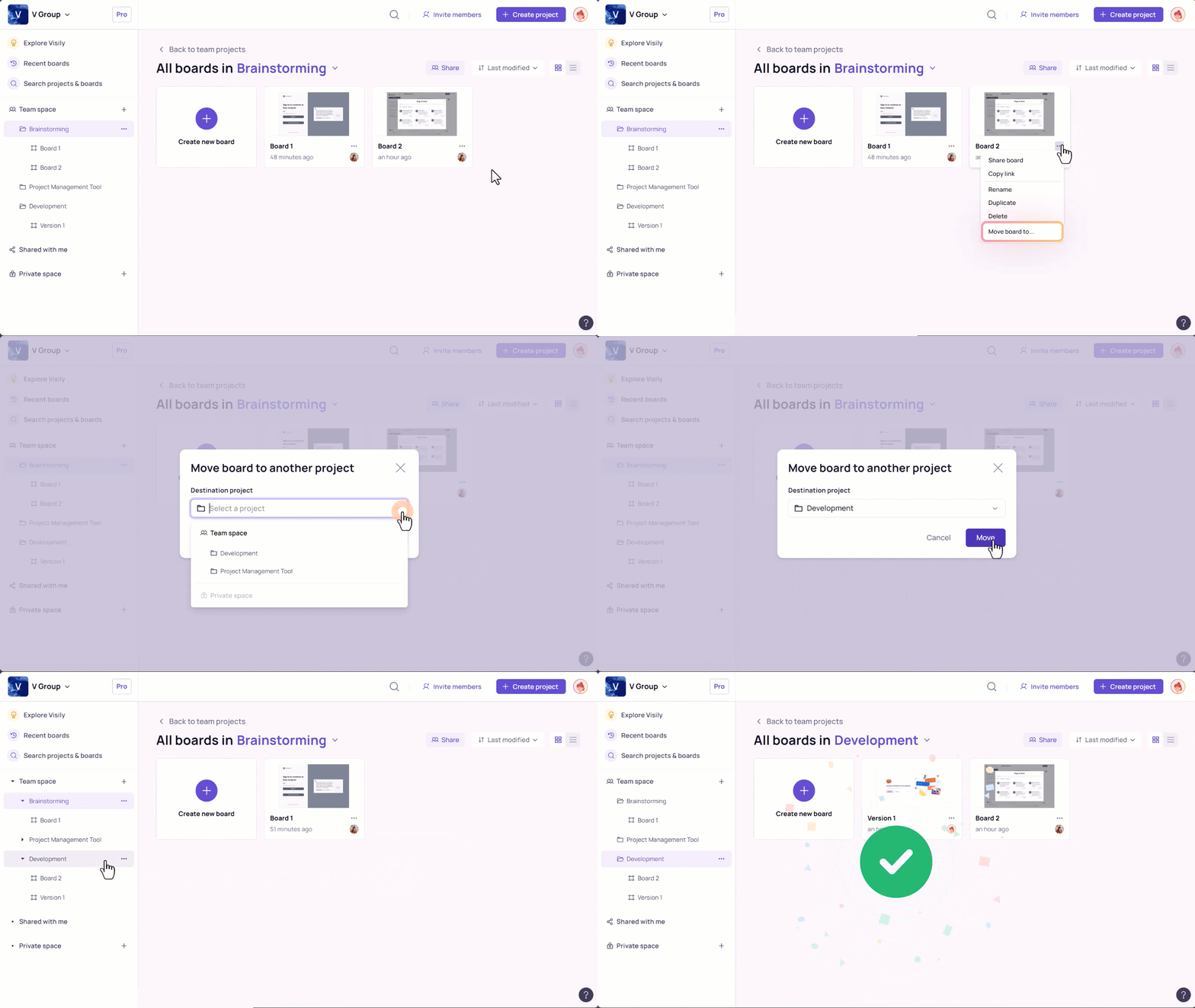
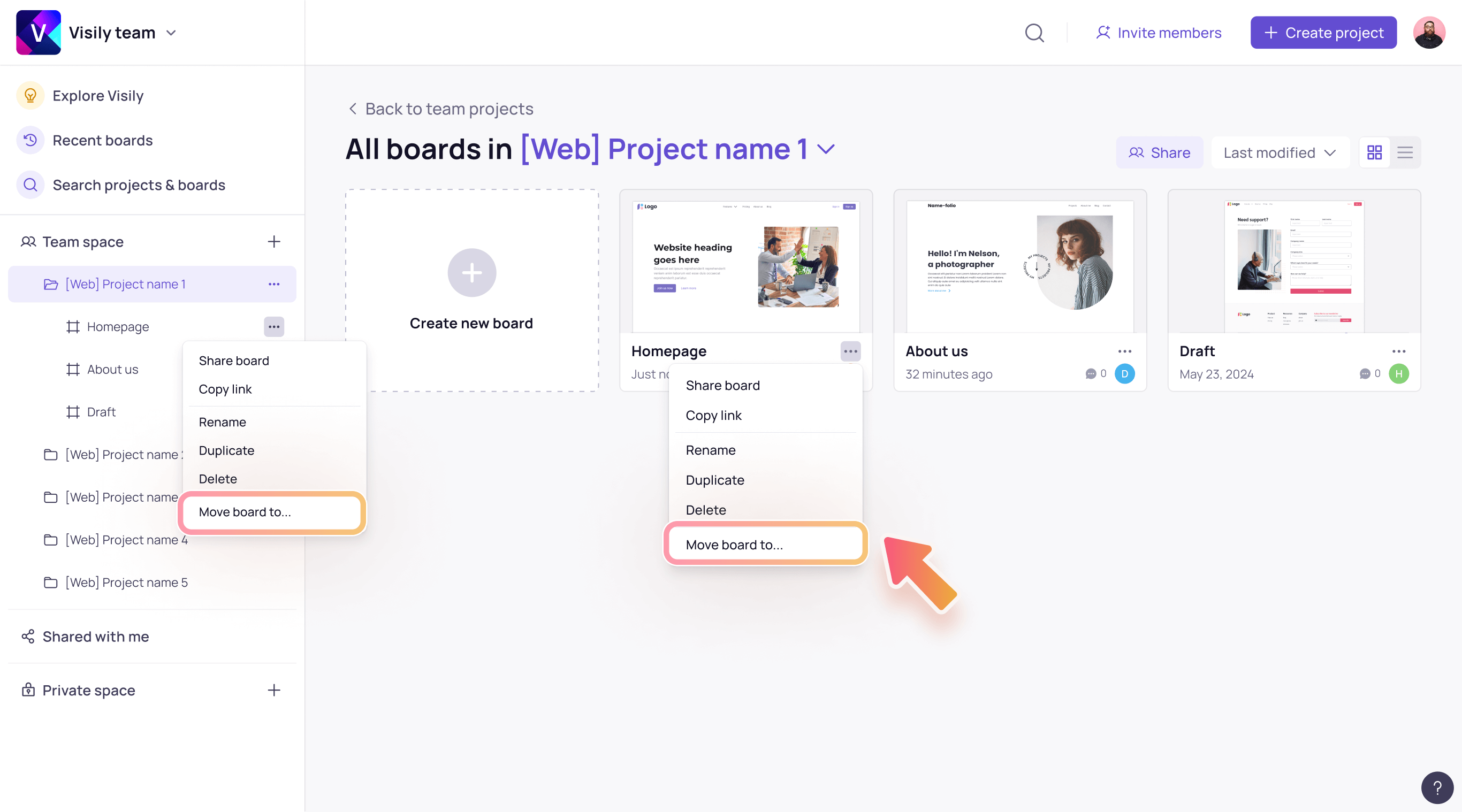
Outside board editor, you can also select More actions (…) button next to the board’s name to open dropdown menu and choose Move board to….
Who can move boards
You need to be in Visily Pro or Business plans and have the edit permission below can access this feature.- Have
can editpermission within the original board. - Have
can editpermissions within both the original and destination projects