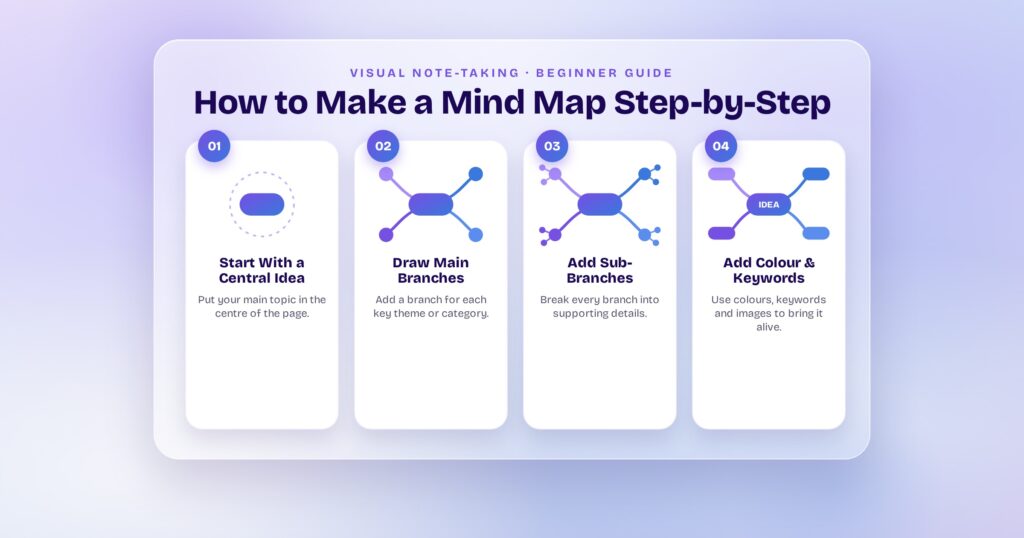
Ideas scattered across docs, whiteboards, and chat threads don’t become plans on their own. Mind mapping software gives those ideas a structure—a visual, branching hierarchy that connects concepts outward from a central topic. You can brainstorm a product roadmap, plan a sprint, study for an exam, or map a full content strategy, all on one canvas that mirrors how your brain actually connects information.
The 2026 landscape has changed fast. AI-powered idea generation is now standard, real-time collaboration ships in most free tiers, and a growing number of tools do more than diagram—they turn mind maps into wireframes, prototypes, and actionable project boards. Visily leads this list because it’s the only tool that bridges brainstorming and UI design on the same canvas, letting non-designers go from sticky notes to high-fidelity screens without switching apps.
This blog breaks down the 15 best mind mapping tools, their standout features, and which one fits your workflow.
What Mind Mapping Software Does (and Why Teams Use It)
A mind map is a visual diagram with one central topic that branches outward into related subtopics, each spawning its own child nodes. Tony Buzan popularized the format in 1974, and digital tools have since added collaboration, AI generation, templates, and export pipelines on top of that core structure.
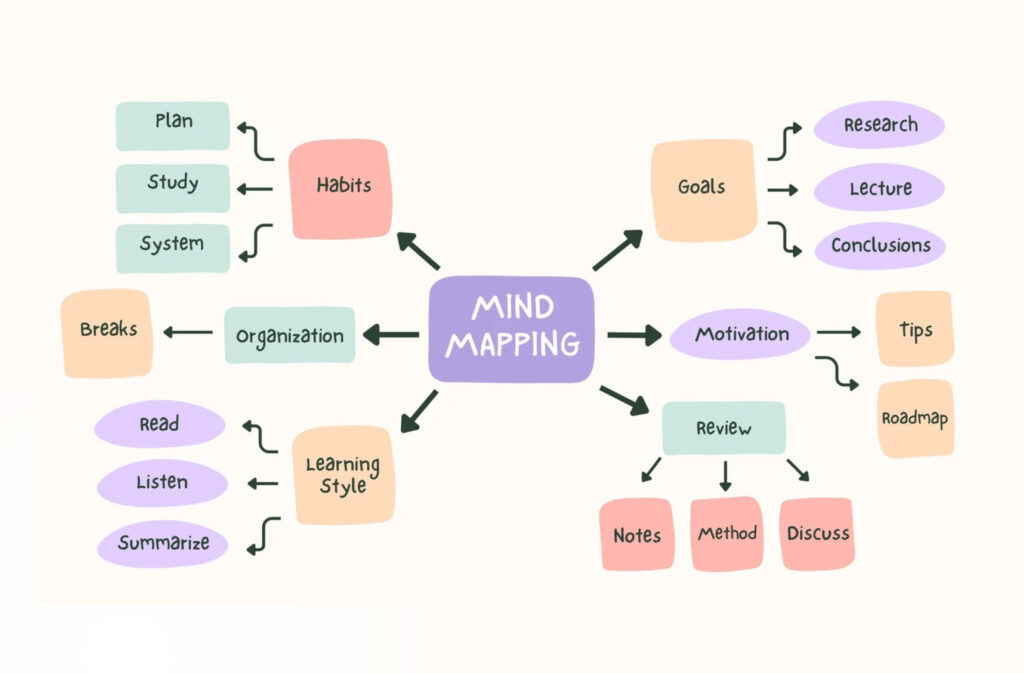
Teams use mind mapping software for brainstorming sessions, project planning, note-taking, strategic analysis, and UX research. The visual hierarchy forces you to group related ideas and surface connections that flat documents hide. A scientific study published by ASME found that mind maps can increase memory retention by 10–15% compared to linear notes, partly because the radial layout mirrors how the brain forms associations.
In 2026, the category has split into two camps: traditional mind mapping tools that added collaboration over time, and AI-native platforms built from the ground up for contextual, intelligent visual thinking. The list below covers both.
15 Best Mind Mapping Software for Visual Thinking and Brainstorming
1. Visily
Best for: Turning mind maps into wireframes and UI designs with AI
Visily is the only mind mapping tool on this list that lets you brainstorm, diagram, and then convert those ideas into editable wireframes and prototypes—all on the same canvas. Its Diagram AI generates mind maps, flowcharts, sitemaps, org charts, and sequence diagrams from plain-text prompts. You describe your idea, and the AI builds the visual structure in seconds.
That’s where most tools stop. Visily keeps going.
Once your brainstorm takes shape, you can convert diagrams into wireframes using screenshot-to-wireframe or text-to-design, add interactivity with auto-prototyping, and hand the finished screens to developers through the Figma plugin. The entire journey from sticky note to clickable prototype happens inside one tool.
Key features:
- AI-powered text-to-diagram for mind maps, flowcharts, sitemaps, and org charts
- AI-supported flow mapping that shapes rough thoughts into structured diagrams based on your intent
- Brainstorming templates for SWOT analysis, user journey maps, product roadmaps, retrospectives, and impact-effort matrices
- Real-time commenting, cursor chat, follower mode, and shared asset libraries for team collaboration
- 1,500+ customizable UI templates to jumpstart any design project
- Screenshot-to-wireframe, text-to-design, and sketch-to-design AI conversion tools
- Auto-prototyping that turns static wireframes into interactive, clickable prototypes
The honest trade-off: Visily isn’t a dedicated mind-mapping-only tool. If you need eight different map layout structures (fishbone, matrix, timeline), a single-purpose mapper like XMind gives you more variety. Visily’s strength is what happens after the map—bridging ideation and design in one place.
2. XMind
Best for: Solo power users who need the deepest map-structure library
XMind offers eight distinct map structures—radial, tree, fishbone, matrix, timeline, logic chart, org chart, and brace map—more than any other dedicated tool. The 2026 addition of XMind Copilot brings AI-powered branch generation, content summarization, and auto-organization directly into the map-building workflow.
Key features:
- Eight map layout types for different thinking modes
- Zen mode for distraction-free mapping and Pitch mode for in-app presentations
- 96% Markdown export fidelity—the highest in the category
- Native apps on Mac, Windows, Linux, iOS, and Android with full offline support
The honest trade-off: collaboration features feel bolted on compared to cloud-first tools like MindMeister and Miro. Best for solo thinkers who prioritize structure and offline access.
3. MindMeister
Best for: Real-time team collaboration on cloud-based maps
MindMeister is a cloud-native mind mapping platform built around live multiplayer editing. Its cursor latency in collaborative sessions clocks in at around 180ms—the lowest measured among dedicated mind mapping tools. Maps integrate directly with MeisterTask for task management, so brainstormed ideas flow into Kanban boards without copy-pasting.
Key features:
- Real-time co-editing with commenting and voting
- AI-powered idea generation to expand branches automatically
- Direct MeisterTask integration for idea-to-task workflows
- Presentation mode that converts maps into slideshows
The honest trade-off: customization options are limited compared to XMind and EdrawMind. The free tier caps you at three maps.
4. Miro
Best for: Cross-functional team workshops and whiteboard brainstorming
Miro is an infinite-canvas collaboration platform used by millions of teams, with mind mapping as one of its core use cases alongside whiteboards, flowcharts, and retrospectives. Its Intelligent Canvas mixes AI capabilities with real-time co-editing, letting teams generate structured mind maps from prompts, vote on ideas, and embed documents on the same board.
Key features:
- AI mind map generation with pre-loaded frameworks for concept exploration, problem analysis, and strategic planning
- 300+ integrations including Slack, Jira, Notion, and Google Workspace
- Unlimited team members on the free plan (up to three editable boards)
- TalkTrack for asynchronous video walkthroughs of shared boards
The honest trade-off: Miro is a whiteboard first, mind mapper second. It lacks the automatic branch arrangement and keyboard shortcuts that dedicated mapping tools provide.
5. Coggle
Best for: Free mind mapping with real-time collaboration built in
Coggle offers the most generous free tier in the category: unlimited public mind maps, real-time collaboration, and Markdown formatting—all without paying a cent. For students and occasional mind mappers, it’s the fastest way to go from idea to shared diagram.
Key features:
- Unlimited public diagrams on the free plan
- Markdown support for formatted text, images, and links inside nodes
- Real-time collaboration with a built-in chat sidebar
- Full-screen presentation mode for team reviews
The honest trade-off: the free tier makes all diagrams public and searchable. If your maps contain sensitive project data, you’ll need a paid plan for private diagrams.
6. Lucidchart
Best for: Teams already using diagramming and flowchart tools
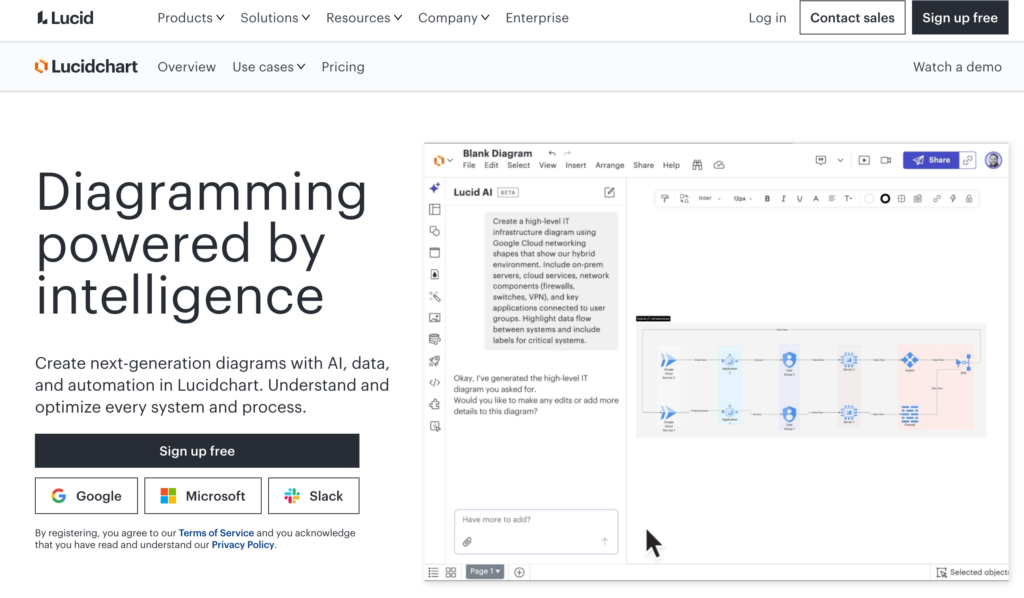
Lucidchart is a visual workspace that extends far beyond mind maps into flowcharts, ERDs, network diagrams, and org charts. Its mind mapping template library stands out: double bubble maps, idea mind maps, and line-based maps each target a different style of thinking. The AI-powered template generates a starting structure from a text prompt.
Key features:
- AI-driven mind map generation and branch expansion within the canvas
- Purpose-built map templates (double bubble, idea map, mind map with lines)
- Deep integrations with Google Drive, Microsoft Teams, Slack, Jira, and Confluence
- Free plan with up to three editable documents and 100 templates
The honest trade-off: Lucidchart’s strength is breadth across diagram types, which means mind mapping isn’t as deeply optimized as single-purpose tools.
7. FigJam
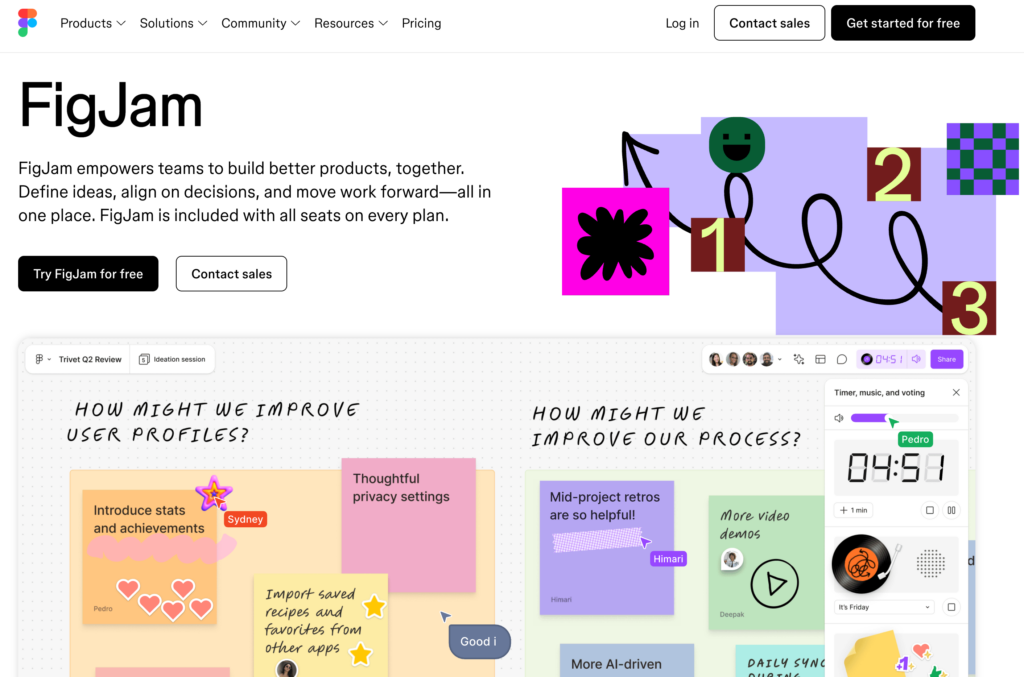
Best for: Design teams working inside the Figma ecosystem
FigJam is Figma’s digital whiteboard for brainstorming and visual planning. You can build mind maps, run dot-voting sessions, set timers for brainstorms, and embed live Figma design files directly on the same canvas. AI-powered sticky note sorting groups ideas into themes automatically after a session wraps.
Key features:
- Cursor chat for real-time, on-canvas communication
- Widgets for polls, timers, and voting during live brainstorms
- Spotlight mode to direct attention during facilitated sessions
- Free plan with up to three FigJam files and unlimited collaborators
The honest trade-off: FigJam doesn’t have a dedicated mind map auto-layout. You’re arranging nodes manually on a whiteboard, which slows down large maps.
8. MindManager
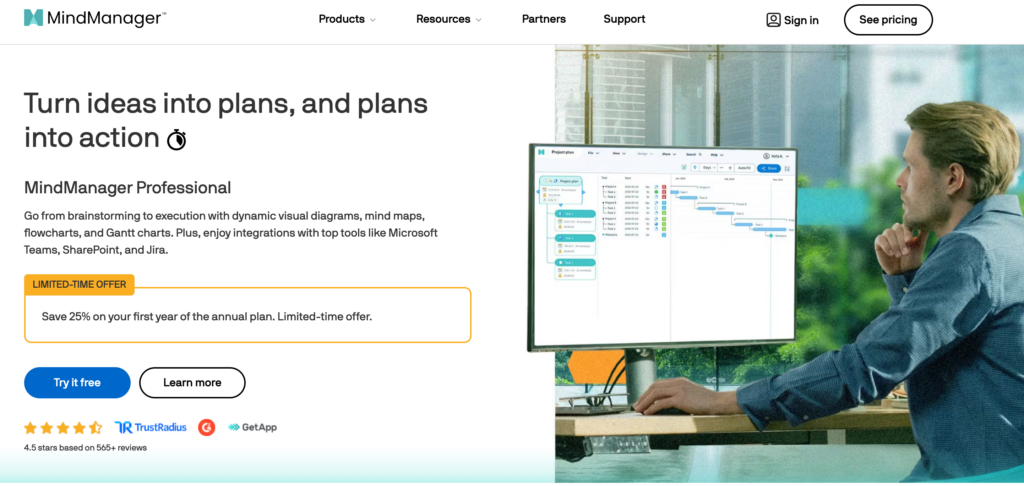
Best for: Enterprise project management with deep data integration
MindManager bridges mind mapping and project management for enterprise teams. You can attach tasks, deadlines, resources, and budgets directly to map nodes, then sync those data points with Microsoft Project, SharePoint, or Excel. It’s the category’s most feature-rich option for teams that need maps to drive execution.
Key features:
- Task management with Gantt chart views built into the mapping canvas
- Bi-directional sync with Microsoft 365 (Project, SharePoint, Teams, Excel)
- Data-driven maps with live links to spreadsheets and databases
- Change tracking and version history for compliance-heavy workflows
The honest trade-off: the learning curve is steep, and the interface feels dated compared to modern cloud-native tools.
9. Ayoa
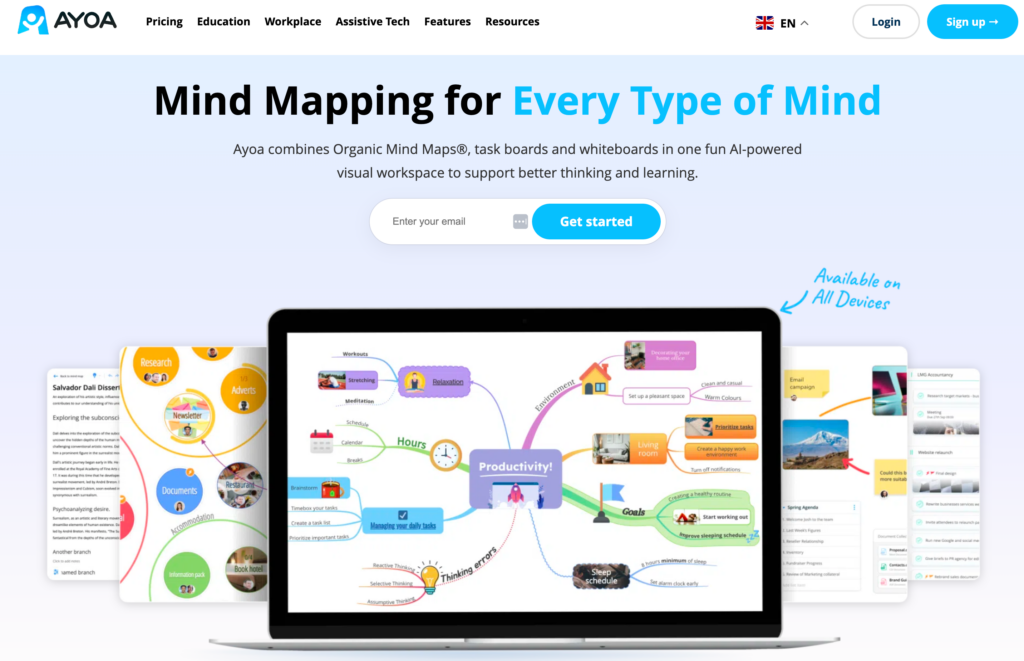
Best for: Neurodiverse users and task-to-map workflows
Ayoa was created by Chris Griffiths, a mind mapping expert who collaborated with Tony Buzan. It combines mind mapping, whiteboards, Kanban boards, and task management in one workspace. The app is specifically designed for neurodiverse accessibility—you can set a personal interest topic so AI-generated content uses relatable examples.
Key features:
- Neuro-inclusive design with customizable visual modes
- AI-powered idea expansion that generates branches from existing nodes
- Integrated task management with deadlines, assignments, and progress tracking
- Real-time collaboration with chat and whiteboard features
The honest trade-off: the AI features aren’t as refined as Miro’s or XMind’s Copilot for structured brainstorming.
10. GitMind
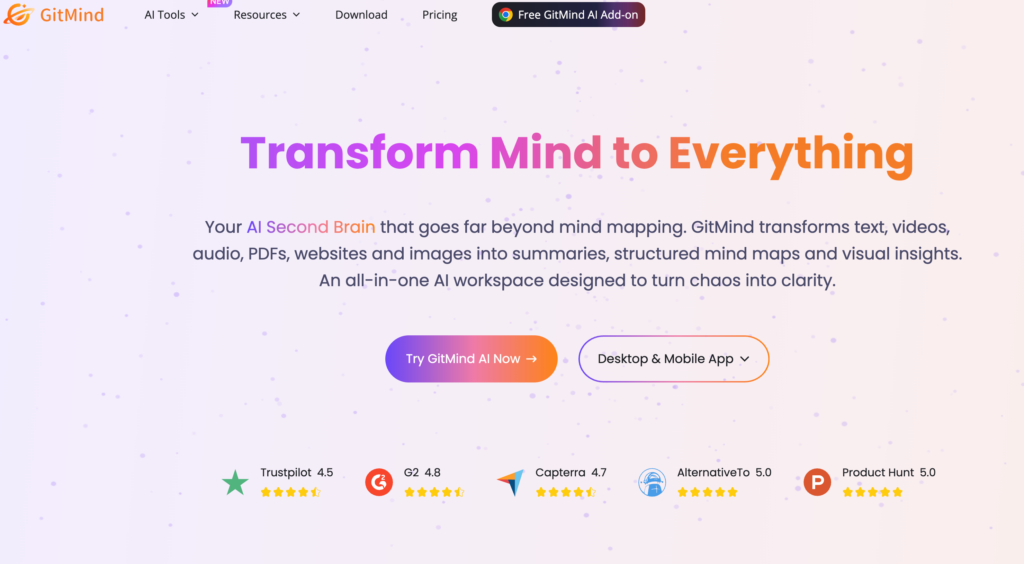
Best for: Free AI-powered mind map generation
GitMind packs full AI generation, unlimited maps, real-time collaboration, and watermark-free exports into its free tier—making it the most capable no-cost option. You type a topic, and the AI builds a complete mind map with branches and sub-branches in seconds.
Key features:
- AI mind map generation from text prompts on the free plan
- Unlimited maps and real-time collaboration at no cost
- OCR recognition for converting handwritten notes into digital maps
- Cross-platform support (web, iOS, Android, desktop)
The honest trade-off: the interface feels less polished than paid alternatives, and advanced customization options are limited.
11. Whimsical
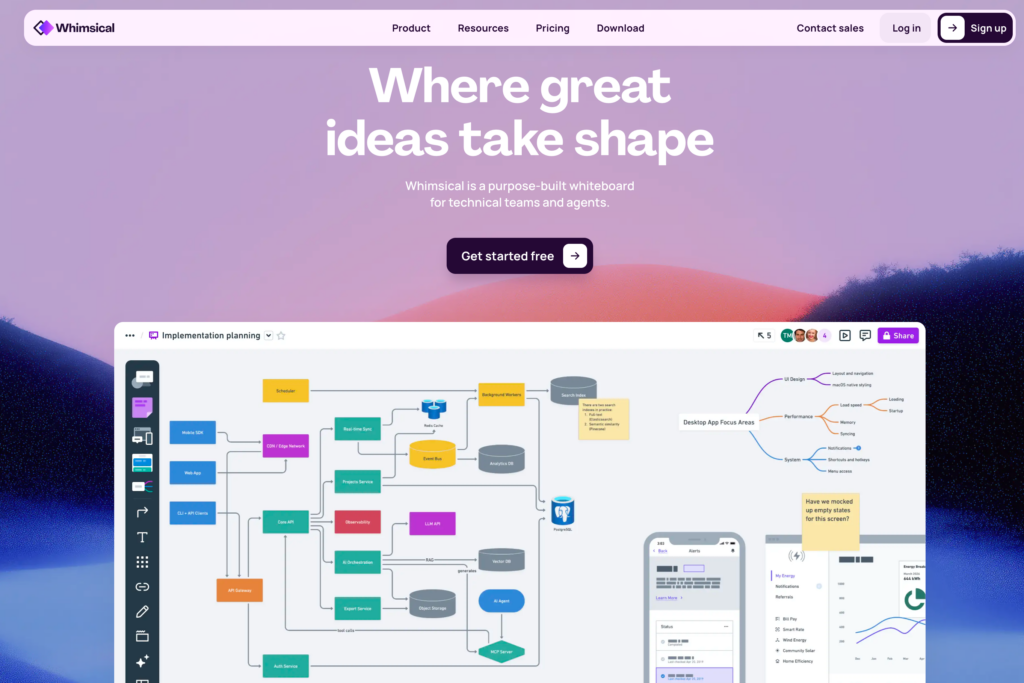
Best for: Minimal, fast wireframe-to-mind-map workflows
Whimsical combines mind maps, flowcharts, wireframes, sticky notes, and documents in a clean, fast interface. Its reputation centers on visual clarity—maps look polished by default without manual styling. You can drag text from any external app directly into a diagram node.
Key features:
- Five visual tools (mind maps, flowcharts, wireframes, sticky notes, docs) in one workspace
- Drag-and-drop text import from external applications
- AI-generated suggestions for expanding map branches
- Clean, minimal UI with automatic node alignment
The honest trade-off: the free plan limits you to a small number of files, and collaboration features aren’t as deep as Miro’s.
12. EdrawMind
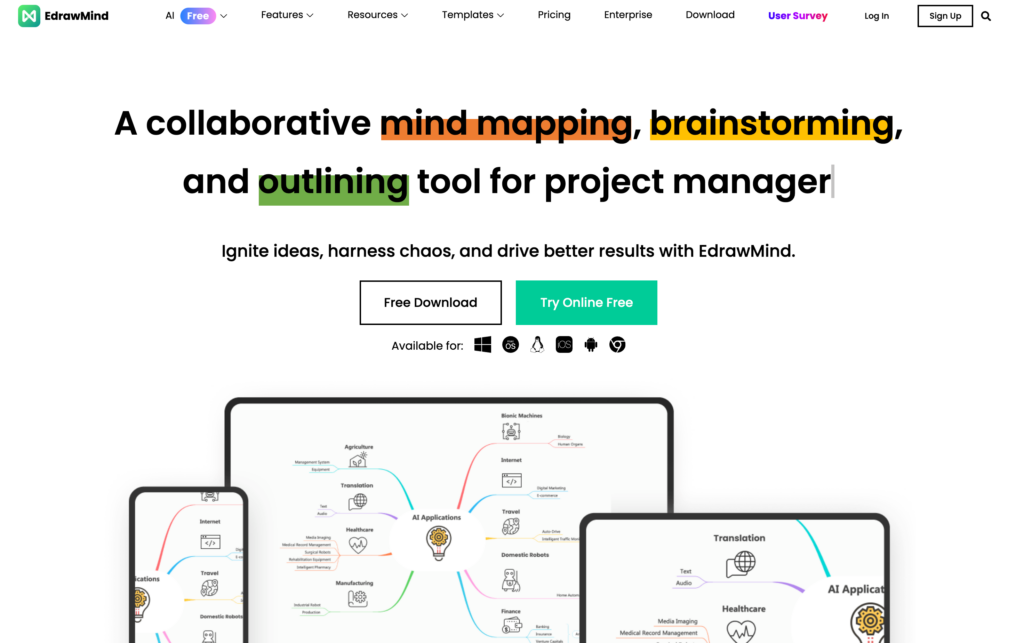
Best for: AI-generated maps from a single prompt
EdrawMind (part of Wondershare) generates detailed mind maps from a single text prompt—one test produced a 49-node map from a short sentence, saving 30–45 minutes of manual work. It supports multiple map structures and offers a huge template library with Pexels and Iconfront integrations for visual assets.
Key features:
- Generative AI that creates multi-level maps from a single prompt
- Extensive template and clip art library with Pexels integration
- Cross-platform native apps (Windows, Mac, Linux, iOS, Android, web)
- Export to PDF, PNG, Word, and PowerPoint
The honest trade-off: the desktop-first architecture means the web version has fewer features. The interface can feel cluttered compared to minimalist competitors like Whimsical.
13. Taskade
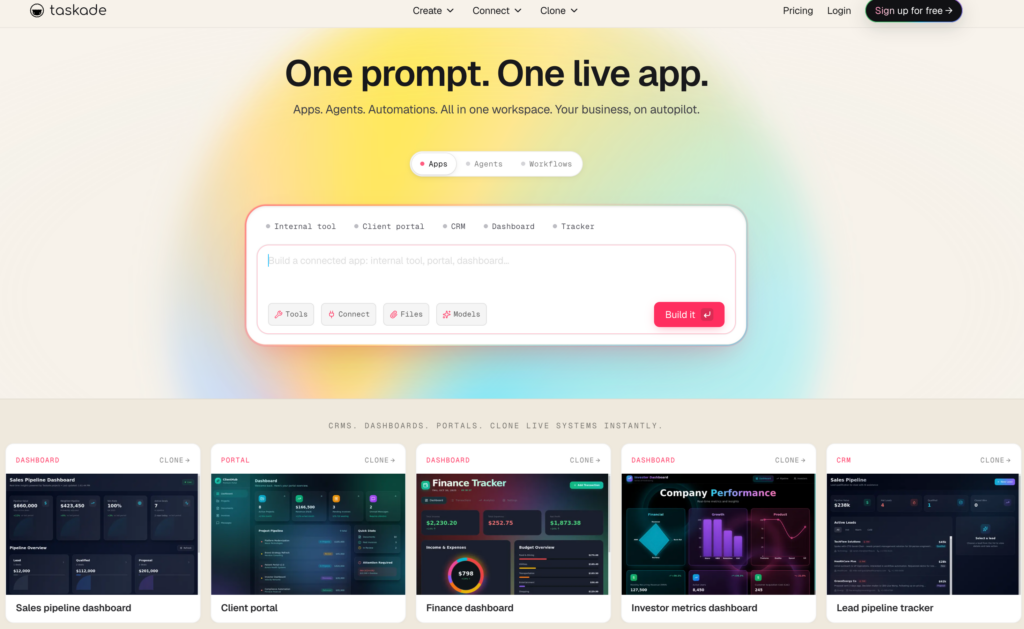
Best for: Combining mind maps with project views and AI agents
Taskade is an AI-powered productivity platform that treats mind maps as one of seven interchangeable project views (mind map, list, board, calendar, table, Gantt, org chart). Nodes sync across all views—brainstorm in mind map view, execute in board view, track in Gantt view. Its AI agents can be trained on your workspace data for context-aware brainstorming.
Key features:
- Seven project views with automatic cross-view sync
- AI agents trained on workspace data for contextual idea generation
- Genesis feature that transforms mind maps into deployed applications
- 100+ integrations including Slack, Google Workspace, and HubSpot
The honest trade-off: the mind mapping experience itself is simpler than dedicated tools. Power users who need deep map customization may find it limiting.
14. Canva
Best for: Polished, presentation-ready mind map graphics
Canva’s mind mapping templates produce the best-looking maps for external sharing. You get brand kit integration, icon libraries, and infographic-style layouts that turn a map into a shareable asset for reports, slide decks, and social media posts. Most people already have a Canva account, which drops the onboarding friction to zero.
Key features:
- Infographic-style mind map templates with drag-and-drop customization
- Brand kit integration for consistent colors, fonts, and logos
- AI design suggestions for non-designers
- Export to JPG, PNG, PDF, and embed in Canva Docs or presentations
The honest trade-off: Canva has no dynamic branching, no auto-layout, and no keyboard shortcuts for fast node creation. It’s a design tool, not a thinking tool. If you’ve already done your brainstorming and need a polished visual, Canva is the right pick.
15. MindNode
Best for: Native mind mapping on Apple devices
MindNode is a native Mac, iPhone, and iPad app that syncs instantly via iCloud. Its Focus mode spotlights the current branch and fades out the rest—ideal for deep thinking without visual clutter. The app offers 260+ custom stickers, dark mode, and export to Apple Reminders, Things, or OmniFocus for task follow-up.
Key features:
- Native Apple ecosystem integration with iCloud sync across Mac, iPhone, iPad, and Apple Watch
- Focus mode that isolates individual branches for distraction-free work
- Quick Entry for capturing ideas on the go from any Apple device
- Export to text, image, PDF, Markdown, OPML, and task managers
The honest trade-off: MindNode is Apple-only. No Windows, Linux, or Android support. Collaboration features are minimal—it’s built for solo thinking.
How to Choose the Right Mind Mapping Software for Your Team
The right tool depends on what happens after you draw the map. Here are the criteria that matter most:
Ease of use. The interface should let you add, move, and connect nodes without friction. Drag-and-drop editing keeps your focus on thinking, not formatting. Tools like Coggle and MindMeister nail this with minimal learning curves.
AI features. AI-powered map generation has moved from novelty to table stakes in 2026. The real differentiator is depth—can the AI read your full canvas context (like Visily’s AI design tools), or does it just generate isolated branches?
Collaboration. If your team brainstorms together, real-time co-editing is non-negotiable. Check whether the free tier limits the number of collaborators or boards.
Integrations. Mind maps that live in isolation die as static diagrams. The best tools connect to Slack, Jira, Google Workspace, Notion, or Figma so your map feeds the next step in your workflow.
Export formats. You’ll eventually need to share your map outside the tool. Look for PDF, PNG, SVG, Markdown, Word, and PowerPoint export at minimum.
Free tier quality. A strong free plan lets you evaluate the tool on real work before committing. GitMind and Coggle lead on free plan generosity; Visily, Miro, and MindMeister each offer functional free tiers with different limits.
Mind Mapping Software FAQ
What’s the best free mind mapping software?
Coggle gives you unlimited public maps with real-time collaboration at no cost. GitMind adds full AI generation and unlimited private maps to its free tier. Visily’s free plan includes AI diagram generation, 1,500+ templates, and brainstorming tools—plus the ability to convert those brainstorms into wireframes.
Can mind mapping software replace note-taking apps?
For structured topics, yes. Mind maps force you to organize information hierarchically, which improves recall. But for linear meeting notes or timestamped logs, a dedicated note-taking app still works better. Many people use both—mind maps for planning and analysis, linear notes for recording.
What file formats can mind mapping software export?
Most tools export to PDF, PNG, and JPEG at minimum. Power-user tools like XMind add SVG, Markdown, OPML, and Word. Some platforms (MindMeister, EdrawMind) also export to PowerPoint for presentation-ready maps.
Is it worth paying for mind mapping software?
It depends on your use case. If you map occasionally for personal brainstorming, free tiers from Coggle, GitMind, or Visily cover that well. If you run team workshops, need private maps, or want AI depth beyond basic generation, paid plans pay for themselves in time saved. Most tools let you start free and upgrade when you hit a limit.
Wrapping Up
The right mind mapping software turns scattered thinking into structured plans—whether you’re brainstorming a product feature, mapping a content strategy, or running a team workshop.
Visily goes a step further. Its AI converts brainstormed ideas into editable wireframes and clickable prototypes on the same canvas, so your best ideas don’t die as static diagrams.
Sign up for Visily’s free plan and turn your next brainstorm into a working prototype today.