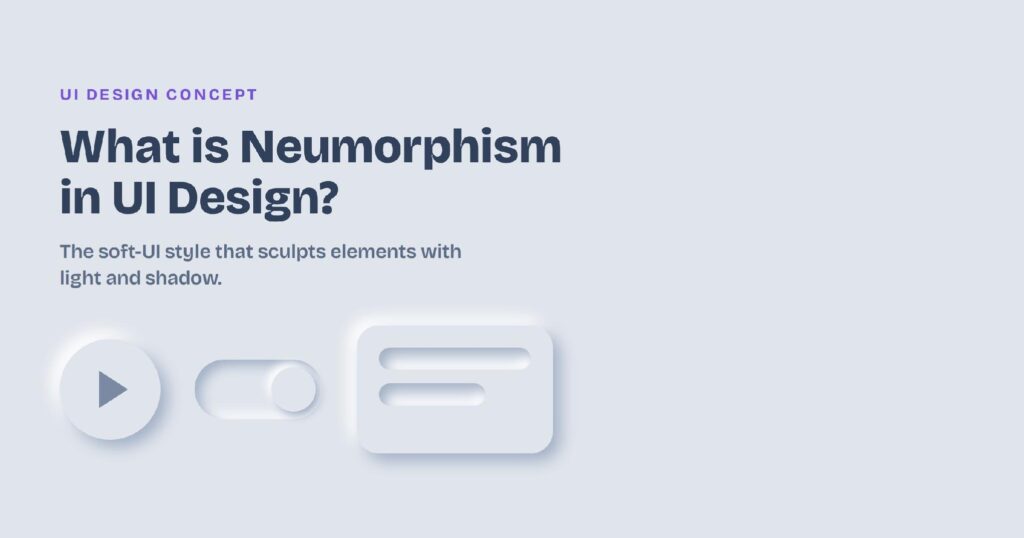

What is Neumorphism in UI Design?
Neumorphism, also called soft UI, is a design style where buttons, cards, and toggles look pressed out of the background instead of placed on top of it. It uses one background color and two soft shadows, a light highlight and a darker shadow, to make elements look gently extruded. The style went viral around 2020 as a fresh middle ground between flat design and skeuomorphism. It’s beautiful on a concept screen, but it carries a real accessibility problem that decides where it belongs. In this blog, I’ll cover what neumorphism is, how the effect works, where you’ll see it, its pros and cons, how it compares to other styles, and how to use it without breaking usability. What Is Neumorphism in UI Design? Neumorphism is a visual design style that makes on-screen elements look softly extruded from the surface behind them. Rather than sitting on the background, a neumorphic button