Release note: V4.3 Jan 2026

Set consistent patterns and details for your designs with Design Instructions

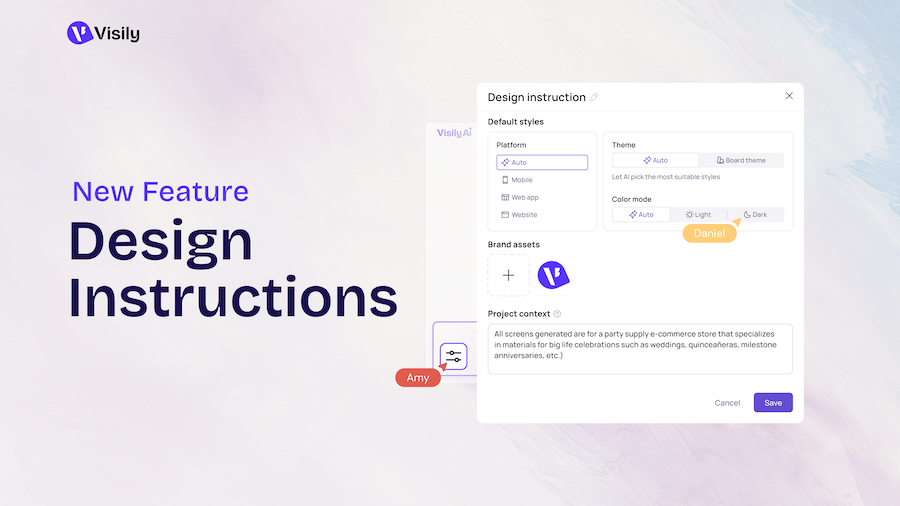
Keeping logos, themes, or other details consistent in AI-generated UI designs has been frustratingly difficult for too long. With our new Design Instructions feature now out of beta, you can now set specific details about logos, themes, or other important considerations as instructions to consistently be used in any board. Learn more in our announcement post here.

Example of how to access Visily's Design Instructions feature

Get pro level designs with Deep Design mode Visily Pro 1Visily Business 1

Visily users with Pro, Business, or Enterprise licenses can now access Visily’s Gemini 3-powered Deep Design mode to generate professional-grade UI designs. If you need richer, more nuanced design details in your UI designs, Deep Design mode is the tool for the job. Read more about Deep Design mode here. Learn more in our announcement post here.
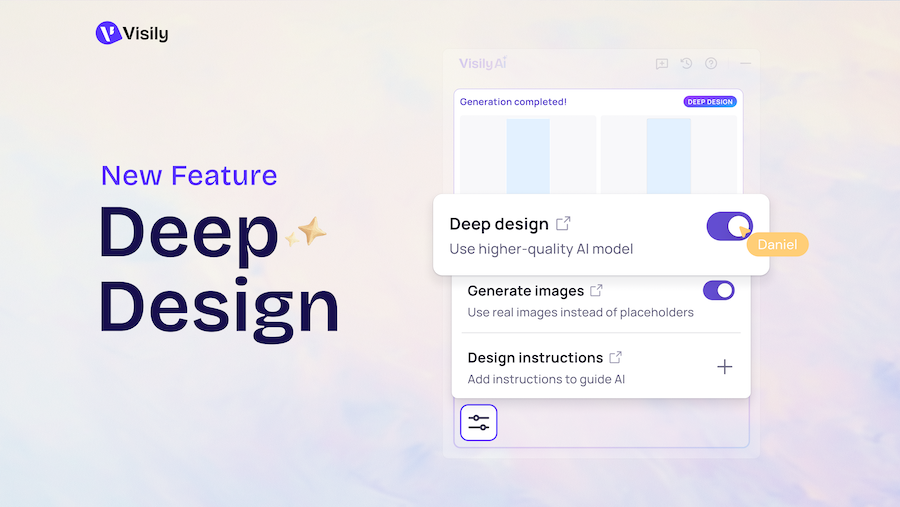
Example of how to access Visily's Deep Design feature

Table of contents

Share

© 2025 Visily. All rights reserved.