Create UI mockup
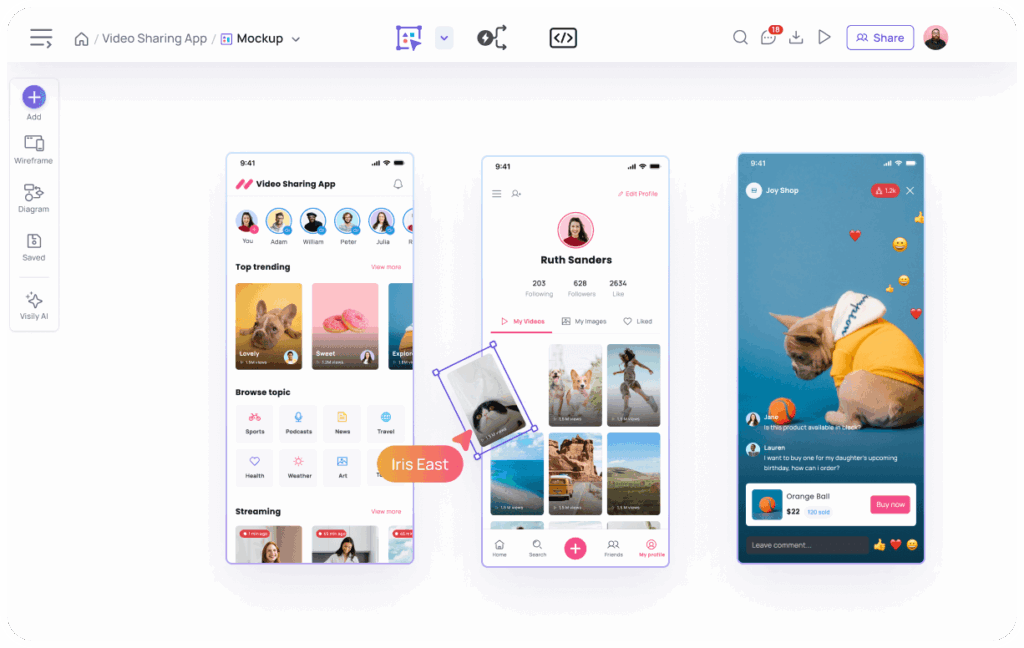
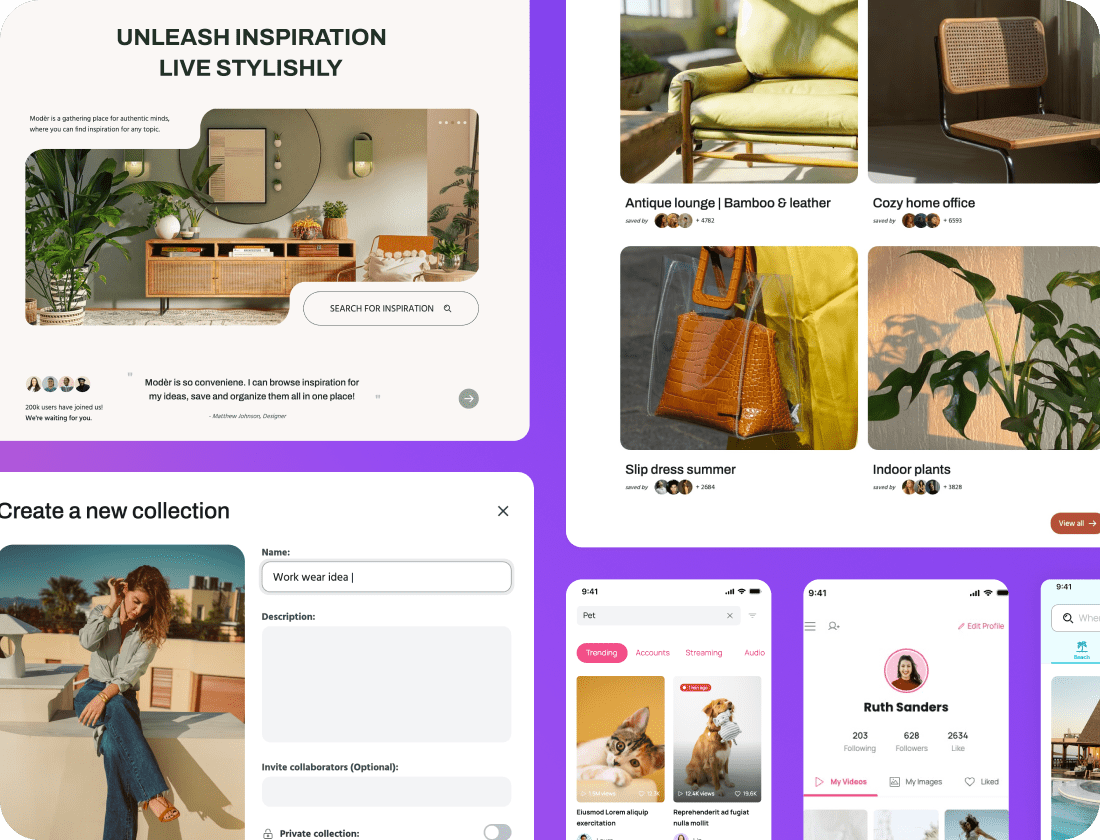
Visily’s suite of mockup tools allow you to create mockups with a drag-and-drop UI or generate UI mockups with AI through text, images, or even diagrams. It’s the fastest way to take an idea and turn it into a UI mockup you can be proud of.
Regardless of how you create your mockup, Visily has a suite of tools that make it easy to update, remove, or modify any element in your mockup—with AI or simple canvas design tools.
Generate your first mockup
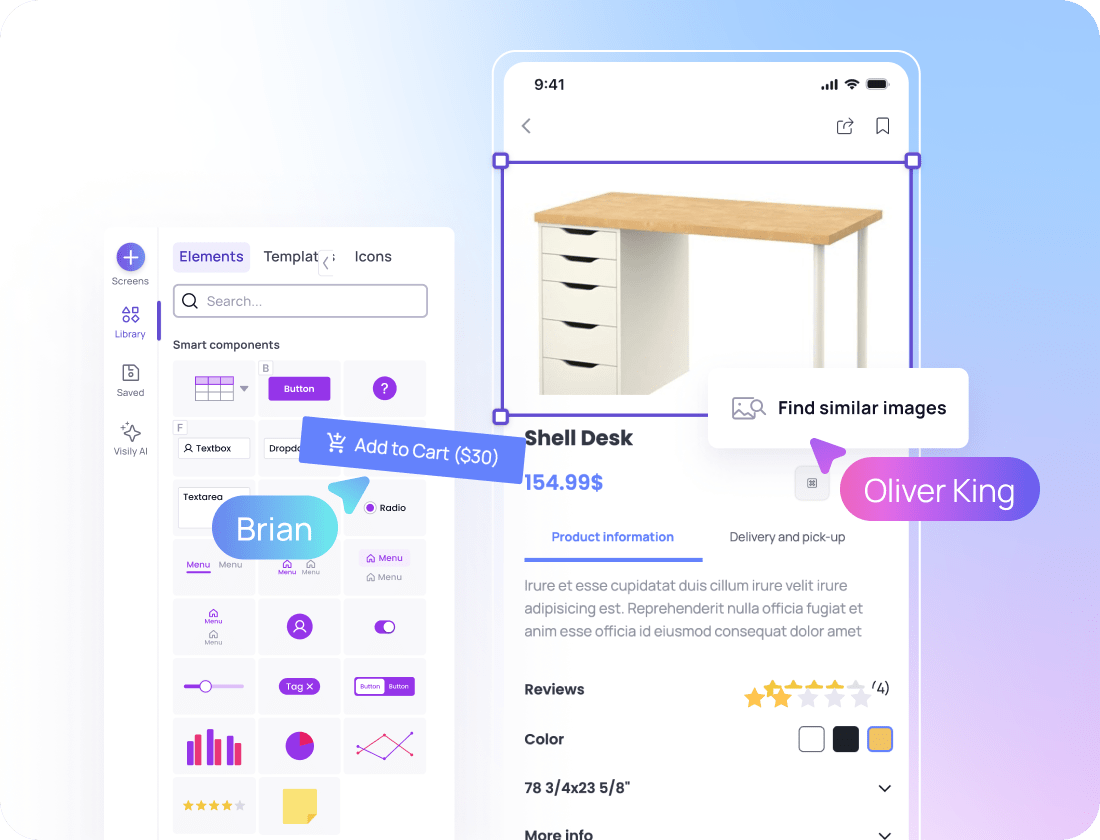
Have a specific vision for your mockup? Use Visily’s simple drag-and-drop mockup builder to create exactly what you have in mind. From basic shapes to Visily’s Smart Components, you have the building blocks you need to create a sophisticated, beautiful UI mockup (without needing a design degree).
Beyond elements, you can also choose from thousands of prebuilt mockup templates to generate ideas or use as a starting base. Because templates are fully editable, you can add to, delete, or reconfigure any part of the templates to best convey your idea!
Best of all, you can combine manual editing with AI generation or modification in Visily at any time. Visily ensures you have complete flexibility to design mockups in whatever way you choose.
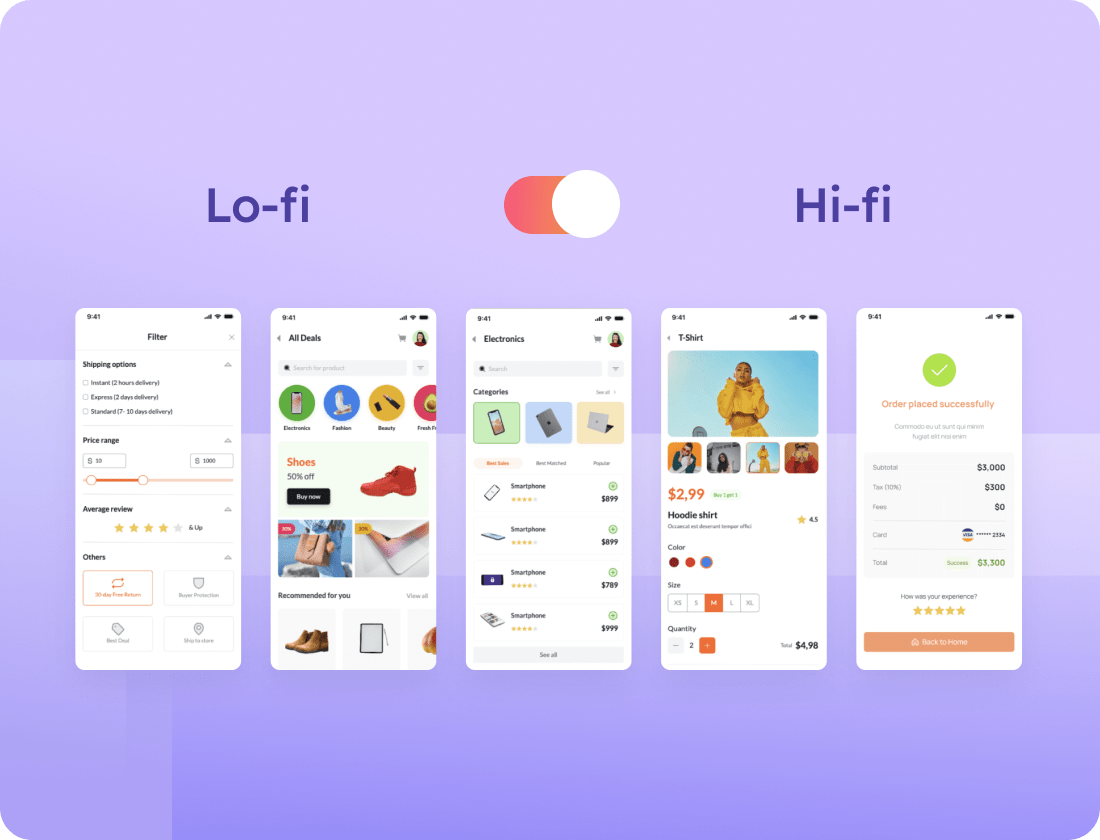
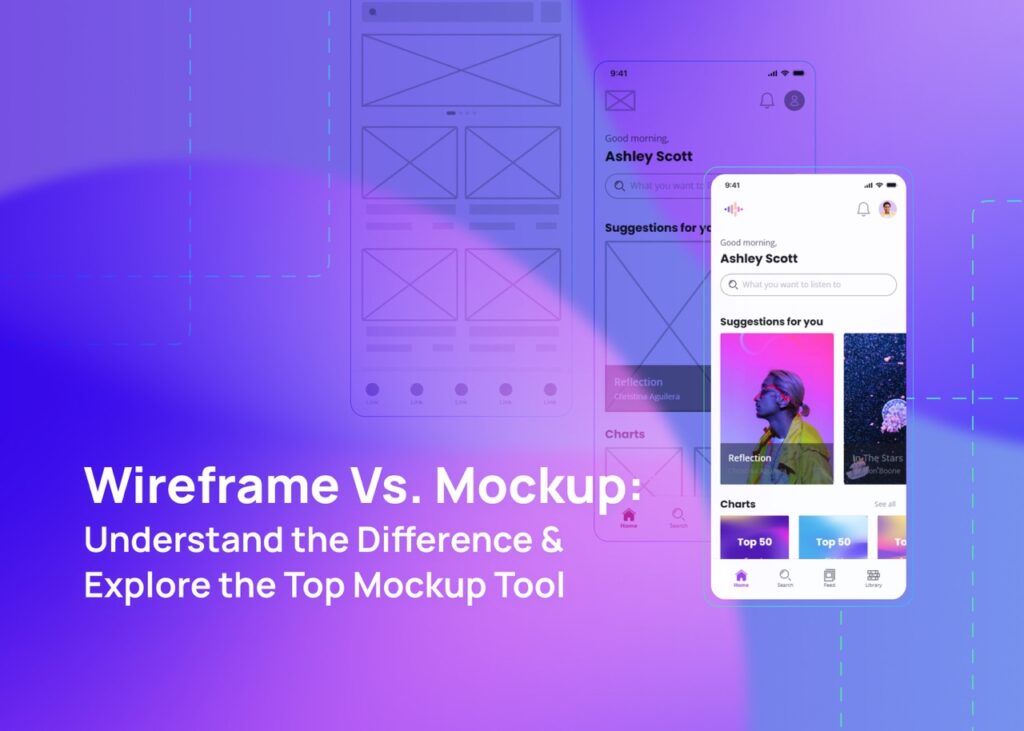
Because mockup fidelity needs differ between projects, Visily’s lo-fi/hi-fi switcher makes it easy to toggle back and forth between basic, structural lo-fi mockups and more detailed, beautiful high-fidelity mockups. If at any point in the mockup process you decide on a different fidelity level, you can simply toggle back to the other fidelity option.
Ready to create your first mockup? With Visily, it’s easy

1
Sign up for a free Visily account and choose how you'd like to start. Options include AI, templates, or blank canvas.
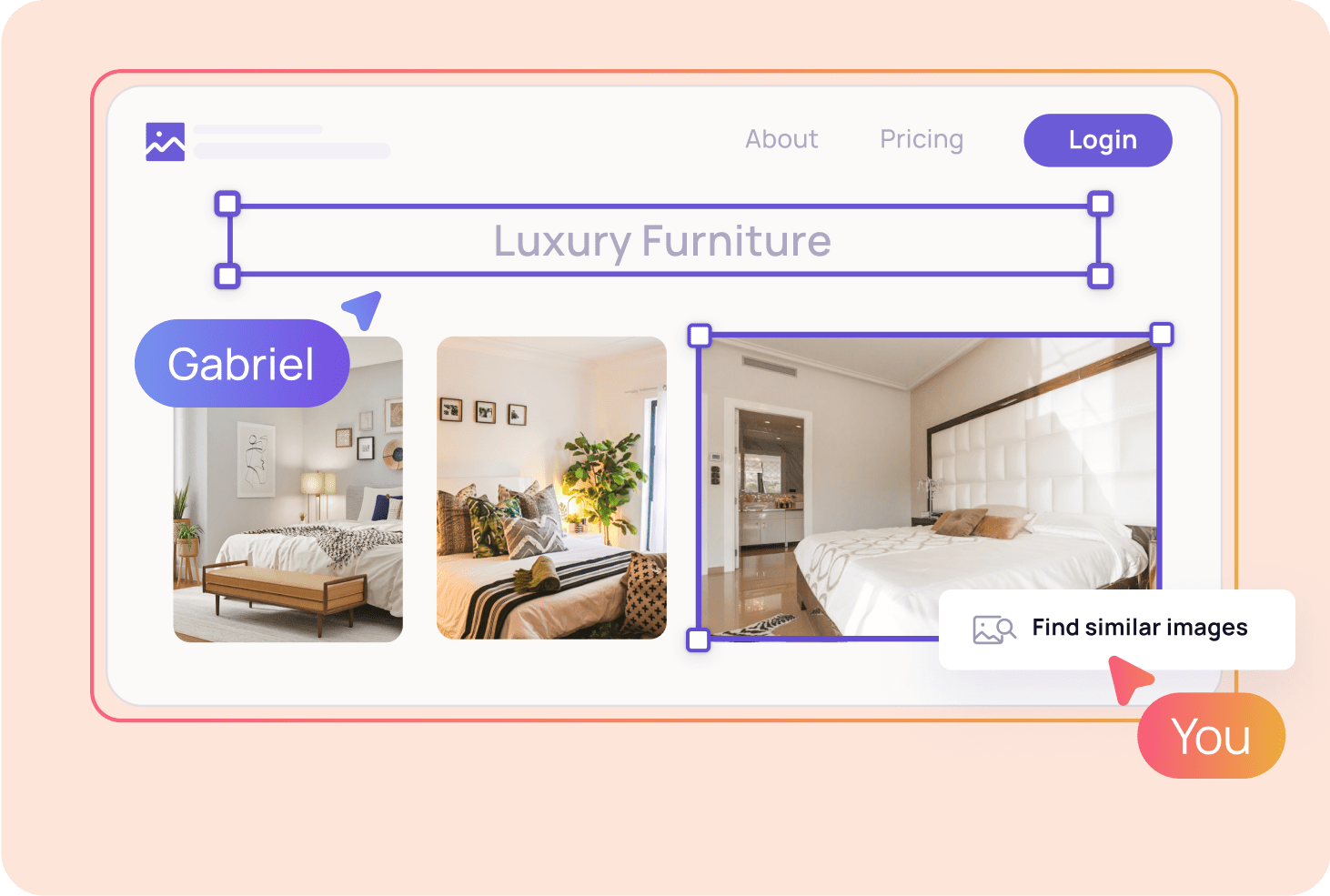
2
Build your own or use AI to create mockups. Select either lo-fi mockup or hi-fi mockup options to see elements and templates that fit your specific output needs.
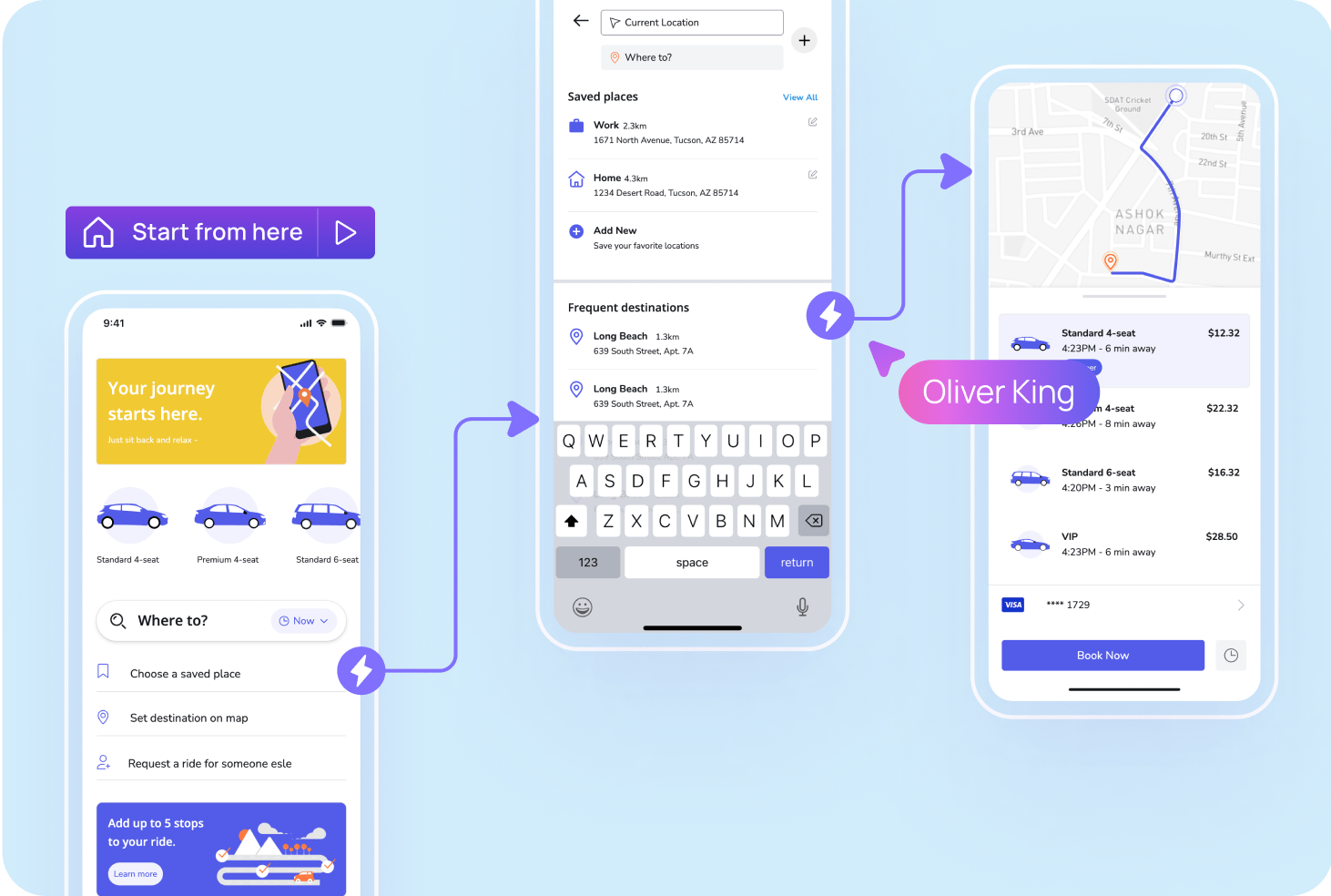
3
Build and modify mockups with Visily's AI features or basic elements and Smart Components.
| Capability | Supported? | Details | ||
|---|---|---|---|---|
Generate mockup from text | Yes | Visily's multimodal AI can generate mockups from test, image, or diagram | ||
Manually edit mockup outputs | Yes | All mockups can be edited with Visily drag-and-drop UI or through AI | ||
Create multi-screen mockups | Yes | Mockups can easily be turned into clickable prototypes | ||
Support different mockup fidelity levels | Yes | Visily's lo-fi/hi-fi design switcher makes it easy to change fidelity | ||
Visily makes it so easy to create, edit, and share mockups and gather team feedback, all in one place. With a range of features like annotations, cursor chat, comments, and team AI credits, anyone can contribute to the AI mockup generation process or simply create a mockup on their own with Visily’s canvas design tools. It’s time to ditch the chaos of scattered feedback!
Check out Visily’s vast library of resources on mockups
UI mockups are visual representations of an app or website UI design. They help designers, developers, executives, and others to communicate more fluently about ideas and vision for a product. You can read more in our post about mockups.
To start, ensure you understand the purpose of the mockup and the problems you aim to solve. From there, it can be helpful to create a simple wireframe to see element layouts and structure. Then, you simply build out the designs, either with components or through AI tools, such as the ones found in Visily. Importantly, creating mockups is no longer only the domains of sophisticated designers: anyone can create them because of advances in AI and other web technologies.
Visily has a full gallery of mockup templates and examples that's publicly available. You can access it here.
Visily is the best UI mockup tool for non-designers who need to quickly generate mockups. That said, there are a number of good tools for creating mockups depending on your specific needs and design skill level.
UI mockups are visual representations of an app or website UI design. They help designers, developers, executives, and others to communicate more fluently about ideas and vision for a product. You can read more in our post about mockups.
To start, ensure you understand the purpose of the mockup and the problems you aim to solve. From there, it can be helpful to create a simple wireframe to see element layouts and structure. Then, you simply build out the designs, either with components or through AI tools, such as the ones found in Visily. Importantly, creating mockups is no longer only the domains of sophisticated designers: anyone can create them because of advances in AI and other web technologies.
Visily has a full gallery of mockup templates and examples that's publicly available. You can access it here.
Visily is the best UI mockup tool for non-designers who need to quickly generate mockups. That said, there are a number of good tools for creating mockups depending on your specific needs and design skill level.
No need to face a blank canvas alone—let AI give you a helping hand!
Generate your first design