
The best AI tool for UI design 1

The Best AI Tool for UX Design

The best AI tool for UI design 1

Visily’s AI UX design generator helps you quickly turn ideas into intuitive user experiences without starting from scratch. Whether you’re a designer, product manager, or founder, you can create complete UX flows and structured layouts in seconds.


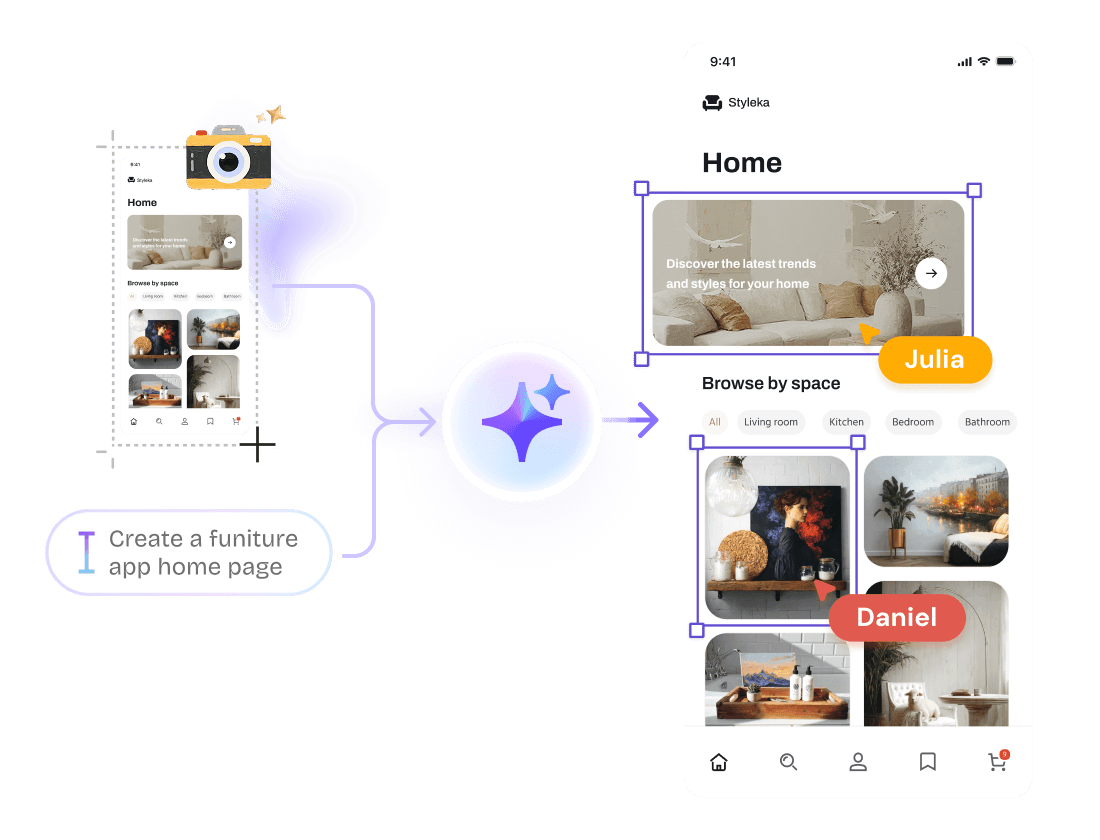
Simply enter a text prompt or upload a screenshot to generate UX screens, flows, and layouts instantly. The AI understands your intent and transforms it into well-organized experiences that follow UX best practices.


Once your design is generated, you can refine every element using Visily’s easy drag-and-drop canvas. Adjust layouts, update components, and iterate on user flows effortlessly.


With Visily, designing thoughtful user experiences becomes faster, easier, and more collaborative.

Generate your first design

UX design made easy with AI

Frame 1000003266 1

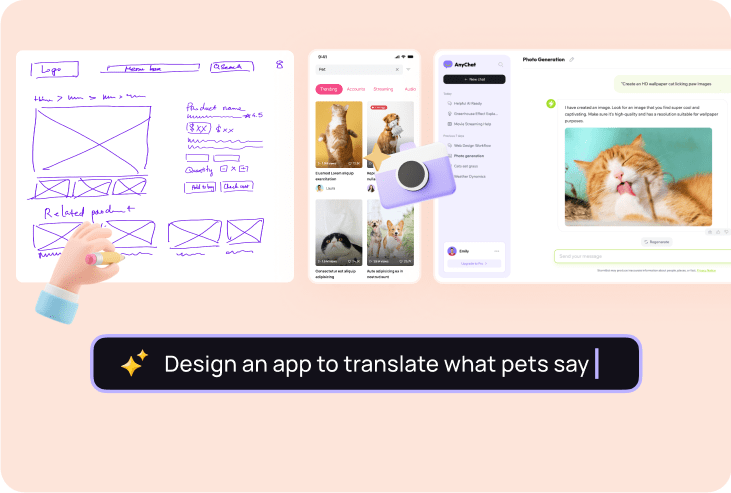
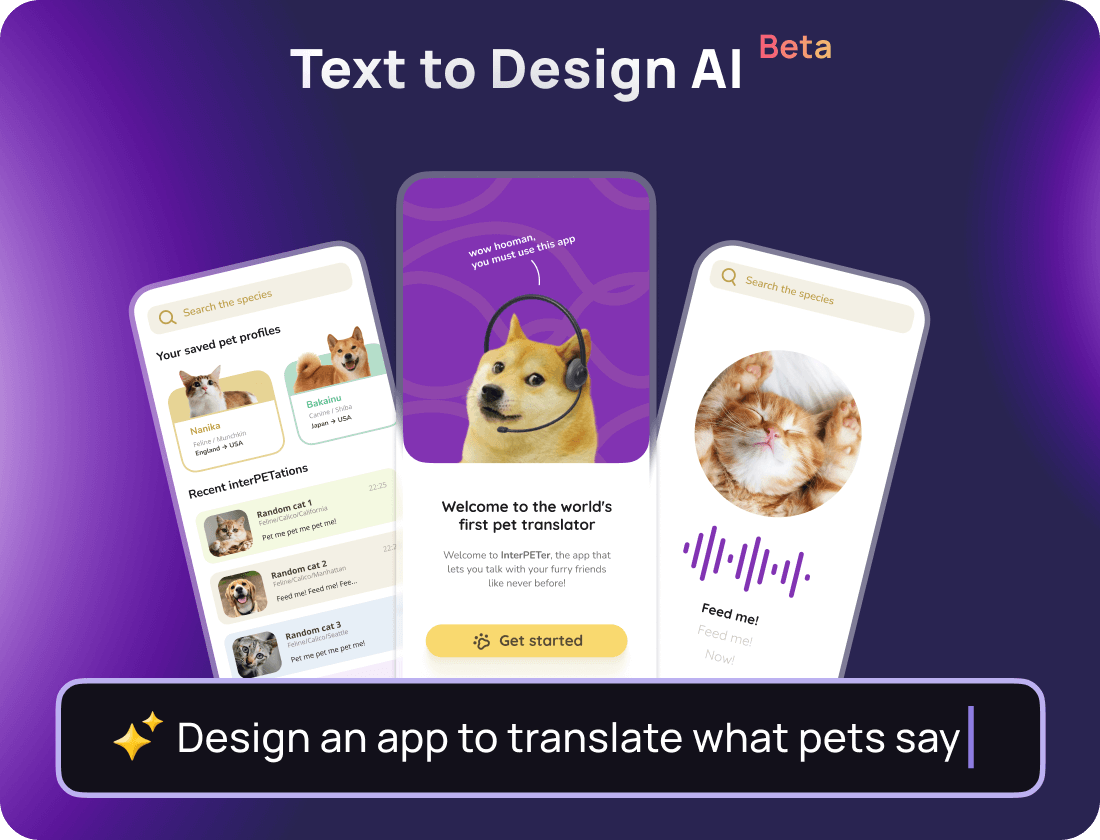
Create stunning UX designs from simple text prompts

Frame 1000003266 1

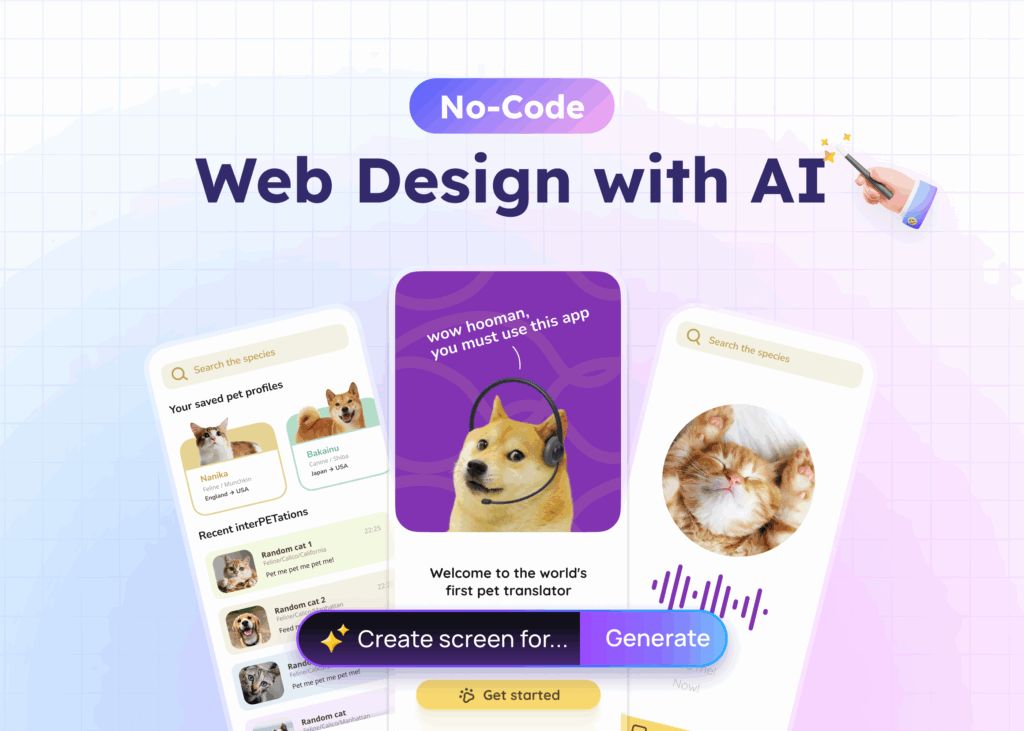
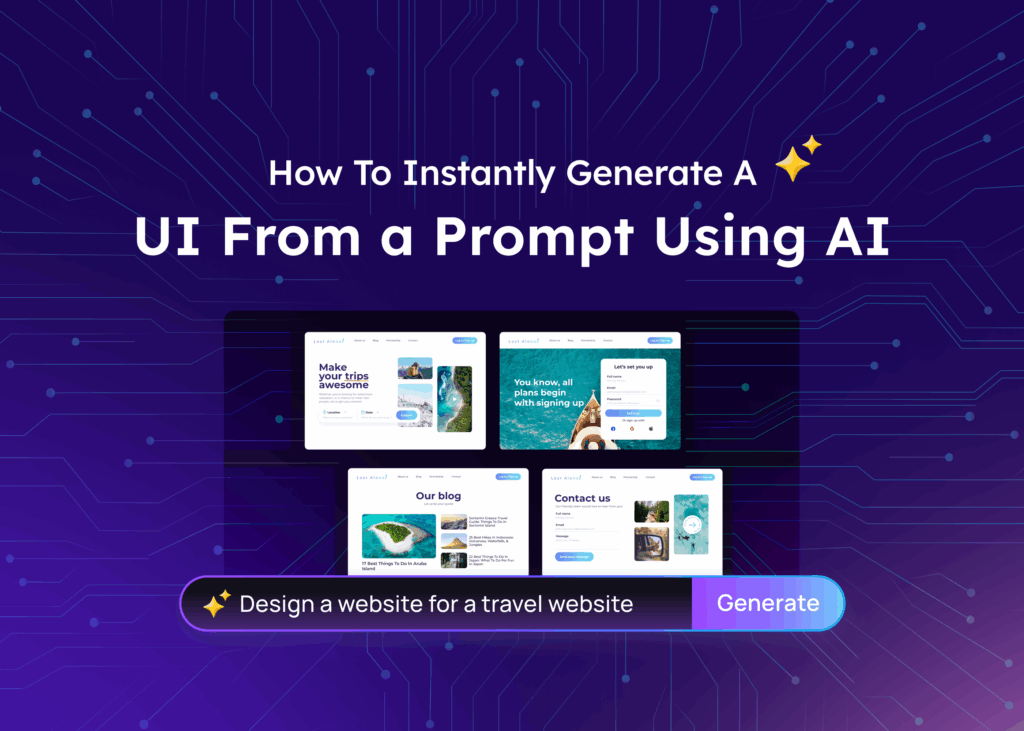
Never start designing from scratch again. Just tell Visily your design idea in plain English, and see how it whips up an AI-generated UX design.

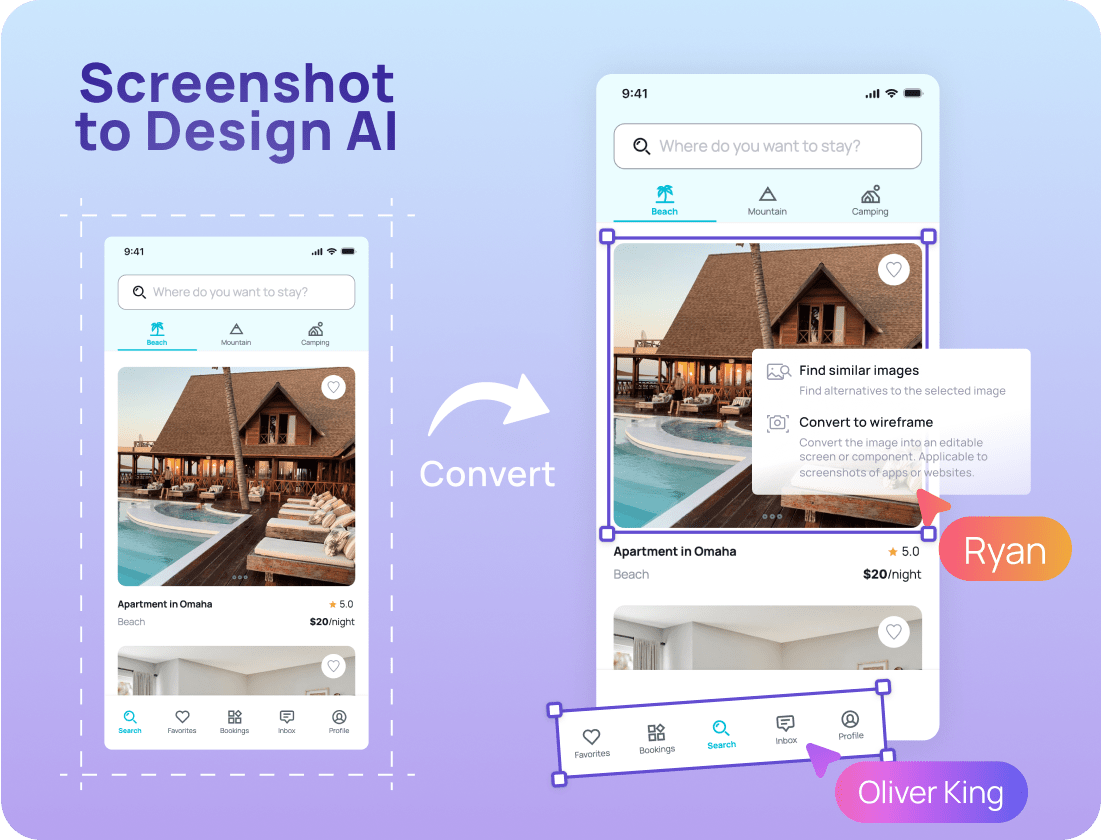
Turn screenshots into awesome editable designs

screenshot to design

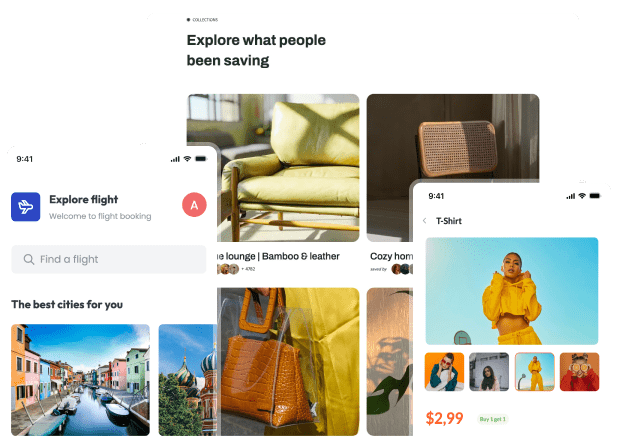
If there's an app or web design you like, take a screenshot of it, and Visily's Screenshot to Design AI will turn it into an editable design.

screenshot to design
sketch to design

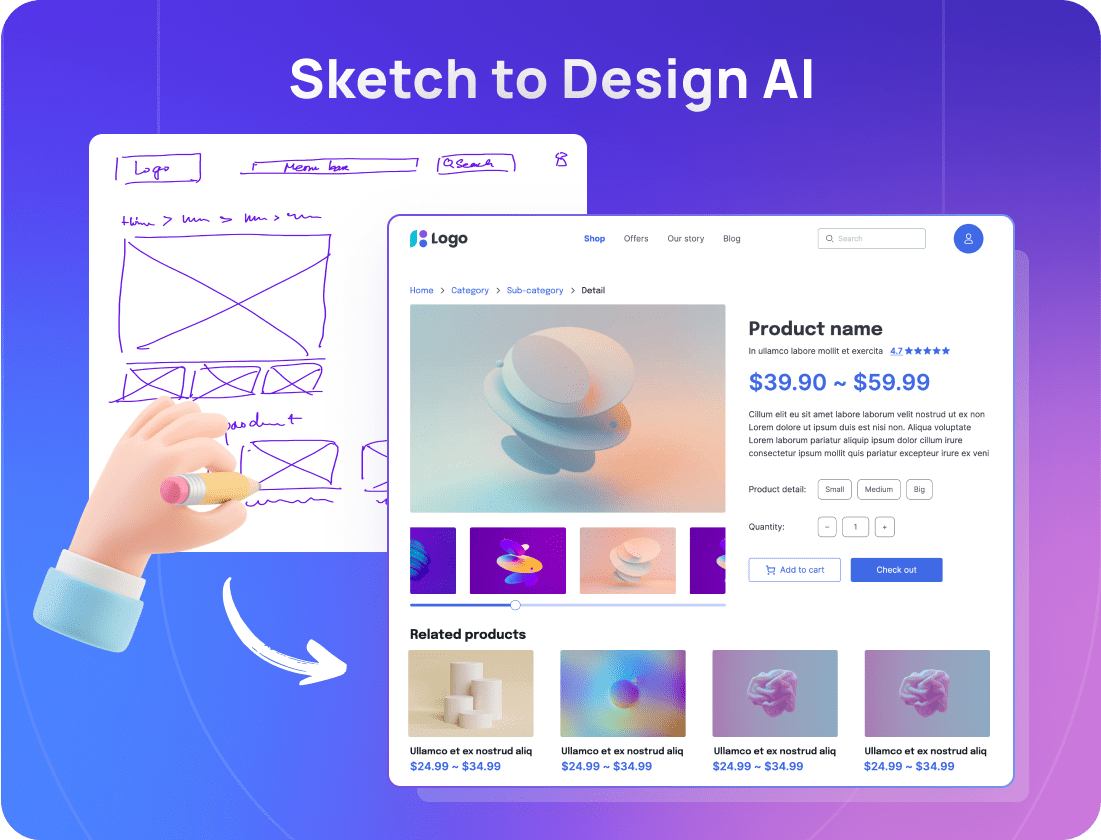
Convert sketches into editable high-fidelity wireframes

sketch to design

Put your design concepts on paper and witness our Sketch to Design AI converting them into wireframes that can be adjusted as needed.

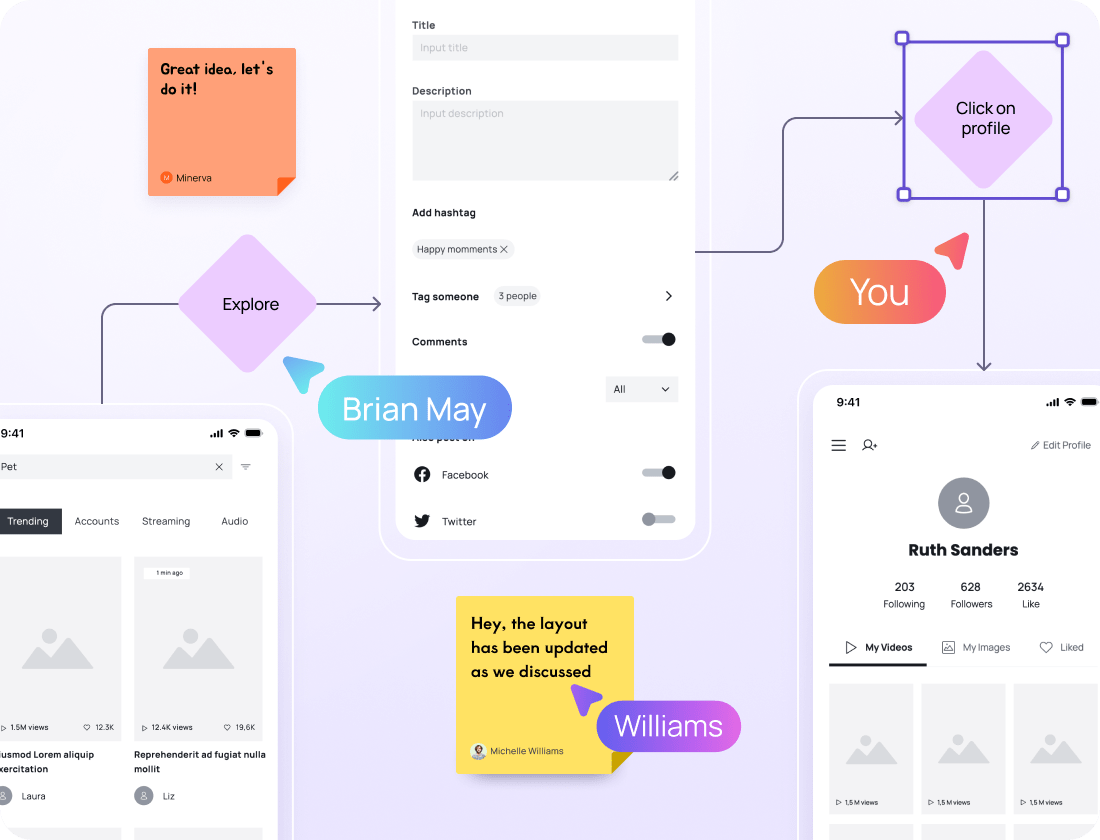
Perfect your user journeys

Map out your app flow min

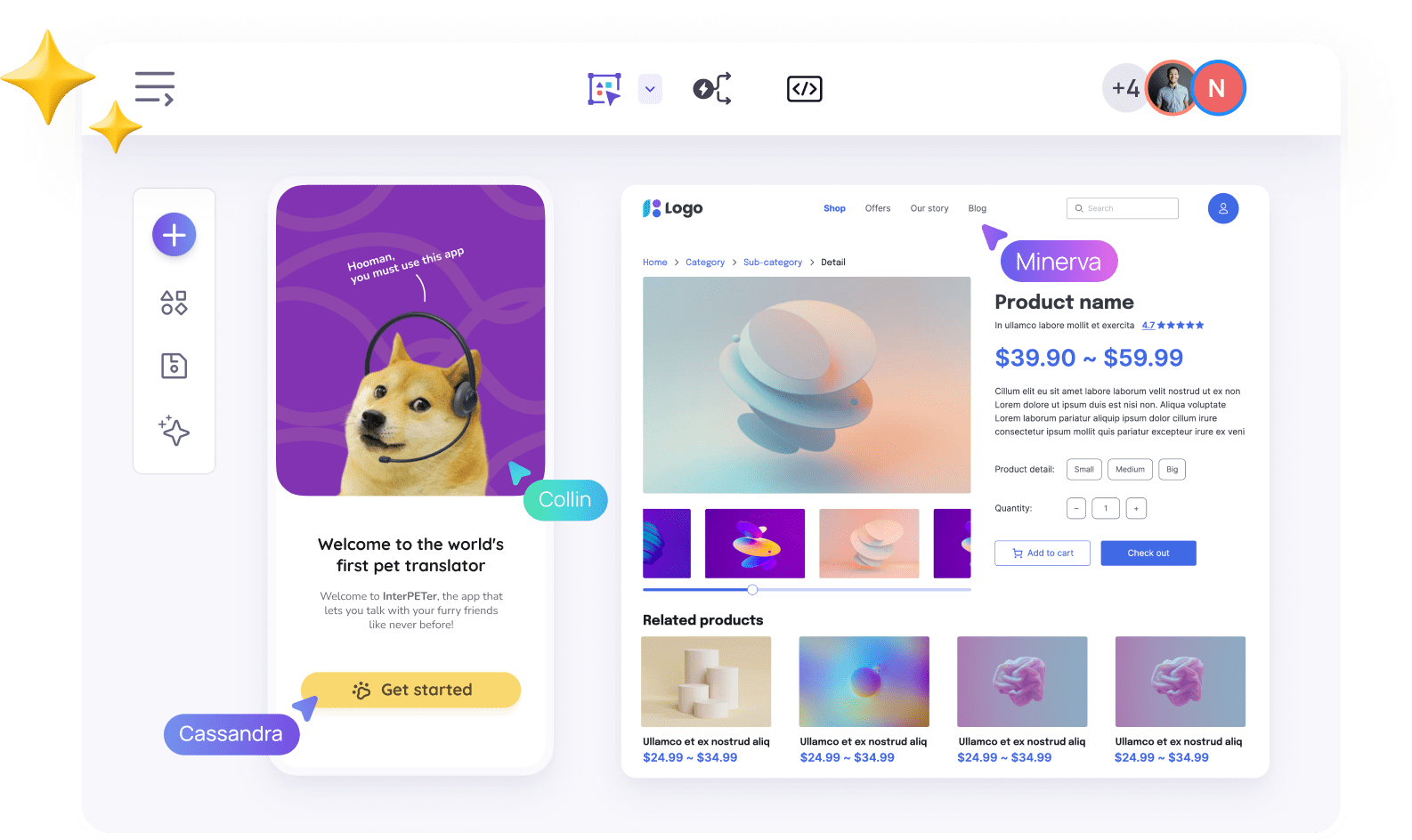
Visily makes it easy to add clickable user journeys to your UX prototypes. Share previews of your designs with internal and external stakeholders before you even think about moving on to development.

Map out your app flow min
ai assistant

Design UX faster with AI

ai assistant

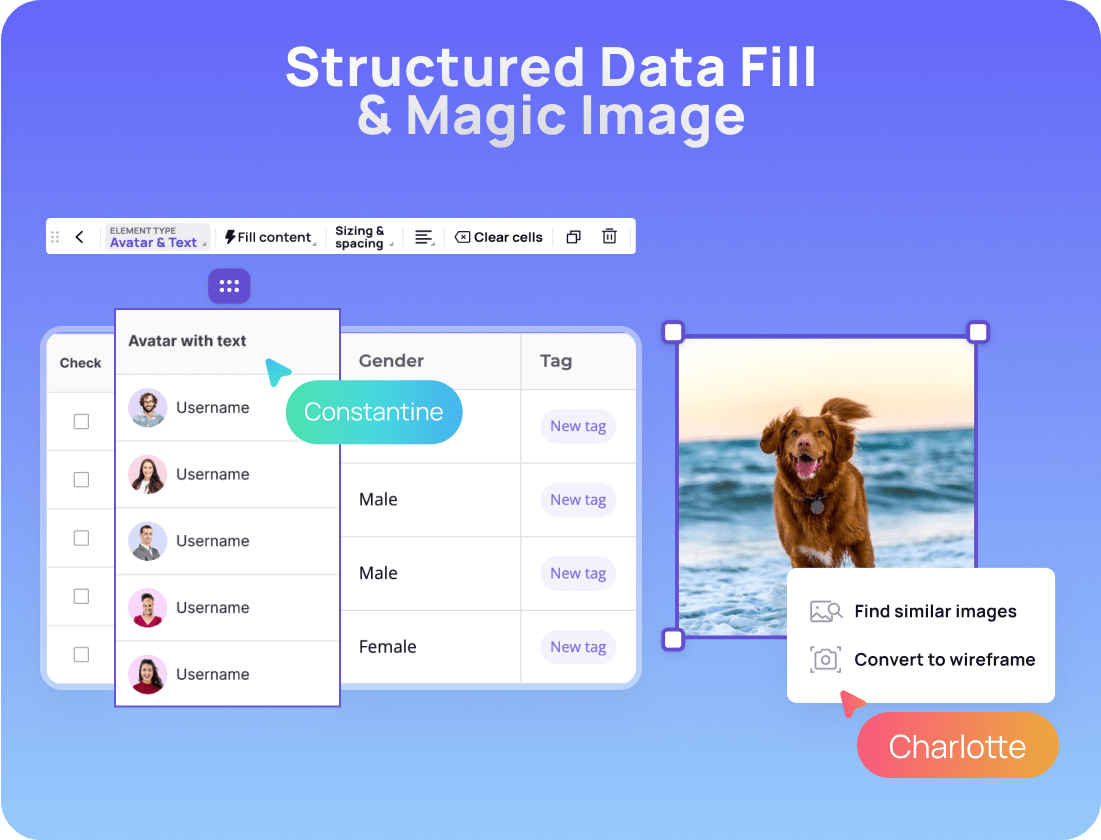
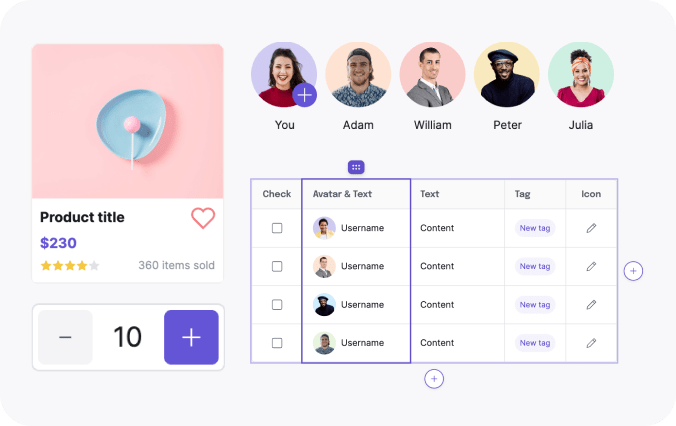
Experience the capabilities of “Magic Image” to help you find similar images (FAST!), and use “Structured Data Fill” to effortlessly populate tables with essential information.

How to Generate UX Design with Visily's AI

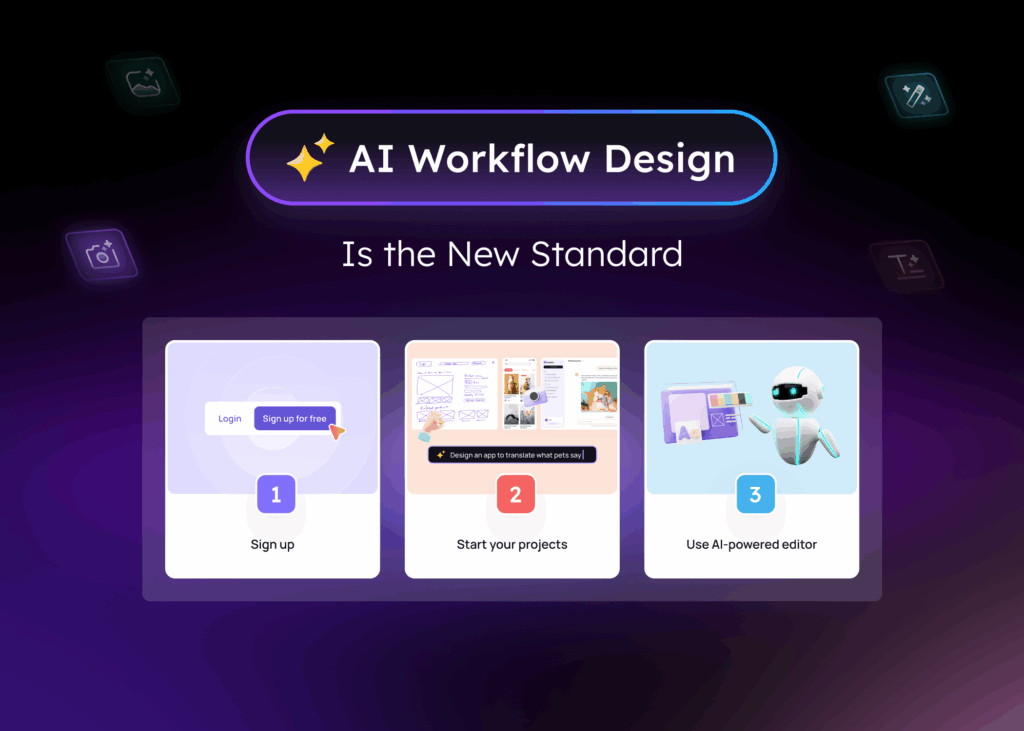
Visily’s AI tools make it easy to get your first AI-generated UX

visily signup

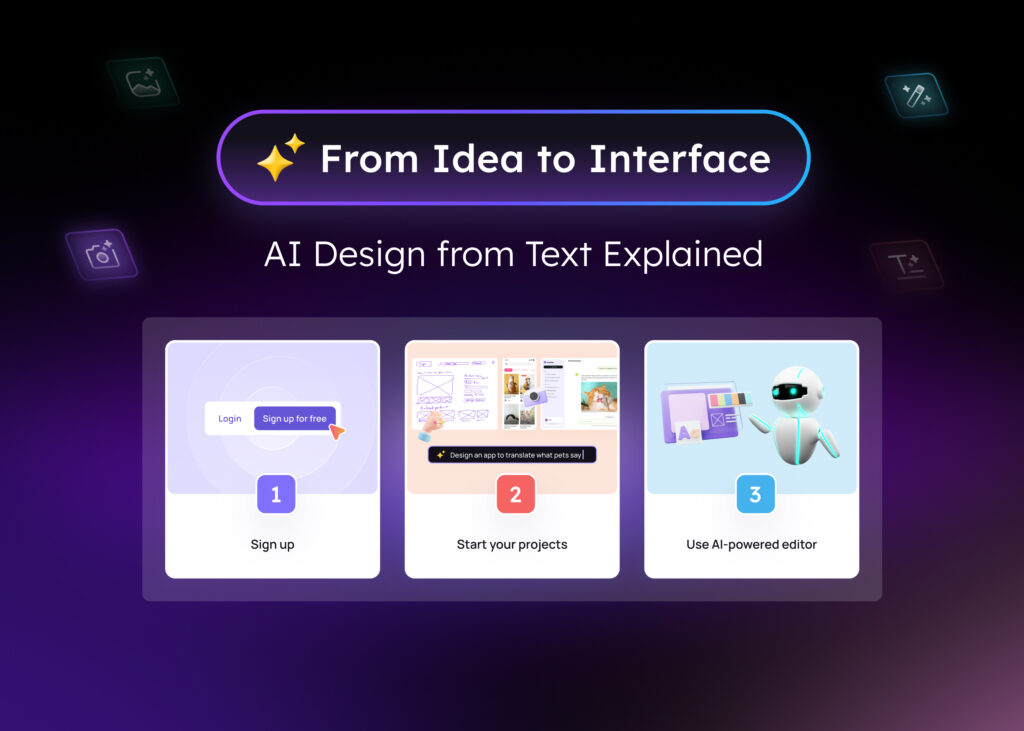
1

Sign up

Sign up for a free Visily account

start a Visily project

2

Begin your projects

Begin a project using text prompts, screenshots, sketches, or templates.

ai powered editor

3

Utilize the AI-powered editor

Access all of our AI features by clicking on the Visily AI icon.

Automate UX Design Generation with Visily

Automate your design process effortlessly with Visily’s AI UX Design Generator. Whether you’re a seasoned designer or just starting out, our tool transforms your ideas into high-fidelity, interactive wireframes in minutes.


The AI UX Design Generator understands your inputs and suggests layouts, components, and user flows that match modern UX standards. Say goodbye to repetitive tasks and manual adjustments. Focus on creativity while Visily handles the structure.


From concept to prototype, generate stunning designs faster. Iterate seamlessly and collaborate with your team more efficiently. Experience a smarter way to design, powered by AI and built for everyone.

More than a UX Design AI Generator,
Visily has all features you need for design.

1,500+ Templates

Extensive library of 1,500+ fully customizable templates, from websites to mobile and web apps.

templates

UI Presets

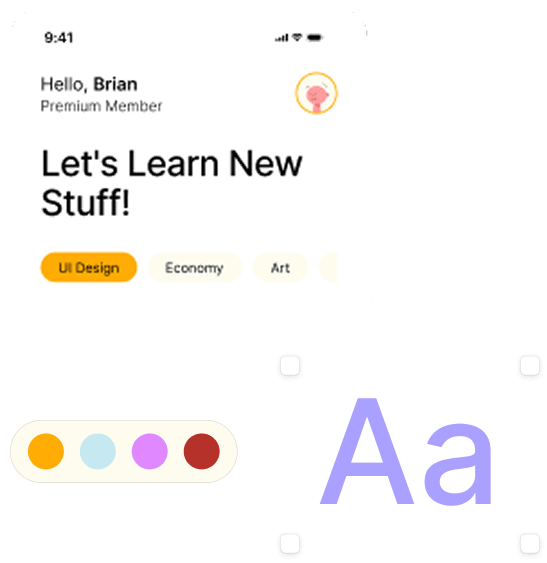
Visily's UI Presets combine beautiful color palettes with fonts to speed up your process.

ui presets

Images & Icons

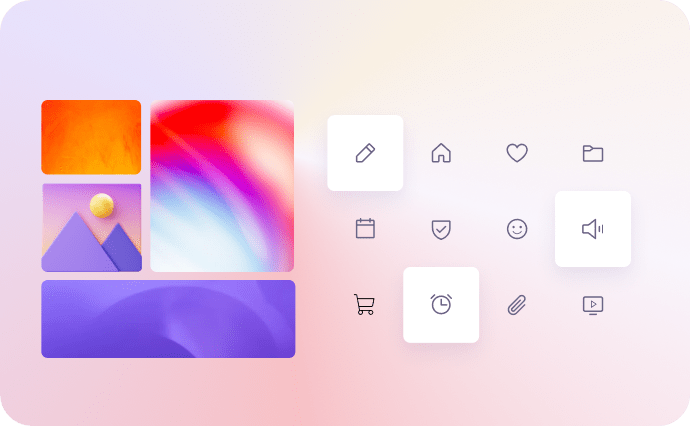
Enjoy our extensive collection of high-quality images & icons, provided through integrations with popular libraries.

images and icons

Sticky Notes

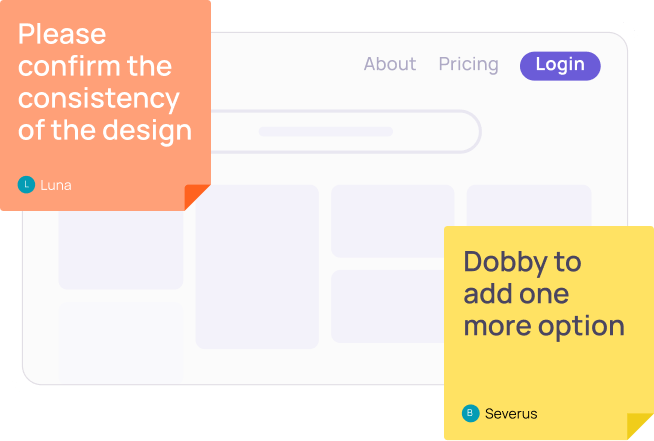
Provide flow details, commentary, and more with Visily Sticky Notes.

stickynote min

Wireflow

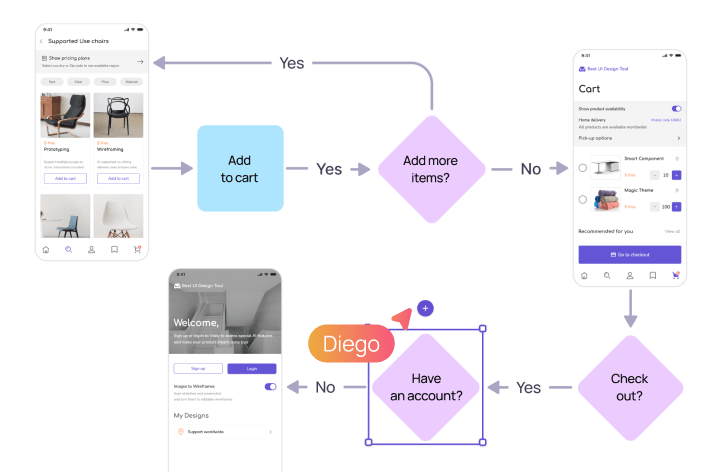
Quickly iterate UX flows & processes with Visily’s flowchart and wireflow features.

wireflow min

Export to Figma

Make your wireframe with Visily and export seamlessly to Figma

export figma min

Frequently Asked Questions about Visily's AI UX Design Generator

Yes! However, artificial intelligence isn't capable of completing all tasks on your behalf. Instead, it can assist you in completing tasks rather than taking your place. When using design thinking, AI can speed up the process of generating and creating designs for a project. With Visily, you have the ability to fully personalize each design using a robust editor. You have the option to adjust text, incorporate new UX elements, import themes from external sources, and work together with your team in real-time. The focus is to achieve your desired design.

Visily offers a robust collection of AI design tools that simplify and make design readily available. These include:

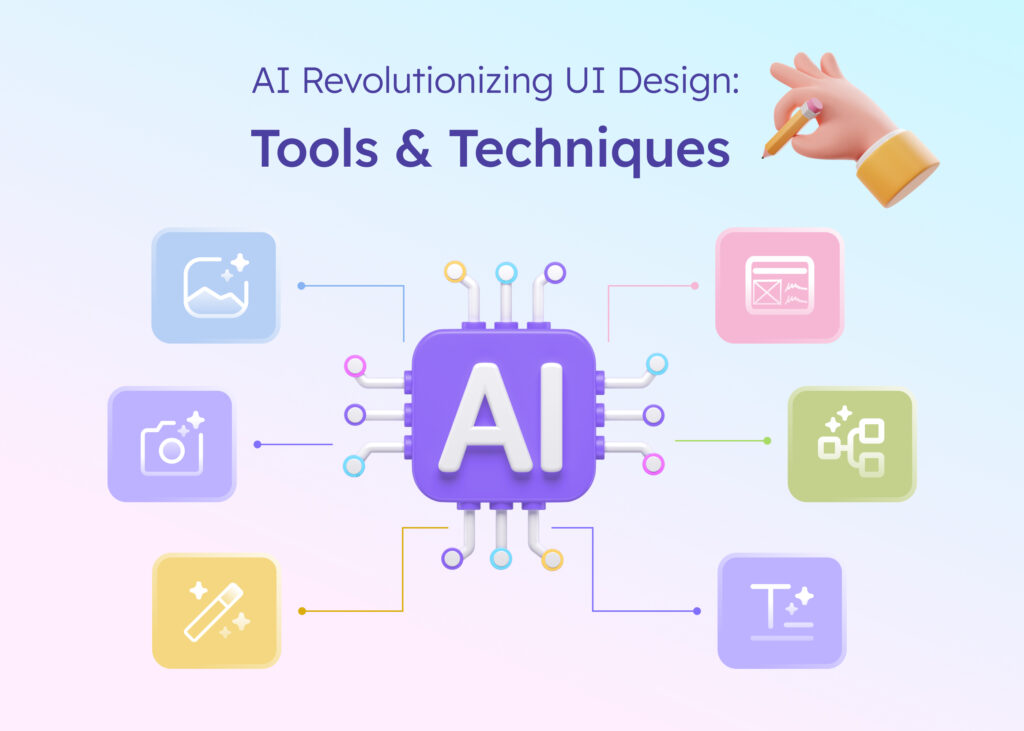
  • Text to Design: Easily create a stunning, customizable design by inputting a single text prompt.

  • Screenshot to Design: Transform app or web page screenshots into editable wireframes or mockups.

  • Sketch to Design: Illustrate your concepts on paper and convert them into modifiable wireframes.

  • Magic Theme: Easily change the theme of your app with just one click.

Although AI tools possess intelligence, they are unable to take the place of human designers due to various factors. Experienced UX designers recognize that the foundation of exceptional design lies in the UX design process, which revolves around comprehending and catering to users. The core of UX design involves critical thinking and empathy towards individuals.

illustation banner 1 1
Create UX design using AI

No need to face a blank canvas alone—let AI give you a helping hand!

Generate your first design

illustation banner 2 1 1